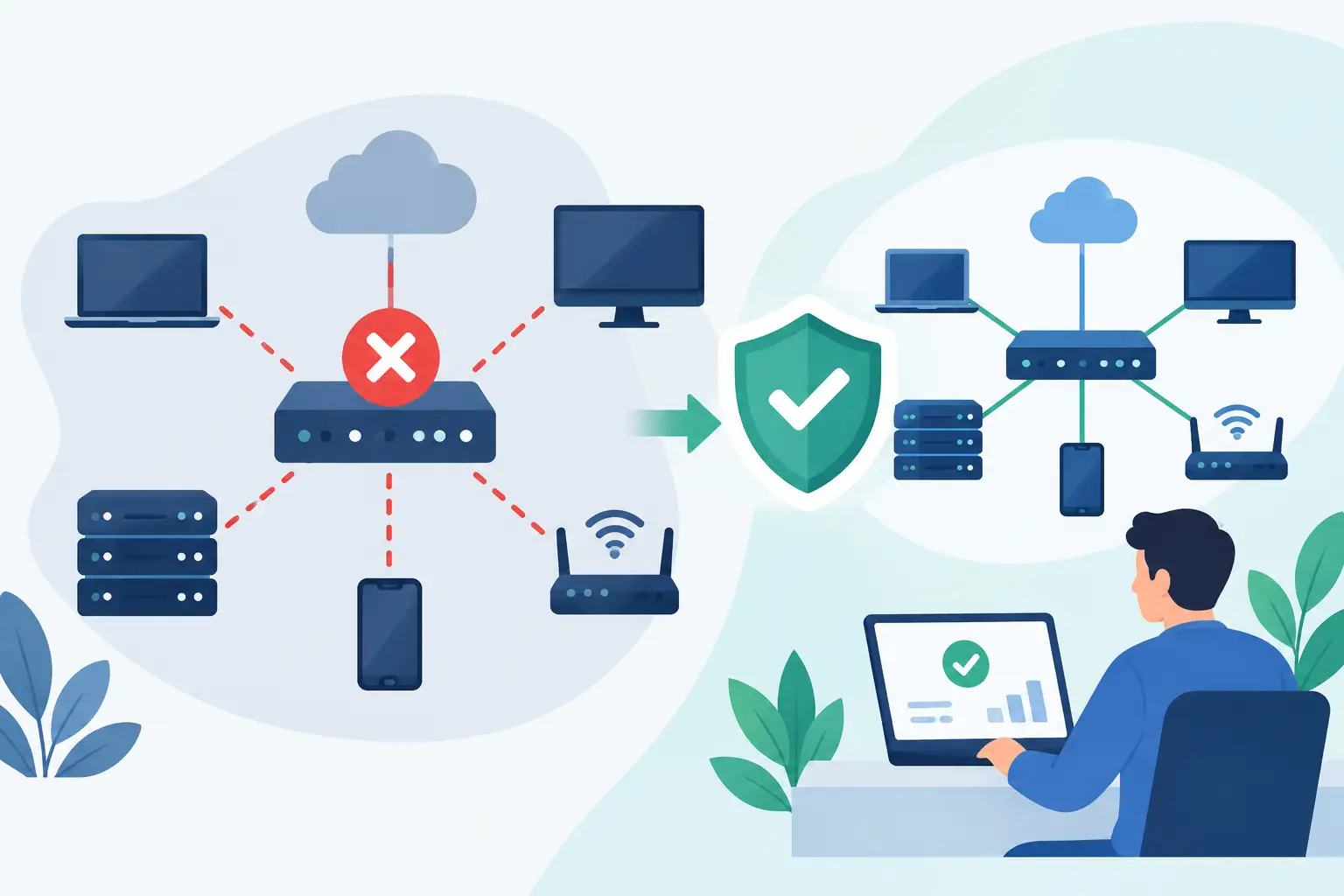
A dropped internet connection at 10:15 a.m. can halt far more than web browsing. Phones may stop ringing, cloud files become unavailable, card transactions fail, and staff lose access to the applications needed to serve clients. Understanding the most common network downtime causes helps Southwest Florida businesses reduce disruption before a small technology problem becomes an operational emergency.
Downtime is rarely caused by one dramatic failure. More often, it develops from an aging component, a missed update, an unmonitored warning, or a configuration change that was not tested. The right response is not simply buying more equipment. It is creating a network that is monitored, documented, protected, and supported with a clear recovery plan.
The Most Common Network Downtime Causes
Internet service provider outages
A business can have well-maintained internal equipment and still lose access when its internet service provider has an outage. Construction damage, equipment failures, routing issues, and regional weather can interrupt service with little warning. In Southwest Florida, severe storms and power events add another layer of risk.
A single internet connection may be adequate for a small office with limited cloud dependence. It becomes a larger vulnerability for businesses using cloud applications, VoIP phones, remote access, payment systems, and online scheduling. A secondary connection, such as a second wired provider or managed cellular failover, can keep critical work moving while the primary provider is restored. The best option depends on the applications your team must access and the cost of even one hour offline.
Power loss and electrical problems
Network switches, firewalls, wireless access points, servers, and internet equipment all require stable power. A brief outage, voltage fluctuation, or failed power supply can take down the network even when the provider connection remains available.
Uninterruptible power supplies can keep essential equipment running long enough to ride through a short interruption or shut down safely during a longer one. They need maintenance, however. Batteries degrade over time, and an untested battery backup creates false confidence. For offices that cannot afford extended outages, power protection should be paired with a documented plan for generators, safe shutdowns, and return-to-service procedures.
Failing or outdated network hardware
Firewalls, switches, routers, and wireless access points do not last forever. Performance declines, ports fail, cooling systems collect dust, and older equipment eventually loses manufacturer support. Unsupported hardware may also miss security updates, turning a reliability issue into a cybersecurity concern.
Many businesses only discover this problem after a device fails. A more predictable approach is to maintain an equipment inventory, track warranty and support dates, and budget for replacement before a critical device reaches end of life. Replacing equipment on a schedule costs money, but emergency replacement often costs more in downtime, rush service, and lost productivity.
Configuration errors and unplanned changes
Not every outage is a hardware failure. A changed firewall rule, wireless setting, DNS record, VLAN configuration, or Microsoft 365 security policy can prevent users from connecting to systems they need. These issues are especially common when multiple vendors or employees have access to network settings without clear ownership.
Change control does not need to be complicated for a small or midsize business. It means documenting what is changing, making a backup of the current configuration, testing when possible, and scheduling high-risk work outside peak operating hours. It also means knowing who can make changes and who is responsible for reversing them if a problem appears.
Cyberattacks and malware
Ransomware, compromised accounts, denial-of-service attacks, and malicious software can all lead to network downtime. In some cases, a security tool may deliberately isolate a device or network segment to stop an attack from spreading. That interruption is disruptive, but it is often preferable to allowing attackers to reach every workstation, server, and shared file.
Prevention combines multiple controls: managed endpoint protection, email filtering, multifactor authentication, timely patching, secure backups, and employee awareness. No single tool eliminates risk. Businesses also need an incident response plan that identifies who makes decisions, how staff communicate, and how critical operations continue if systems must be isolated.
Capacity limits and wireless coverage gaps
A network can appear functional while still creating downtime-like conditions. Video meetings freeze, cloud software times out, calls break up, and employees repeatedly disconnect from Wi-Fi. The root cause may be insufficient bandwidth, an overloaded firewall, too many devices on an access point, or poor wireless placement.
This is common after a business grows, adds cloud applications, adopts VoIP, expands into new space, or connects more mobile and guest devices. A network assessment should look at actual usage patterns rather than relying only on the internet speed listed on an invoice. More bandwidth may help, but redesigning Wi-Fi coverage, separating guest traffic, or replacing a bottlenecked device can be the more effective fix.
Warning Signs Worth Addressing Early
Intermittent problems deserve attention. A few minutes of slow performance each week can be the first sign of failing hardware, congestion, cable damage, or an unstable internet circuit. Staff often work around these issues until the workaround stops working.
Pay attention when users report repeated Wi-Fi drops, choppy VoIP calls, applications that lag at certain times of day, equipment that reboots unexpectedly, or frequent requests to restart a router or switch. These symptoms are useful evidence, not just isolated complaints. Recording when and where they occur makes diagnosis faster.
How to Reduce Network Downtime
The goal is not to promise that no outage will ever happen. Providers fail, storms happen, and equipment eventually needs replacement. The goal is to reduce the likelihood of failure, limit the business impact, and restore service quickly when an interruption occurs.
A practical prevention plan should cover four connected areas:
- Visibility: Monitor internet connections, firewalls, switches, wireless access points, and critical services so problems can be identified before employees begin reporting them.
- Resilience: Use battery backup, appropriate surge protection, tested backups, and internet failover where the cost of an outage justifies it.
- Security: Keep systems patched, manage access carefully, use multifactor authentication, and protect endpoints from malware and account compromise.
- Recovery: Maintain current network documentation, vendor contacts, device configurations, and a clear process for communicating during an outage.
Documentation is often overlooked because it is not visible during a normal workday. During an outage, it can save substantial time. Knowing the firewall model, circuit account details, switch layout, administrator access method, and recovery contacts prevents teams from searching for basic information while operations are already affected.
Build a Response Plan Before You Need One
A useful downtime plan begins with business priorities, not technical jargon. Identify which services must return first. For a medical-adjacent office, that may include scheduling and secure communications. For a construction company, it may be cloud files, jobsite connectivity, and phone systems. For a professional services firm, client records, email, and remote access may take priority.
Define how employees should communicate if email, phones, or internet access is affected. Keep key contacts available outside the primary network, and establish who has authority to approve an emergency provider call, equipment replacement, or temporary workaround. Review this plan after significant changes, such as an office move, new phone system, or major software rollout.
Businesses with limited internal IT capacity benefit from having one accountable partner coordinate these moving parts. Prisca Nova provides locally accountable managed IT support for businesses across Bonita Springs, Naples, Fort Myers, and Southwest Florida, with flat-rate service and a one-hour response commitment designed to make technology support more predictable.
The Right Standard Is Business Continuity
The measure of a network is not whether it works on an ordinary Tuesday. It is how well your business continues when a circuit drops, a storm cuts power, a device fails, or a security event demands immediate action. Review the weak points now, while there is time to make thoughtful decisions. A documented, monitored, and professionally supported network gives your team a far better chance of staying productive when the unexpected arrives.