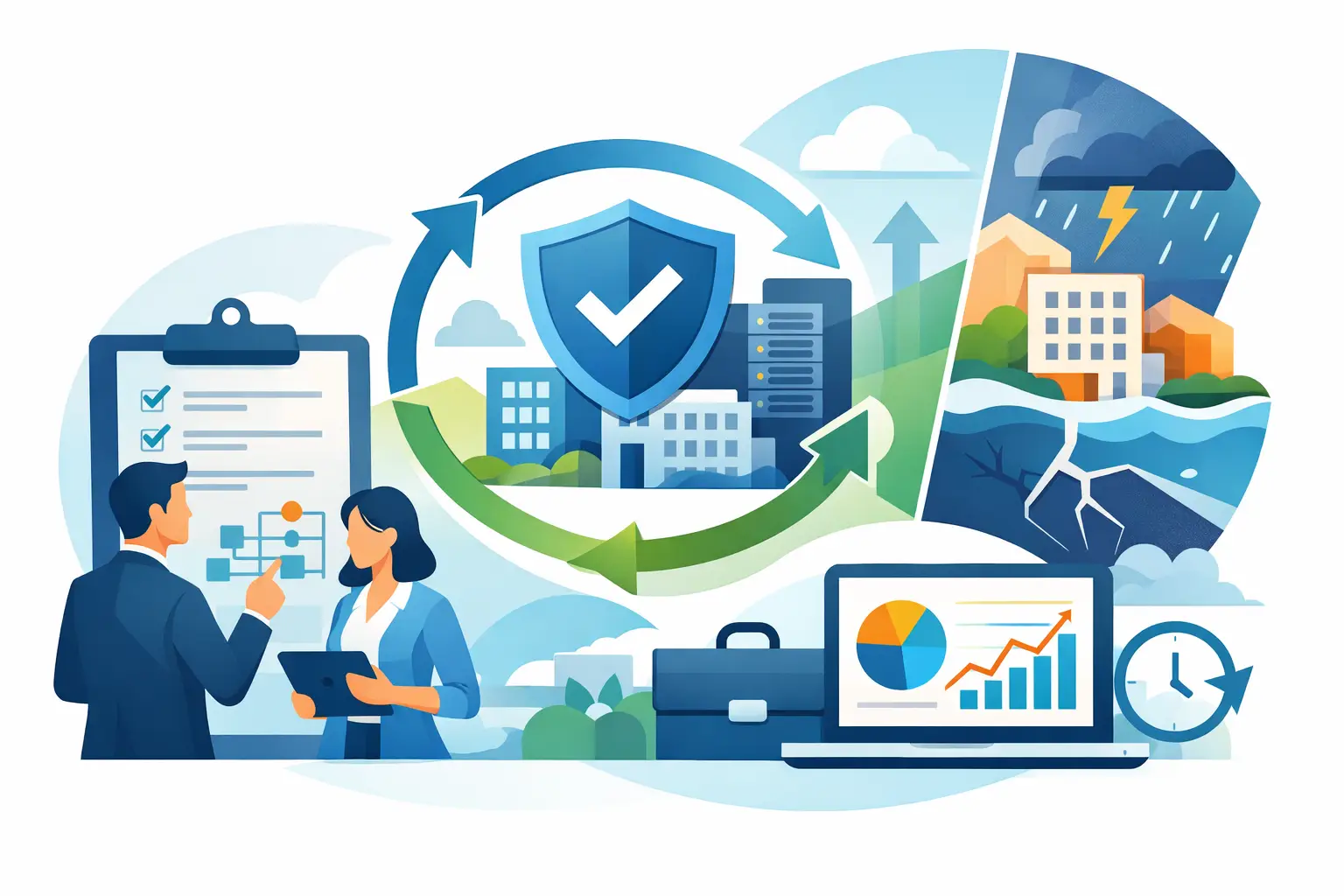
A storm closes the office. A ransomware email locks shared files. Your internet provider has an outage on the same day a major client needs an answer. These are not distant enterprise concerns for Southwest Florida businesses. Business continuity planning services give organizations a practical way to keep working, communicate clearly, and recover without relying on improvised decisions during a stressful event.
For a professional office, construction company, real estate firm, healthcare-adjacent practice, or hospitality operation, continuity is less about producing a thick binder and more about protecting the work that must continue. That includes access to business data, email, phones, line-of-business applications, payroll information, customer records, and the people responsible for using them.
What Business Continuity Planning Services Should Cover
A continuity plan identifies which business functions cannot wait, what could interrupt them, and how the company will operate while normal systems are unavailable. The technology portion is central, but it must support real operational priorities rather than exist as a technical checklist.
For example, a property management business may need staff to access tenant and vendor records from another location. A financial office may need secure access to client documents while maintaining privacy requirements. A contractor may need field teams to receive calls and retrieve project information even if the main office loses power. The right plan starts with these specific needs.
Business continuity planning services should address four connected areas: prevention, backup, alternate operations, and recovery. Prevention reduces the likelihood that a disruption becomes an outage. Backup protects recoverable copies of essential data. Alternate operations define how employees work when the office, network, or a key system is unavailable. Recovery establishes the order and process for returning to normal.
A plan that covers only backups is incomplete. A backup may restore data, but it does not automatically tell employees where to work, how to answer customer calls, who has authority to make decisions, or how to access the applications they need while restoration is underway.
Start With the Business Functions That Cannot Stop
Not every system needs the same recovery priority. Treating every file, application, and device as equally urgent can increase costs and slow planning. A better approach is to identify the activities that create the greatest immediate business impact when unavailable.
For many small and midsize organizations, those priorities include customer communication, email and Microsoft 365 access, shared files, accounting systems, industry-specific software, and business phone service. Next, determine a realistic recovery expectation for each one. Some functions may need to return within hours. Others may be acceptable to restore the next business day.
This is where trade-offs matter. Near-instant recovery usually requires more infrastructure, stronger redundancy, and a higher ongoing investment. A company does not always need that level of protection for every workload. What it does need is a deliberate decision based on the cost of downtime, rather than an assumption that basic backups will solve every problem.
Document People, Not Just Technology
A disruption often creates uncertainty before it creates a technical failure. Employees may not know whether to report to the office, work remotely, use personal devices, or communicate with customers. A continuity plan should name primary and backup contacts, define decision authority, and include current vendor information.
It should also establish a communication process. Employees need a reliable channel for instructions. Customers may need a short, accurate explanation of any service change. Vendors may need to know where to send urgent updates or invoices. Clear communication protects trust when normal routines are disrupted.
Build a Recovery Strategy Around Real Risks
Southwest Florida businesses face a mix of risks: hurricanes and extended power outages, connectivity failures, hardware loss, accidental deletion, cyberattacks, and vendor outages. A useful plan considers each scenario without trying to predict every detail.
Power loss may require battery backup equipment, safe shutdown procedures, and alternate work locations. Internet outages may call for a secondary connection or mobile failover for critical operations. A ransomware event requires more than restoring files. It may require isolating affected devices, validating clean backups, resetting credentials, investigating the source, and communicating carefully with affected parties.
Cloud tools can improve flexibility, but they are not a complete continuity strategy by themselves. Microsoft 365 lets staff work from many locations, yet accounts still need secure configuration, strong authentication, data protection, and administrative oversight. Cloud desktops, such as Amazon WorkSpaces, can provide a controlled work environment when office computers are inaccessible. Whether that is the right fit depends on the applications employees use, internet reliability, security requirements, and the number of people who need remote access.
Phone systems deserve the same attention. If customers call the main business number during an outage, calls should be routed to available staff, voicemail, or an alternate location. A VoIP phone platform can support this flexibility when it is configured and tested in advance. The key word is tested. A feature that exists on paper is not a continuity measure until the team knows it works.
Backup Is a Process, Not a Product
Reliable backups are a foundation of continuity, especially as ransomware and accidental deletion remain common causes of business interruption. But backup quality depends on several decisions: what data is included, how often it is copied, where copies are stored, how long they are retained, and whether restoration has been verified.
A practical backup strategy usually separates daily operational needs from disaster recovery needs. A recently deleted document may need to be recovered quickly. A major server failure or cyber incident may require a separate, protected copy that cannot be altered by an attacker who gains access to the production environment.
Business leaders should ask direct questions: Can we restore a single file? Can we restore a full system? How long would each process take? Are backups protected from unauthorized deletion or encryption? Have we tested a restoration recently?
The answers should be documented in business terms. “Backups are running” is not enough. The meaningful assurance is that designated data can be recovered within an agreed timeframe and that the process has been tested.
Test the Plan Before an Emergency Tests It
Continuity plans age quickly. Employees leave, phone numbers change, applications move to the cloud, and new vendors become critical to daily work. A plan reviewed only after a disaster is likely to contain gaps.
Testing does not have to mean shutting down the business for a day. A short tabletop exercise can be highly effective. Walk through a realistic situation: the office is inaccessible after a storm, internet service is down, or an employee reports a suspected ransomware event. Ask who contacts whom, where staff work, how calls are handled, which systems come back first, and how leadership confirms that operations are safe to resume.
Technical tests are equally valuable. Restore selected files. Confirm remote users can sign in securely. Test call forwarding. Verify that emergency contacts are current. These exercises expose small issues while there is time to correct them.
What to Expect From a Managed IT Partner
For organizations without a dedicated internal IT department, business continuity planning services work best when they are connected to ongoing technology management. A plan cannot remain dependable if computers, security controls, user accounts, backups, cloud settings, and network equipment are left unmanaged between annual reviews.
A managed IT partner should help translate business priorities into technical decisions, monitor systems proactively, coordinate vendors, maintain documentation, and respond quickly when an incident occurs. Local accountability also matters during regional disruptions. A provider that understands Bonita Springs, Naples, Fort Myers, and the realities of storm preparation can help organizations prepare before conditions worsen and coordinate recovery afterward.
Prisca Nova supports this approach through managed IT, cybersecurity, Microsoft 365 administration, VoIP, and cloud services backed by flat-rate pricing and a one-hour response commitment. For a business leader, the value is not simply having more technology. It is knowing who is responsible for keeping essential technology organized, protected, and ready to support the business when normal operations are interrupted.
Continuity planning is most useful when it becomes part of how your business operates, not a document stored away for a future emergency. Choose a few essential functions, confirm how they will continue, test the assumptions, and keep the plan current as your business changes.