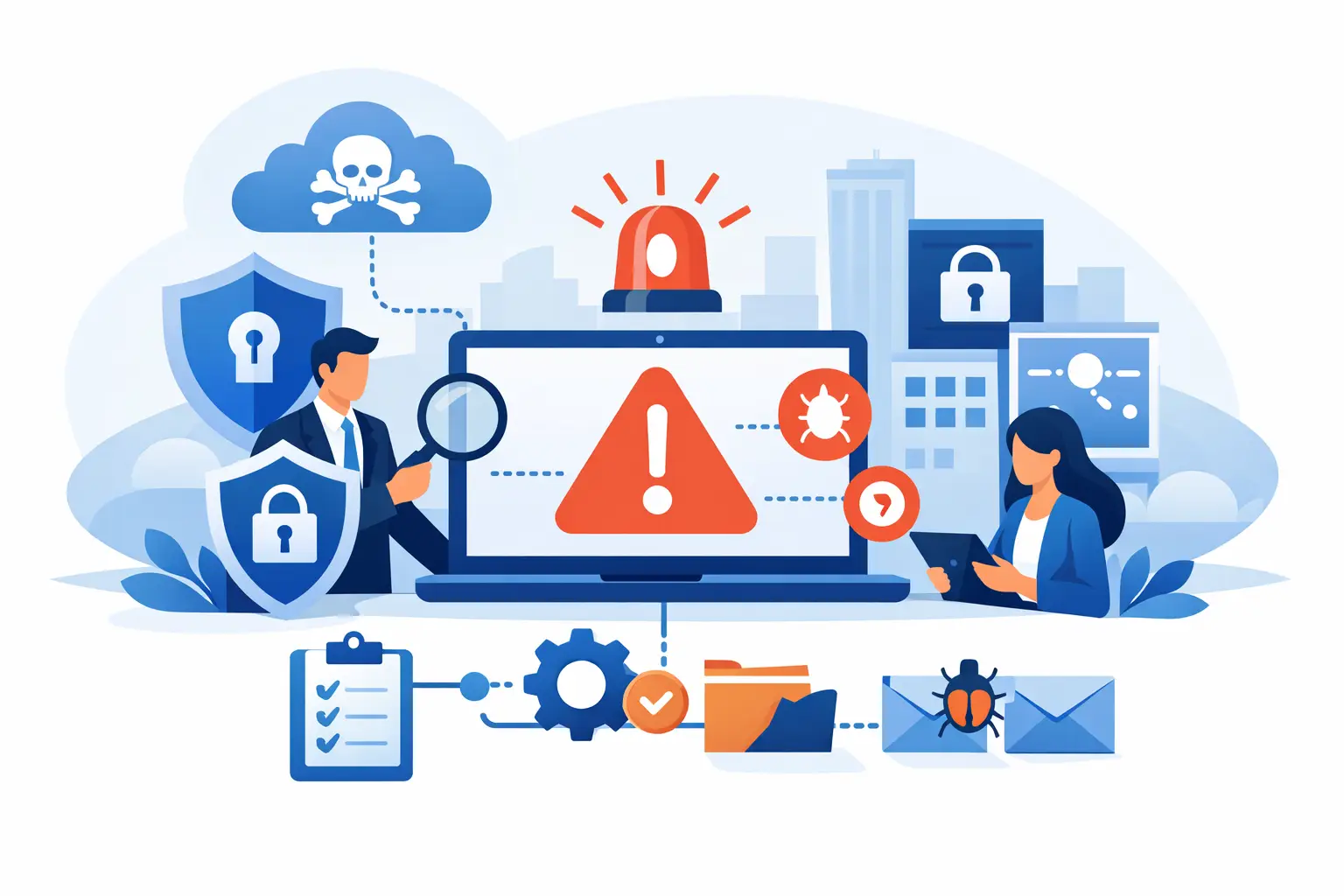
A suspicious Microsoft 365 sign-in, an employee opening a convincing invoice, or a server suddenly encrypting files can turn into a business interruption within minutes. A cybersecurity incident response plan gives your team a clear, pre-approved way to act before confusion, delay, and disconnected vendor calls make the damage worse.
For small and midsize businesses, the goal is not to build an enterprise security operations center. It is to protect people, systems, data, and customer trust while restoring normal operations as quickly as possible. A useful plan tells everyone who has authority, what to preserve, which systems to isolate, and when to communicate.
What a Cybersecurity Incident Response Plan Should Do
An incident response plan is a business continuity document as much as a technical one. It covers the decisions that must happen when malware, account compromise, lost devices, unauthorized access, or a vendor-related event threatens operations.
The plan should answer practical questions before an incident occurs. Who can take a computer or user account offline? Who contacts your managed IT provider, cyber insurance carrier, attorney, bank, or key software vendors? Where are critical passwords, recovery codes, network diagrams, and vendor contacts stored if normal systems are unavailable?
A plan is not a promise that every incident will be painless. Some events require outside forensics, legal guidance, customer notification, or a longer recovery. The value is that your team does not have to invent the response while dealing with pressure, uncertainty, and lost productivity.
Start With the Incidents Most Likely to Affect Your Business
A generic plan often fails because it tries to cover every imaginable threat without helping employees make a decision. Start with the incidents that can realistically disrupt your organization.
For many Southwest Florida businesses, that includes business email compromise, phishing, ransomware, compromised Microsoft 365 accounts, stolen laptops or phones, unauthorized wire-transfer requests, and failures involving cloud applications or third-party vendors. A healthcare-adjacent office may also need specific steps for suspected exposure of patient information. A construction company may focus on lost field devices, job files, and fraudulent payment changes. A hospitality operation may prioritize point-of-sale systems and guest data.
Your plan should distinguish between a security alert and a confirmed incident. An employee reporting a questionable email is an alert. A verified attacker logging into an executive's email account, creating forwarding rules, and sending payment requests is an incident. Employees should report both quickly, but the technical and communication response will differ.
Assign Authority Before You Need It
The first hour of an incident is where unclear ownership creates unnecessary downtime. Every plan needs a named incident lead, plus an alternate with authority to make decisions if the lead is unavailable. In a smaller company, this may be an owner, operations leader, office manager, or internal administrator working with a managed IT provider.
The incident lead coordinates the response and keeps a timeline of decisions. That person should not be expected to perform every technical task. Your IT partner may handle containment, account resets, endpoint investigation, backups, and recovery, while leadership decides whether to pause payments, notify affected parties, or approve emergency expenses.
Identify at least four roles in writing:
- The business decision-maker who can authorize operational and financial actions.
- The IT response contact who can investigate, isolate systems, and coordinate recovery.
- The communications owner who manages employee, customer, and vendor updates.
- The finance contact who can freeze payments or verify bank and vendor changes.
Include after-hours phone numbers, not only email addresses. If email is compromised, it cannot be your only escalation path. Store this information in a protected location that remains accessible during a Microsoft 365 or network outage, such as a secured offline copy and an approved password-management platform.
Define the First-Hour Actions
The immediate response should focus on containment and evidence, not blame. An employee who reports a mistake quickly gives the business a better chance to stop an attack. Make it clear that prompt reporting is expected.
When an incident is suspected, your team should follow a short sequence:
- Record what was observed, including time, user, device, email address, and screenshots if available.
- Disconnect an affected device from Wi-Fi and wired networks if ransomware, unusual pop-ups, or active compromise is suspected. Do not power it off unless directed by the IT response team.
- Disable or secure compromised accounts, reset credentials, revoke active sessions, and verify multifactor authentication settings.
- Contact the designated IT response provider and incident lead through the approved escalation path.
- Pause sensitive actions, such as wire transfers, vendor banking changes, payroll updates, and account-recovery requests, until they can be independently verified.
The right containment action depends on the situation. Disconnecting a potentially infected workstation can limit spread. Immediately deleting a suspicious email, however, may remove useful evidence from the mailbox. Your plan should instruct employees to report first and allow the response team to determine what to preserve.
Protect the Systems That Keep You Operating
A response plan is only as practical as the recovery resources behind it. Document the systems your organization cannot operate without: email, internet connectivity, line-of-business applications, file storage, phones, accounting platforms, remote access, and cloud desktops.
For each one, identify the business owner, technical owner, vendor support process, backup method, and recovery priority. This is where many plans reveal gaps. A company may have a backup product but no documented restoration process, no tested recovery time, or no understanding of which shared files are included.
Backups should be protected from the same credentials and network paths an attacker might compromise. Cloud services also need recovery planning. Microsoft 365 offers significant resilience, but account compromise, malicious deletion, and configuration changes can still disrupt business. Security controls such as multifactor authentication, least-privilege access, endpoint protection, email filtering, patching, and monitored backups reduce the chance that an incident becomes a major outage.
Build Communication Into the Plan
Silence and guesswork can create a second problem during a cyber incident. Employees need to know what they should and should not say. Customers and vendors need accurate information when their work may be affected. Leadership needs a reliable status update, even when the facts are still developing.
Prepare short internal messages for common situations, such as a compromised email account, temporary phone outage, or unavailable file system. These messages should state the operational impact, the immediate instruction, and the next update time. Avoid speculating about the cause or scope until the response team has verified it.
External communication requires more care. If an attacker has impersonated your business, vendors may need a warning not to accept payment instructions from certain messages. If protected or regulated information may have been exposed, legal counsel and cyber insurance contacts should guide notification decisions. Do not assume that a technical event automatically requires broad public communication, but do not delay required notifications while waiting for perfect certainty.
Test the Plan When Nothing Is on Fire
A plan that has never been tested is an assumption. Review it at least annually and after major changes, such as a new phone system, cloud migration, acquisition, office move, or leadership change. Update it whenever a key vendor, contact, or recovery process changes.
A tabletop exercise is a practical way to test without disrupting work. Present a realistic scenario: an employee's Microsoft 365 account sends fraudulent invoices to customers, or a shared drive becomes inaccessible after a ransomware alert. Ask each participant what they would do in the first 15 minutes, first hour, and first business day.
The exercise often exposes simple but meaningful issues. The person authorized to approve emergency action may be traveling. The accounting team may not know how to verify changed banking details. The backup contact may be outdated. Fixing those gaps during a scheduled review is far less costly than discovering them during an outage.
Keep the Plan Usable, Not Overwritten
A cybersecurity incident response plan should be detailed enough to direct action but short enough that people will use it. Keep the core response document focused on contacts, authority, first-hour procedures, system priorities, communication rules, and recovery steps. Store supporting technical details, vendor procedures, asset inventories, and diagrams in controlled appendices that can be updated more often.
For businesses without dedicated internal IT staff, a managed technology partner can provide the technical depth and response coordination that the plan requires. Prisca Nova supports Southwest Florida organizations with proactive cybersecurity management, Microsoft 365 support, cloud services, and a one-hour response commitment designed to reduce the time between a problem being reported and qualified help getting involved.
The best time to clarify who calls the bank, who isolates a device, and who can restore critical data is an ordinary workday. Put those answers in writing, test them with your team, and make sure the people responsible can reach each other when normal technology is unavailable.