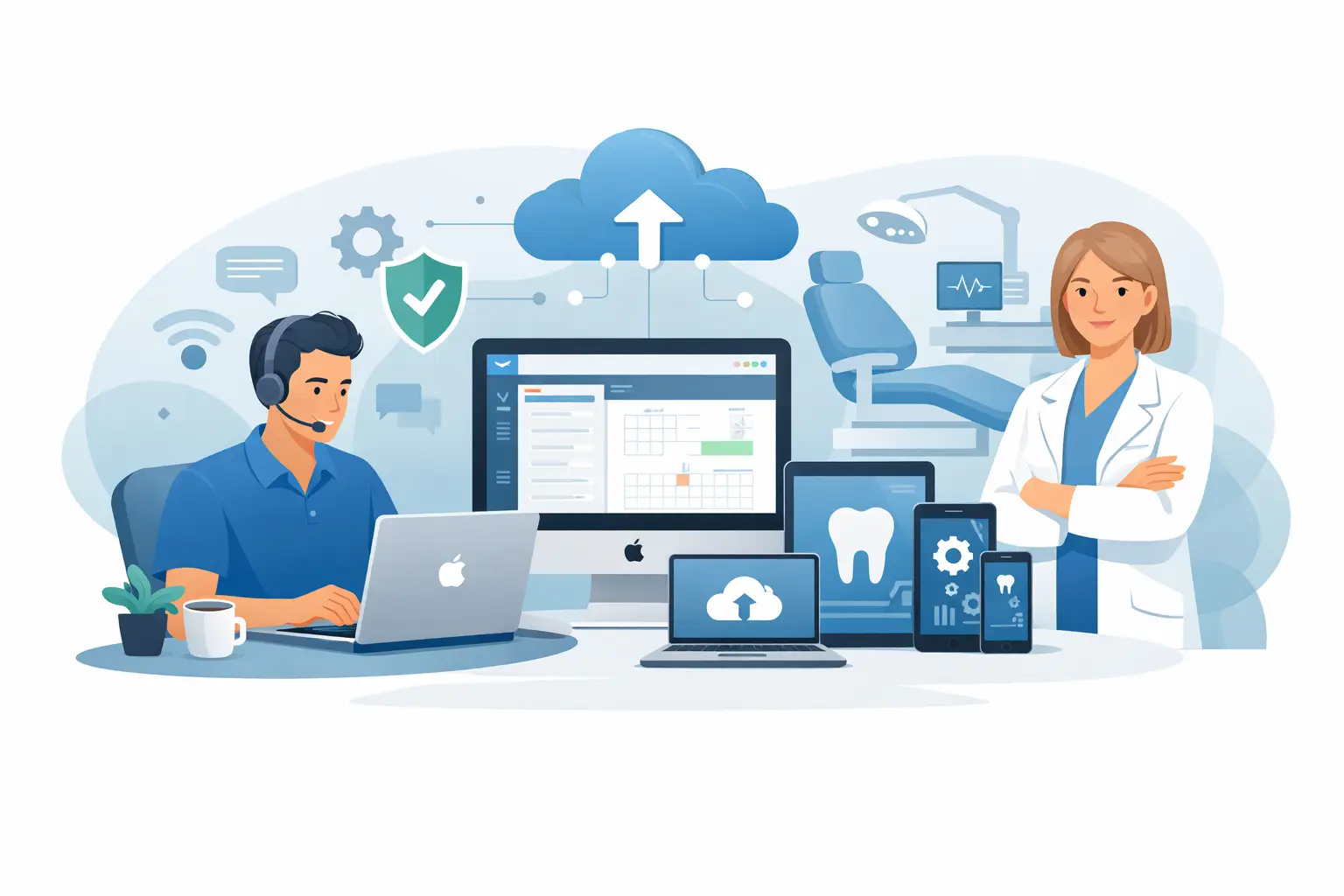
A scheduling screen that will not load at 8:15 a.m. can affect far more than one workstation. Check-in slows down, staff cannot confirm appointments, providers lose access to clinical information, and patients notice the disruption immediately. For practices that rely on MacPractice, technology support needs to protect the entire workflow, not simply repair a computer after it fails.
MacPractice IT support brings together the systems behind the application: Apple devices, servers or cloud resources, local networks, internet connections, printers, backups, user access, and cybersecurity controls. When those pieces are managed proactively, a practice has a better chance of starting each day with the tools it needs ready to work.
Why MacPractice IT Support Requires a Broader View
MacPractice is central to many dental, chiropractic, and healthcare practices because it supports the daily work of scheduling, charting, billing, imaging coordination, and patient communication. Yet the application can only perform as well as the environment supporting it. A slow database connection may look like a software problem. An unreliable wireless network may interrupt access from treatment rooms. A failed backup may not be discovered until a practice urgently needs to restore records.
That is why support should begin with the full technology picture. The goal is not just to resolve a ticket. It is to reduce the number of interruptions that reach the front desk, clinical team, and patients in the first place.
A capable IT partner evaluates how Mac computers, supported operating systems, network equipment, storage, security software, backups, and third-party devices work together. They also document the setup so problems can be addressed quickly when they do occur. For a busy practice, that documentation can save valuable time during an outage, an employee transition, or a vendor support call.
The Issues That Most Often Interrupt a Practice
Some MacPractice problems originate inside the application and require assistance from the software vendor. Others start with the surrounding technology. The distinction matters because it prevents staff from spending hours calling the wrong support line.
Common infrastructure-related issues include unreliable internet service, network configuration problems, computer performance issues, failed hard drives, printer and scanner connectivity, permission errors, outdated operating systems, and backup failures. Security incidents can create even greater disruption, especially if ransomware, phishing, or compromised passwords affect access to practice systems.
There are also gray areas. If staff report that MacPractice is slow, the cause could be a database issue, insufficient workstation resources, an aging server, a network bottleneck, or a problem with a connected service. A good support process tests the environment methodically, identifies the likely source, and coordinates with the appropriate vendor when needed. Your team should not have to act as the go-between for multiple technology providers.
What Proactive Support Looks Like in a MacPractice Environment
Reactive support has a place. Computers fail, internet providers experience outages, and urgent issues need a fast response. But waiting for a failure is an expensive way to manage a practice. Proactive MacPractice IT support focuses on the conditions that create downtime before they become an emergency.
That begins with routine monitoring of computers, network equipment, backups, security alerts, and storage capacity. It includes keeping systems patched on a planned schedule, while accounting for compatibility requirements. A software update should never be applied carelessly to a system that supports critical practice operations. The right approach is to confirm compatibility, schedule maintenance around the practice calendar, and have a recovery plan if an update does not perform as expected.
User management is another practical priority. Every employee should have the appropriate level of access, and former employees should be removed promptly. Shared passwords and unmanaged administrator accounts may feel convenient, but they make it harder to protect sensitive information and investigate problems later.
A managed IT provider should also verify that backups are completing and that restoration is possible. A backup that exists but cannot be restored offers false confidence. Practices need clear recovery expectations: what data is protected, how often it is backed up, where it is stored, and how long it would take to resume operations after a serious failure.
Security Protects More Than Patient Information
Healthcare-related offices are frequent targets for phishing, credential theft, and ransomware because downtime creates pressure to pay quickly or make risky decisions. Security for a MacPractice environment must extend beyond antivirus software. It should include email protection, multi-factor authentication, secure password practices, patch management, monitored endpoints, and staff awareness.
The human side matters. A convincing email that appears to come from a supplier, payment processor, or office manager can lead to compromised accounts in minutes. Staff training should be practical and recurring, with clear guidance on what to do when a message, login prompt, or payment request seems suspicious.
Security also needs to match the way the practice works. A small office may not need the same technology stack as a multi-location operation, but both need controls that are proportionate to their risk. The objective is to protect operations without making routine work unnecessarily difficult for staff.
Questions to Ask Before Choosing Support
When evaluating a provider for MacPractice IT support, ask how they handle both urgent incidents and ongoing management. A provider that only responds after something breaks may leave important risks unaddressed. On the other hand, an overly complicated service plan can burden a smaller practice with tools it does not need.
Look for clear answers about response expectations, backup oversight, cybersecurity responsibilities, device management, vendor coordination, and pricing. It is reasonable to ask whether the provider supports Apple-based environments regularly, how they document your systems, and what happens when a problem involves MacPractice, an internet provider, an imaging vendor, or a phone system.
Local accountability can be especially valuable when remote troubleshooting is not enough. Many issues can be resolved remotely, which is often the fastest route. However, hardware failures, network problems, office moves, and complex setup changes sometimes require an experienced technician on site. Southwest Florida practices in Bonita Springs, Naples, and Fort Myers benefit from having access to a provider that can manage technology remotely while remaining available locally.
Predictable pricing matters as well. Technology costs become difficult to control when every routine request, security concern, and maintenance task becomes a separate bill. A flat-rate managed service model helps practices budget for ongoing care while receiving regular attention to the systems that keep the office operating.
Keeping the Front Desk and Clinical Team Productive
The best measure of IT support is not how technical it sounds. It is whether staff can serve patients without fighting their technology. That means appointments can be checked in, phones are answered, charts are available, payments can be processed, and providers can move through their day with fewer interruptions.
For a practice with limited internal IT capacity, this requires a partner that takes ownership of the full environment. Prisca Nova provides proactive managed IT, cybersecurity, Microsoft 365 support, cloud solutions, and business phone services with local Southwest Florida support and a one-hour response commitment. The value is straightforward: one accountable team to help keep the systems around MacPractice dependable, secure, and easier to manage.
A reliable practice technology plan does not eliminate every problem. It gives your team a documented, tested, and responsive path through problems when they arise, so patient care and daily operations do not have to stop for a computer issue.