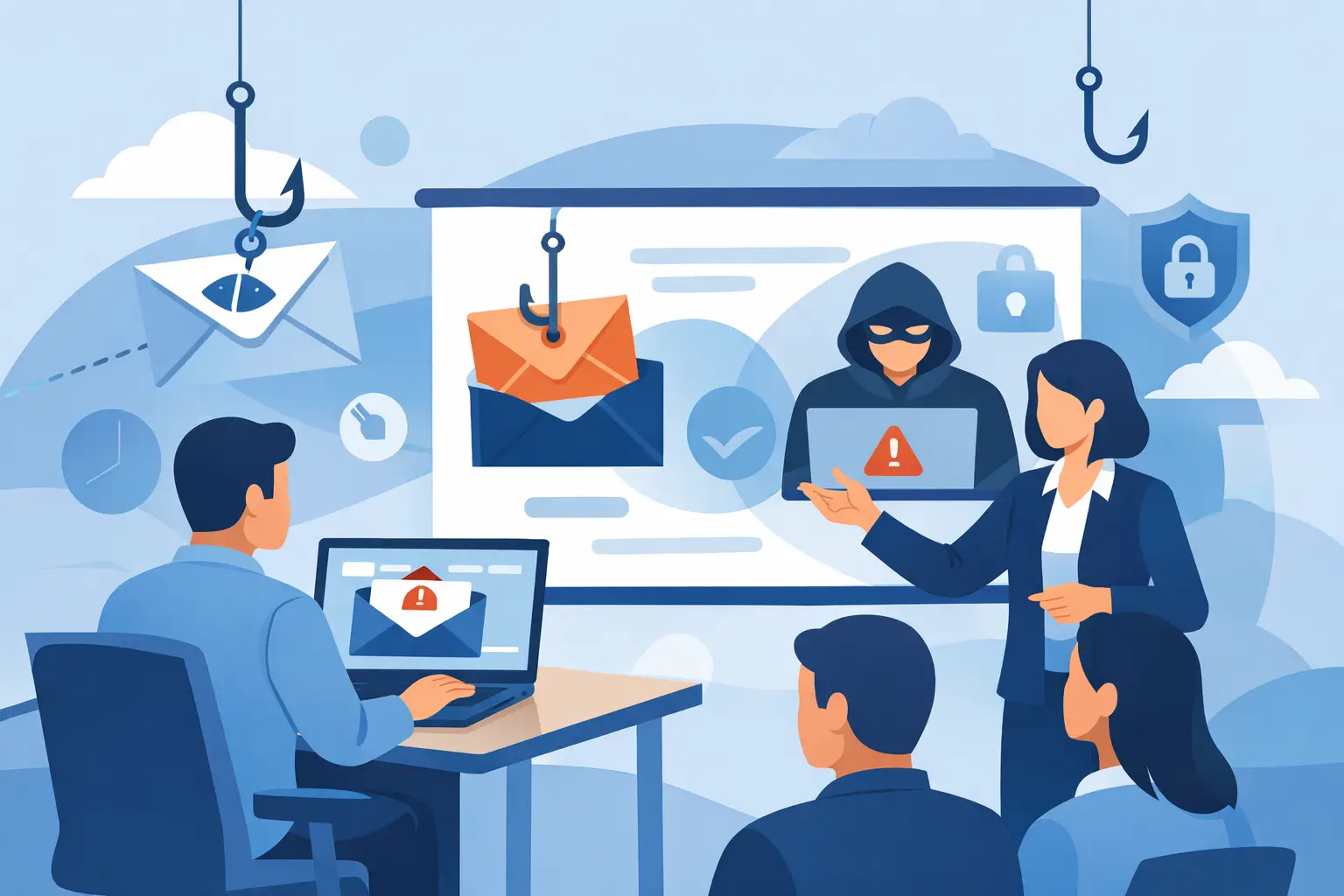
A fake invoice lands in an accounts payable inbox at 9:14 a.m. It uses a familiar vendor name, requests a routine payment update, and arrives during a busy week. That is exactly the moment phishing awareness training employees can apply makes a difference. The goal is not to turn every team member into a cybersecurity specialist. It is to help them pause, recognize a suspicious request, and know what to do before a bad click becomes a business interruption.
For small and midsize businesses in Southwest Florida, phishing can quickly become more than an IT issue. A stolen Microsoft 365 password can expose client information, redirect payments, interrupt email, or give an attacker a path into shared files and financial systems. Effective training gives employees practical habits that reduce those risks without slowing down legitimate work.
Why phishing remains a business continuity risk
Phishing works because it targets normal business behavior. Employees receive invoices, password notices, document-sharing invitations, voicemail alerts, and requests from executives every day. Criminals copy those familiar messages, then add urgency: a payment is overdue, a mailbox is full, a package needs approval, or a leader needs help immediately.
The most damaging attacks are often not obvious. They may come from a compromised vendor account, imitate a real employee, or follow an actual email conversation. An employee who has only been told to avoid strange spelling and unknown senders may miss a more convincing attempt.
That is why training cannot be a once-a-year slideshow that employees click through between other tasks. It needs to reflect the decisions people make in their actual roles. A construction company may need to focus on fraudulent payment-change requests. A real estate office may see fake document-signing notices. Healthcare-adjacent businesses may face messages that appear to come from a patient portal, insurer, or records provider.
What phishing awareness training for employees should cover
Useful training teaches people how to examine a message without assuming that every unexpected email is dangerous. Employees should understand that phishing can arrive through email, text messages, collaboration platforms, social media, and phone calls. The message itself is only one part of the attack. A convincing attacker may also use a spoofed website, a fraudulent login page, or a follow-up call to pressure someone into acting.
Training should show employees how to check the full sender address, not just the display name. It should explain why a link can look legitimate while sending the user elsewhere, and why unexpected attachments deserve caution even when the sender appears familiar. Most importantly, it should reinforce that urgent requests involving money, passwords, multifactor authentication codes, payroll details, or bank changes require independent verification.
Employees do not need a long checklist for every email. They need a few clear habits they can use under pressure:
- Pause when a request creates urgency, secrecy, or fear of consequences.
- Verify payment, banking, payroll, and credential requests through a known phone number or separate communication channel.
- Report suspicious messages instead of simply deleting them, so the business can check whether others received the same attack.
- Never approve an unexpected multifactor authentication prompt or share a verification code with anyone.
The reporting step is especially important. Many employees worry that reporting a harmless email will waste IT's time. A well-run program makes the opposite clear: reporting is a sign of good judgment. It gives the technology team a chance to block similar messages, investigate possible account compromise, and protect the rest of the organization.
Build training around real work, not fear
Fear-based cybersecurity messages can cause employees to hide mistakes. That is the wrong outcome. If someone enters credentials on a suspicious page or opens an attachment they later question, the business needs to know quickly. Fast reporting can allow IT to reset credentials, revoke active sessions, review mailbox rules, and limit the damage before an attacker gains a stronger foothold.
The right tone is practical and supportive. Explain what employees should do, why the step matters, and where to get help. A short training module that shows a realistic invoice scam is often more useful than an hour of technical terminology. Likewise, a clearly labeled method for reporting suspicious email is more valuable than asking staff to guess whom to contact.
Training should also reflect the safeguards already in place. Email filtering, multifactor authentication, managed endpoint protection, and secure Microsoft 365 settings all reduce risk. They do not remove it. Attackers adapt, and some malicious messages will reach inboxes. Employees are an essential part of the response process, but they should not be treated as the only line of defense.
Building phishing awareness training employees will use
Start with a baseline. Before assigning broad training, review the types of suspicious messages that reach the organization and the departments most likely to receive them. Finance, payroll, human resources, front-desk teams, sales staff, and executives may face different threats. A shared approach is necessary, but examples should feel relevant to each group.
Keep sessions short and repeat them throughout the year. Monthly or quarterly reminders are usually easier to retain than one large annual course. A five-minute lesson on fraudulent shared-document requests can be followed later by a reminder about QR code phishing, text-message scams, or business email compromise. The message stays current without becoming another major administrative burden.
Simulated phishing tests can help when they are used responsibly. They show whether employees can recognize the kinds of messages that bypass technical controls and identify where more coaching is needed. The purpose is not to embarrass people or publish a list of failures. It is to improve decision-making and encourage reporting.
There is a trade-off to consider. Tests that are too easy provide little insight, while highly deceptive simulations can damage trust if employees feel set up. Use scenarios that resemble real threats to the business, explain the learning objective, and provide immediate feedback when someone interacts with a test. Over time, reporting rates and safer behavior matter more than catching individuals.
Pair training with clear response procedures
An employee who recognizes a phishing attempt still needs a simple next step. Establish one reporting method that everyone can remember, whether it is a dedicated report button in email, a monitored mailbox, or a direct service desk process. Employees should know that they can report a message even if they are uncertain.
Create a separate verification procedure for sensitive requests. For example, a vendor requesting a bank-account change should be confirmed using a trusted contact record, not the phone number or reply address included in the email. An executive request for gift cards, wire transfers, employee records, or login information should receive the same independent verification.
Leadership needs to follow these procedures as well. If owners and managers occasionally bypass payment approval rules because a request looks urgent, employees receive the message that controls are optional. Consistency protects the business and makes it easier for staff to challenge suspicious requests without worrying that they are delaying someone important.
Measure progress without reducing security to a score
A lower click rate on simulated messages is useful, but it is not the complete picture. Track how often employees report suspicious emails, how quickly reports reach the right team, and whether recurring issues point to a process weakness. If several employees struggle with fake Microsoft 365 login pages, the answer may include targeted coaching and stronger identity protections, not just another general training assignment.
It also helps to review incidents after they occur. If a payment request nearly succeeded, identify what made it persuasive and whether the verification process was clear enough. If an employee reported an attack quickly, recognize that action. Positive reinforcement helps create a culture where people act early rather than stay silent.
For businesses without a full internal IT department, an experienced managed technology partner can coordinate training, email security, Microsoft 365 protections, and incident response as part of one accountable plan. Prisca Nova supports Southwest Florida businesses with proactive cybersecurity guidance and responsive local support, helping turn employee awareness into a dependable part of daily operations.
The best training outcome is not a workforce that distrusts every message. It is a workforce that knows when to pause, how to verify, and who will respond when something does not look right. That confidence keeps a single deceptive email from becoming a costly interruption.