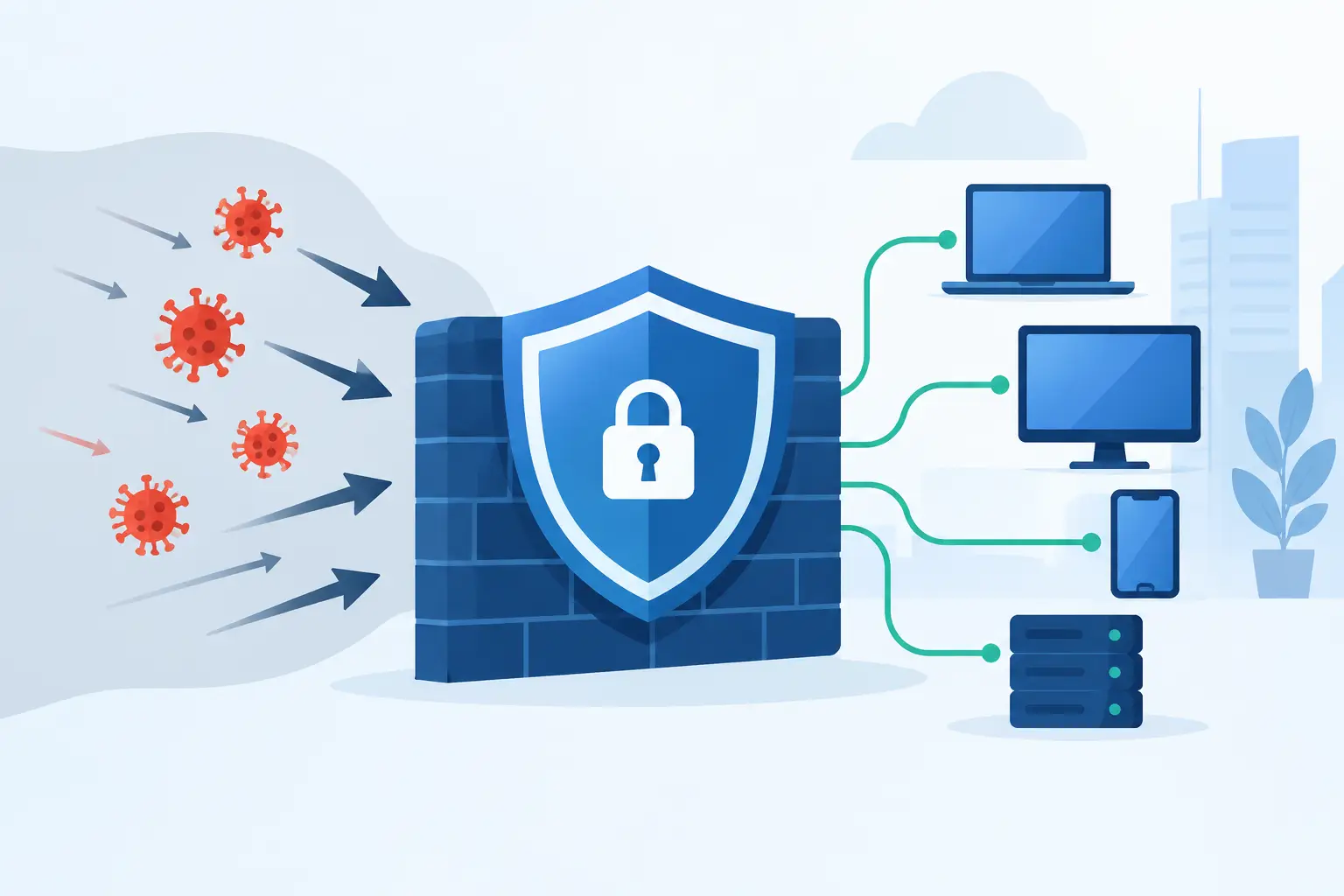
A business firewall review should answer a practical question: if someone targets your company network this afternoon, will your defenses recognize the activity, block it, and alert the right person before operations are affected? For a business in Bonita Springs, Naples, Fort Myers, or the surrounding area, that answer matters whether you handle client records, process payments, run cloud applications, or rely on internet-connected phones.
Many businesses have a firewall in place because it was installed when the office opened or when the internet connection changed. That is not the same as knowing it is properly configured, current, monitored, and suited to the way your team works now. A review turns an overlooked device into a clear business-control decision.
Why a Business Firewall Review Matters
A firewall is the gatekeeper between your internal network and the internet. It can control which traffic is allowed in and out, identify suspicious activity, separate sensitive systems from general office devices, and help limit the damage from a cyberattack. But its value depends on the policies behind it and the people responsible for maintaining it.
An outdated firewall may still pass internet traffic while missing newer attack techniques. A poorly configured firewall can leave remote-access services exposed, allow unnecessary connections, or create gaps between the office network, guest Wi-Fi, cloud tools, cameras, printers, and VoIP phones. On the other hand, overly restrictive rules can interrupt legitimate work and lead employees to find unsafe workarounds.
The goal is not to block everything. It is to allow the services your business needs while reducing the routes an attacker can use to reach your systems or move through your network. That balance changes as you add employees, adopt Microsoft 365, introduce cloud applications, open another location, or support more remote work.
For a small or midsize business, the operational impact can be immediate. A security incident can stop access to shared files, interrupt phone service, delay customer responses, expose confidential information, and consume leadership time. A firewall review is a way to reduce those risks before they become an emergency.
What a Business Firewall Review Should Examine
A useful review looks beyond whether the device has a power light and an active support contract. It assesses the firewall as part of the company’s larger technology environment.
Firewall age, licensing, and software updates
Every firewall has a practical lifespan. Older models may stop receiving security updates, lack modern threat-prevention features, or struggle with the speed required by current internet connections. Security subscriptions also matter. Features such as intrusion prevention, web filtering, malware detection, and application control may depend on active licensing.
The review should confirm the model, software version, support status, subscription status, and replacement timeline. Waiting until a device fails or reaches end of support can force a rushed purchase and an avoidable interruption.
Rules and remote access
Firewall rules determine what can enter or leave the network. Over time, businesses often accumulate old rules for former vendors, retired applications, temporary projects, or employees who no longer need access. Each unnecessary rule is another item that deserves scrutiny.
A review should identify open ports, inbound connections, remote-management settings, virtual private network access, and administrative accounts. Remote access can be necessary, especially for distributed teams and outside support, but it should be protected with multifactor authentication, named user accounts, and limited permissions. Shared administrator passwords and broad access rules make accountability far more difficult.
Network segmentation
Not every device needs to communicate with every other device. A well-organized network separates business systems from guest Wi-Fi, employee personal devices, security cameras, printers, internet-connected equipment, and voice services when appropriate.
Segmentation reduces exposure. If a guest device or compromised camera is infected, it should not have an easy path to financial records, workstations, servers, or line-of-business applications. The right design depends on the business. A construction office with mobile field staff has different requirements from a medical-adjacent practice or financial firm, but the principle remains the same: limit access to what is needed.
Threat protection and web controls
Modern firewalls can often inspect traffic, block known malicious destinations, identify risky applications, and reduce exposure to phishing-related downloads and command-and-control activity. These protections should be enabled thoughtfully and tuned to your environment.
This is not a substitute for endpoint protection, email security, backups, staff awareness, or Microsoft 365 security controls. Cybersecurity works in layers. The firewall is a critical layer because it can stop certain threats at the network boundary, but it cannot prevent every compromised password or malicious email attachment.
Logging, alerts, and response ownership
Logs are useful only if someone reviews important alerts and knows what to do next. A review should establish which events trigger notifications, who receives them, how quickly they are investigated, and how findings are documented.
This is where many organizations find a gap. The firewall may be generating warnings, but no one owns the process of reviewing them. A managed IT provider can monitor the device, investigate unusual events, adjust policies when business needs change, and coordinate a response when a genuine threat appears. That oversight is often more valuable than the hardware itself.
Signs Your Firewall Needs Attention
Some warning signs are obvious, such as a device that is no longer supported or an internet connection that slows down whenever security inspection is enabled. Others are less visible. You may need a review if no one can explain the current firewall rules, remote employees use inconsistent access methods, guest Wi-Fi shares the same network as office systems, or a former IT provider still has administrative access.
Recent changes should also prompt a check. New cloud applications, an office move, a merger, a phone-system deployment, additional locations, or a shift to hybrid work can all change how traffic moves across the network. So can a security event, even one that appears minor. A blocked phishing attempt or suspicious login can reveal whether network protections and response procedures are working as intended.
Compliance expectations are another factor. Businesses handling financial information, health-related records, legal documents, or other sensitive client data may need to demonstrate that access is controlled and security measures are maintained. A documented review provides a clearer baseline than assumptions about an old installation.
How to Use the Findings
A quality review should result in a prioritized action plan, not a dense technical report that sits unread. The highest-priority items are typically unsupported equipment, exposed remote-access services, missing security updates, default credentials, inactive subscriptions, and unnecessary administrative access.
Next come improvements that strengthen daily operations, such as separating guest Wi-Fi, standardizing remote access, reducing old firewall rules, and improving alert handling. Some changes can be completed quickly. Others may require planned downtime, a hardware replacement, or coordination with internet, phone, cloud, or software vendors.
Cost should be considered in context. The least expensive firewall is not necessarily the lowest-cost option if it cannot support your internet speed, remote users, security requirements, or future growth. At the same time, not every business needs enterprise-scale complexity. The right solution should fit the number of users, locations, applications, and risk profile without creating unnecessary management overhead.
For businesses without an internal IT team, predictable management is often as important as the technology choice. Prisca Nova helps Southwest Florida organizations align firewall management with proactive support, cybersecurity protection, and a one-hour response commitment, so security decisions are connected to business continuity rather than handled as isolated projects.
Make Firewall Reviews a Routine Business Practice
A firewall review is most effective when it is repeated regularly and after meaningful business changes. Annual reviews are a reasonable baseline for many organizations, with more frequent checks for companies that handle sensitive data, add locations, support many remote users, or face specific compliance requirements.
Keep a current record of the firewall model, licensing, administrator access, network diagram, remote-access methods, and key security decisions. That documentation helps when employees change roles, vendors change, or an incident requires fast action.
Your network should support the way your business operates, not become another source of uncertainty. A current, well-managed firewall gives your team a stronger foundation to serve customers, protect information, and keep working when it matters most.