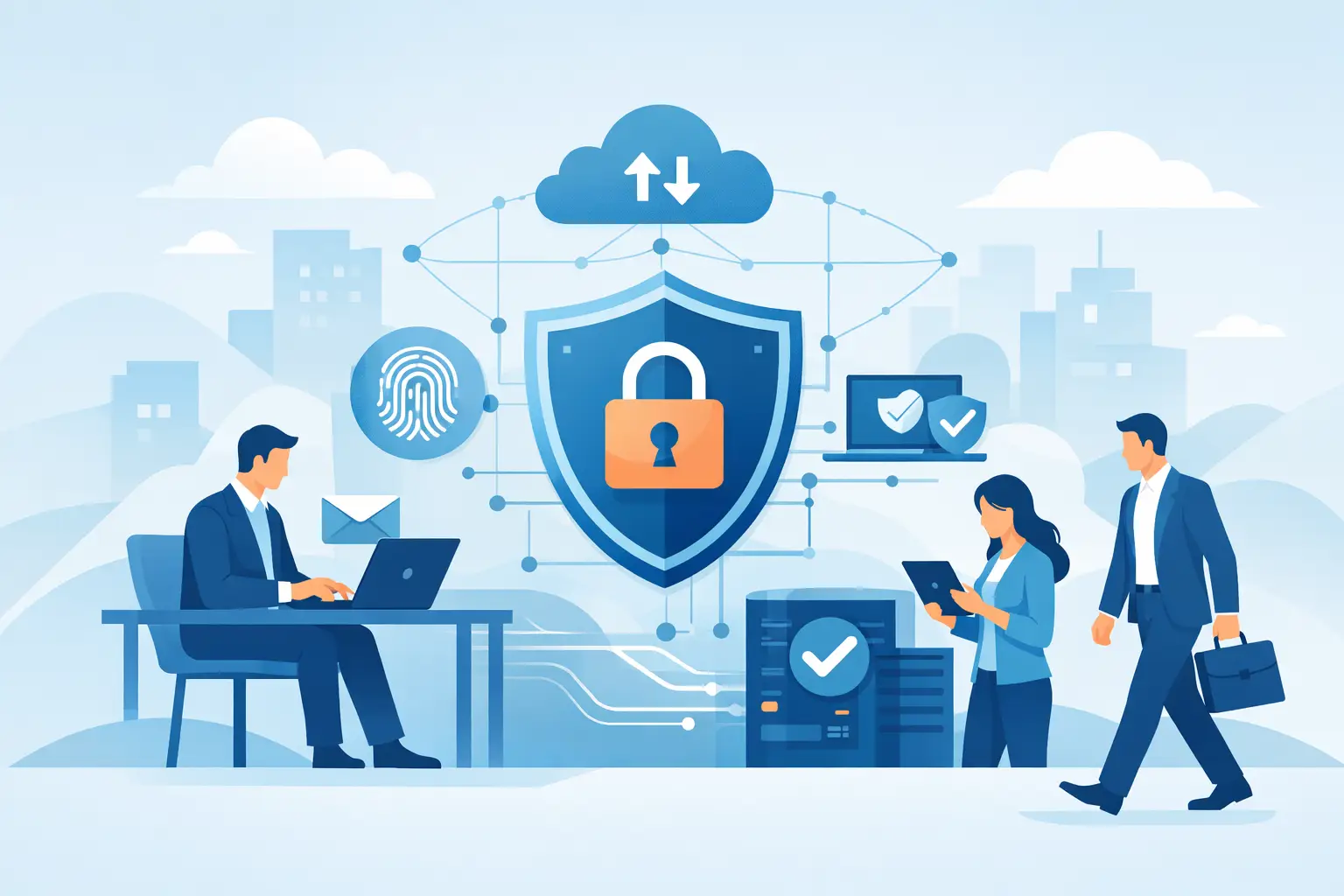
A Naples office can be fully staffed, phones can be ringing, and appointments can be on the calendar when one convincing email brings work to a stop. A staff member enters Microsoft 365 credentials into a fake sign-in page, an attacker accesses the mailbox, and fraudulent payment requests follow. Business cybersecurity is not an abstract technology concern in that moment. It is the difference between continuing to serve clients and spending days containing a preventable disruption.
For small and midsize organizations, the goal is not to buy every security product available. It is to put practical layers in place, keep those layers maintained, and make sure someone is accountable when a warning appears. That approach protects the business without turning owners, office managers, or operations leaders into full-time IT specialists.
What Business Cybersecurity Actually Protects
Cybersecurity protects more than files on a server. It protects the systems people need to do their jobs: email, accounting platforms, client records, job estimates, cloud applications, laptops, phones, network equipment, and business phone systems. It also protects the trust your customers place in you when they share payment information, personal details, or confidential documents.
The financial impact of an incident is rarely limited to a ransom demand. A construction company may lose access to project plans and scheduling tools. A professional-services firm may be unable to retrieve client files before a deadline. A healthcare-adjacent office may face reporting requirements and reputational damage if protected information is exposed. Even a short email outage can interrupt approvals, vendor communication, and payment workflows.
The most common threats take advantage of ordinary business activity. Phishing messages impersonate Microsoft, a bank, a vendor, or an executive. Stolen passwords are tried against email accounts. Unpatched computers are targeted through known vulnerabilities. Ransomware can encrypt shared files and spread across a poorly segmented network. These attacks do not require a large enterprise to be worthwhile. They often target organizations that have useful data and limited internal IT capacity.
The Business Cybersecurity Controls That Matter Most
A practical security program starts with the controls most likely to reduce risk and limit damage. The right mix depends on your industry, the data you handle, the applications you use, and whether employees work from the office, home, or job sites. Still, several fundamentals apply to nearly every organization.
Identity protection comes first
Email and cloud accounts are frequent entry points because they hold communication history, files, contacts, and password-reset access to other systems. Multifactor authentication should be enabled for Microsoft 365, financial platforms, remote access, and any application that stores business information. A password alone is no longer sufficient protection.
Multifactor authentication does add a small step to the workday. That trade-off is worthwhile, but the setup should be managed carefully so employees have reliable enrollment methods and leaders are not locked out during an urgent situation. Strong password policies, account monitoring, and prompt removal of access when someone leaves also matter.
Managed devices reduce avoidable exposure
Every business computer should receive operating system and software updates on a consistent schedule. Endpoint protection should monitor for malicious activity, while device controls help prevent unauthorized software, unsafe browsing, and data loss. Laptops used off-site deserve the same attention as desktops in the office.
This is where cybersecurity becomes an ongoing service rather than a one-time project. Security tools need alerts reviewed, updates need verification, and exceptions need to be handled thoughtfully. Installing protection without monitoring it can create a false sense of security.
Backups must support recovery, not just storage
A backup is valuable only if it can be restored when needed. Critical business data should be backed up on a defined schedule, stored separately from the primary environment, and tested regularly. If ransomware reaches a file server or cloud storage account, a clean and accessible backup can determine whether recovery takes hours, days, or much longer.
Not all data has the same recovery priority. A business should identify which systems must return first, such as accounting, customer records, scheduling, shared documents, or phones. That conversation also helps establish realistic recovery expectations. Restoring every file ever created may not be necessary before operations can resume, but restoring the wrong systems first can delay the business unnecessarily.
Email security and employee awareness work together
Email filtering can block many malicious messages before they reach an inbox, but no filter catches everything. Employees need clear guidance on how to question unexpected payment changes, password requests, attachments, and urgent messages that appear to come from leadership.
Training should be short, relevant, and repeated. The goal is not to blame employees for clicking a bad link. It is to make verification a normal business habit. For example, a request to change banking information should be confirmed through a known phone number, not by replying to the email that made the request.
Network security needs active oversight
Firewalls, secure Wi-Fi, network segmentation, and controlled remote access help limit exposure. Guest Wi-Fi should be separate from the network used for business systems. Devices such as cameras, printers, and conference-room equipment should not be treated as invisible. They are connected systems and may need updates, password changes, and restricted access.
The details vary by environment. A small office with a few cloud-based applications may need a different design than a multi-location company with on-site servers and employees who work remotely. What does not vary is the need to know what is connected, who can access it, and whether it is being maintained.
Security Requires a Plan for the Bad Day
No business can guarantee that an employee will never receive a convincing phishing message or that a software vendor will never face a security issue. Good preparation focuses on fast, organized response when something suspicious happens.
An incident response plan should answer practical questions: Who can disconnect a device? Who contacts the IT provider? Who can approve emergency spending? How will employees communicate if email is unavailable? Which customers, insurers, banks, or legal advisors may need to be contacted? The plan does not need to be a thick binder. It needs to be current, accessible, and understood by the people responsible for acting.
For Southwest Florida businesses, continuity planning should also account for power outages, storm closures, and remote work during disruptions. Cybersecurity, backup planning, cloud access, and reliable communications are connected. A business that can securely access systems from another location is better positioned to continue serving clients when its normal office is unavailable.
Why Accountability Matters More Than a Tool List
Many organizations already pay for antivirus software, cloud storage, and a firewall. The gap is often ownership. Who confirms that updates were applied? Who reviews alerts? Who checks whether departed employees still have access? Who tests backups and documents recovery steps?
A managed technology partner can provide that accountability through ongoing monitoring, maintenance, documentation, and support. For businesses in Bonita Springs, Naples, Fort Myers, and surrounding communities, local availability also has real value when an issue requires on-site attention or a conversation with someone who understands the environment.
Prisca Nova helps businesses bring IT management, cybersecurity, Microsoft 365 support, cloud services, and communications under one responsive relationship. Flat-rate pricing can make security spending more predictable, while a one-hour response commitment gives leaders a clear expectation when technology needs attention.
Start With a Clear View of Your Risk
The best next step is not guessing which security product to buy. Start by identifying your critical systems, where sensitive information lives, who has access, how data is backed up, and what would stop work tomorrow. From there, prioritize the gaps that create the greatest operational risk.
Cybersecurity works best when it becomes part of how the business runs: access is managed, systems are maintained, employees know when to pause and verify, and help is available quickly. That foundation lets your team focus on clients and operations with fewer unwelcome surprises.