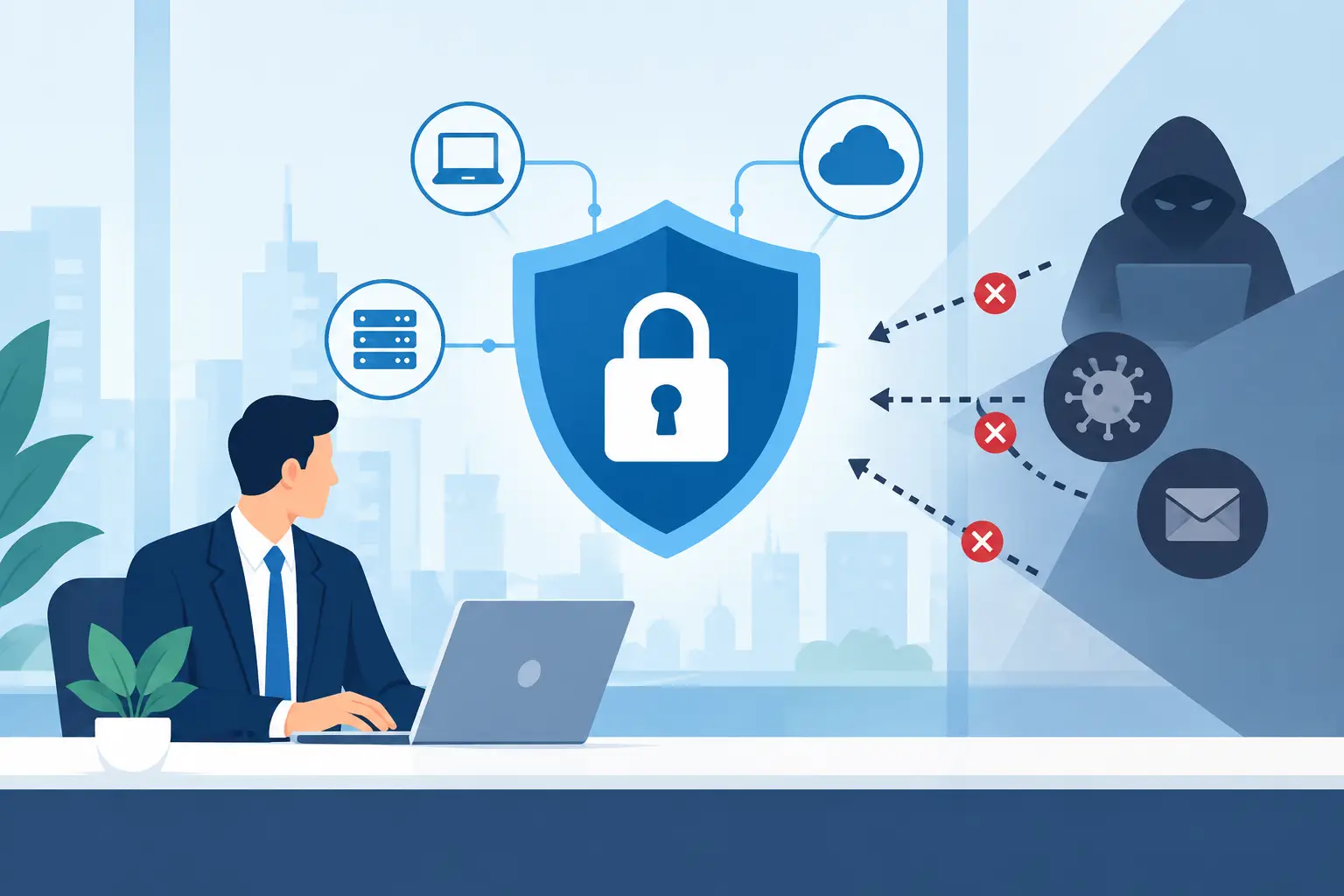
A fraudulent invoice can look like a routine vendor email. A stolen Microsoft 365 password can give an attacker access to years of conversations, invoices, and client information. A ransomware event can turn a normal Monday into a business-stopping recovery effort. That is why businesses need cybersecurity: the systems that keep work moving also create risks that must be actively managed.
For small and midsize organizations in Southwest Florida, cybersecurity is not only an issue for large corporations or highly technical companies. Professional offices, real estate teams, construction companies, healthcare-adjacent practices, hospitality operations, and financial businesses all depend on email, cloud files, phones, networks, and connected devices. If those systems are unavailable or compromised, the business feels the impact immediately.
Why Businesses Need Cybersecurity to Stay Operational
Most cyberattacks are not dramatic at first. They begin with a convincing email, a reused password, an unpatched computer, or an employee who approves what appears to be a legitimate request. The goal is usually practical: steal money, access sensitive information, disrupt operations, or use a business as a path to another target.
The result can be far more expensive than the original technical problem. When ransomware locks critical files, employees may be unable to access estimates, schedules, records, accounting platforms, or customer communications. When an email account is taken over, an attacker can impersonate an executive or vendor and send fraudulent payment instructions. When data is exposed, the organization may need to investigate the incident, notify affected parties, and rebuild trust while normal work is already disrupted.
Cybersecurity reduces the chance that a single error becomes a business-wide outage. It also improves recovery when something does get through. No security program can promise that an organization will never face an attack. A well-managed program can make an attack harder to execute, easier to detect, and less damaging to the business.
Downtime Costs More Than Lost Computer Time
The visible cost of an incident is often the first concern: a ransom demand, emergency consulting fees, replacement equipment, or fraudulent transfer. Those expenses matter, but the larger cost may be downtime.
If employees cannot access the systems they use every day, work slows or stops. A construction company may lose access to project documents. A property management team may be unable to respond to tenants. A professional-services firm may miss deadlines because essential files are unavailable. A restaurant or hospitality business may struggle with reservations, payment systems, or communications.
Downtime also puts pressure on staff. Employees resort to personal devices, alternate email accounts, or informal workarounds that can create new security and compliance problems. A cybersecurity plan should therefore be part of a broader business continuity plan, not a separate technical task.
Customer Trust Is a Security Issue
Clients expect businesses to handle their information responsibly. That expectation applies whether the organization stores payment information, health-related records, legal documents, project plans, employee files, or simply contact details and email correspondence.
A breach can cause customers to question whether their information is safe and whether the business can be relied upon. For organizations that depend on referrals and long-term local relationships, that damage can last longer than the technical recovery.
Cybersecurity supports trust through everyday disciplines: limiting access to sensitive information, protecting email accounts, securing devices, backing up critical data, and responding quickly to suspicious activity. These measures may not be visible to customers, but their absence becomes visible quickly when something goes wrong.
Common Risks Often Hide in Everyday Tools
Businesses do not need a large data center to have meaningful exposure. The tools used for normal operations are frequently the tools attackers target first.
Email remains a major entry point because it is familiar, fast, and connected to financial decisions. Attackers can imitate a vendor, a shipping provider, a bank, or a company executive. They may ask an employee to open a file, reset a password, buy gift cards, or change payment details. Modern phishing attempts can be polished enough that a quick glance is not always enough to catch them.
Microsoft 365 and other cloud platforms also require careful configuration. Strong multifactor authentication, appropriate sharing settings, monitored sign-ins, mailbox protections, and account access controls all matter. Simply subscribing to a cloud service does not automatically make the way it is used secure.
Networks, laptops, mobile devices, VoIP phone systems, and remote access tools need the same attention. A former employee’s active account, an unsupported computer, or a poorly secured remote connection can create an opening that may go unnoticed for months.
Security Requires Layers, Not One Product
There is no single cybersecurity tool that solves every problem. Antivirus software remains useful, but it is only one control. A practical security approach combines technology, processes, and people.
For many small and midsize businesses, the foundation includes managed endpoint protection, regular software updates, secure backups, multifactor authentication, email filtering, access management, network safeguards, and ongoing monitoring. Employee training is equally important because people need a clear way to recognize and report suspicious requests without feeling blamed for asking questions.
The right mix depends on the business. A company that processes payments, manages confidential client files, or works under industry requirements may need additional controls and documentation. A business with remote employees may place greater emphasis on device management and secure cloud access. The key is to match protection to real operational risks instead of buying tools that no one has the time or expertise to manage.
Backups Must Be Tested, Not Assumed
Backups are essential, but they are not a complete recovery plan by themselves. A backup that has not been checked may be incomplete, inaccessible, or affected by the same incident that disrupted the production environment.
Businesses should know which systems and files are backed up, how long restoration will take, who can authorize recovery, and whether copies are protected from ransomware. Testing restores periodically is the only dependable way to confirm that the recovery process works when it is needed.
This is one area where trade-offs matter. Faster recovery objectives may require more frequent backups, better storage options, and more planning. The appropriate level depends on how long the business can realistically operate without its core systems.
Predictable Support Improves Security Decisions
Many organizations do not have an internal IT department dedicated to security. They may have an office manager, operations leader, or technically capable employee handling technology alongside their primary responsibilities. That arrangement can work until an urgent problem appears, a vendor needs coordination, or multiple systems require attention at once.
Outsourced IT and cybersecurity support gives businesses a defined owner for ongoing maintenance, security monitoring, vendor coordination, and response planning. It shifts technology from a series of reactive repairs to a managed business function with clear accountability.
For Southwest Florida businesses, local availability also has practical value. Some issues can be resolved remotely, while others require someone who can be on-site, understand the environment, and communicate directly with decision-makers. Prisca Nova combines ongoing remote management with local service, flat-rate pricing, and a one-hour response commitment so clients can address technology concerns without guessing who will handle them or what an urgent issue may cost.
Start With the Risks That Could Stop Your Business
A useful cybersecurity conversation starts with operations, not jargon. Ask which systems employees cannot work without, where sensitive information is stored, who has access, and what would happen if email or cloud files were unavailable for a day. Review how payments are approved, how departing employees lose access, and whether backups have been tested.
From there, priorities become clearer. A business may need to close obvious access gaps first, improve email security, establish reliable backups, or bring unmanaged devices under control. Trying to solve every possible risk at once can stall progress. Addressing the most likely and most disruptive risks first creates meaningful protection quickly.
Cybersecurity is ongoing work because employees, devices, vendors, and threats all change. The most effective approach is one that fits the business, is consistently managed, and gives leaders confidence that help is available when an issue cannot wait.