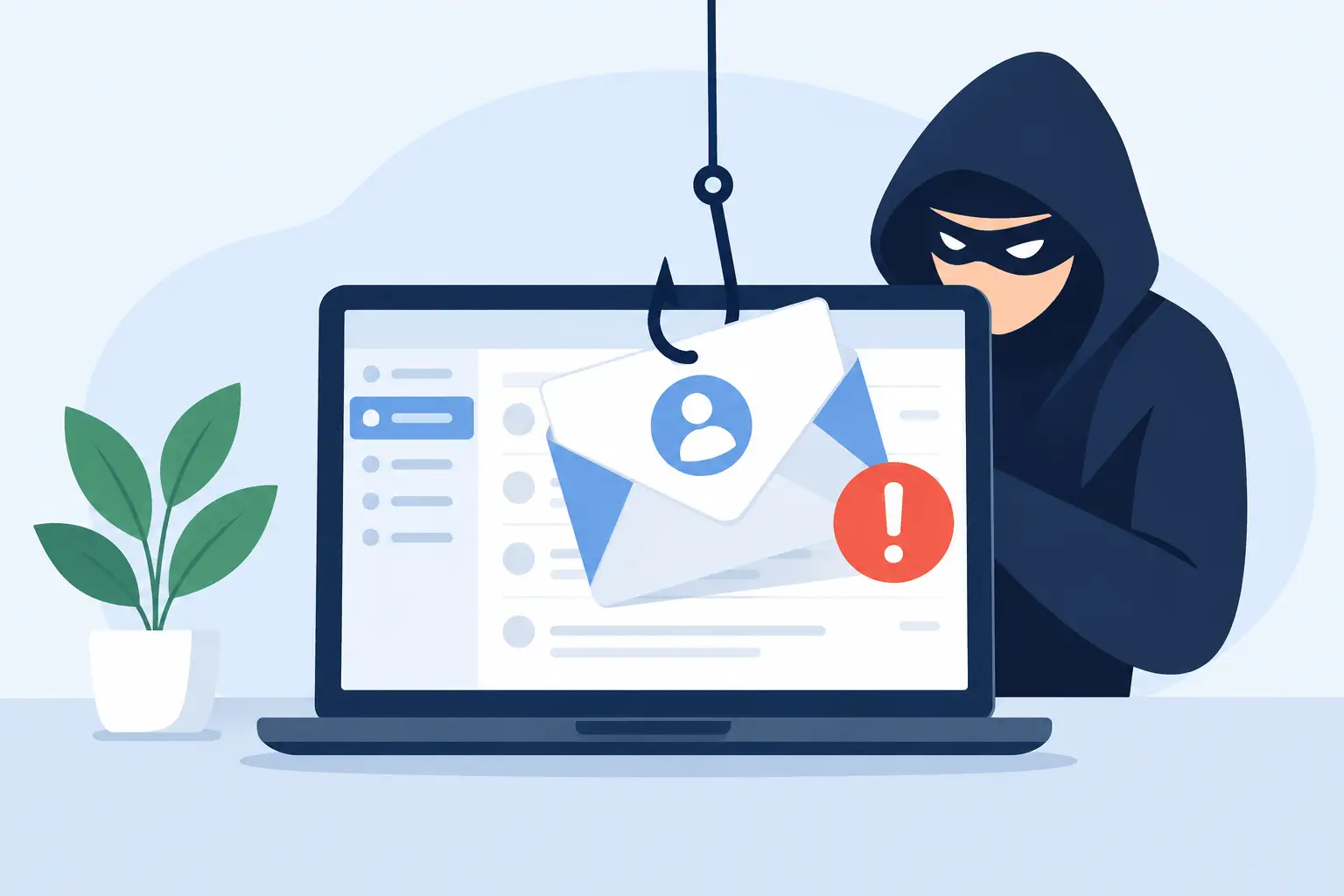
A wire-transfer request that appears to come from your owner, a changed bank account notice from a vendor, or a Microsoft 365 password alert can look completely routine at 8:15 on a busy Monday. That is precisely what makes business email fraud effective. Understanding what causes business email spoofing helps leaders protect the decisions, payments, and sensitive information that keep their operations moving.
Email spoofing occurs when a criminal makes a message appear to come from a trusted person, company, or domain. The attacker may forge the visible sender address, use a nearly identical domain name, or send messages from a legitimate account that has already been compromised. The goal is rarely technical disruption for its own sake. It is to persuade someone to act before they verify the request.
What Causes Business Email Spoofing?
Business email spoofing is not caused by one failed setting or one careless employee. It succeeds when technical gaps, familiar business processes, and human urgency overlap. A company may have capable staff and still be exposed if its email protections and approval procedures do not account for how modern fraud attempts work.
Email was not originally built to verify identity
Traditional email was designed for communication, not strong proof of who sent a message. A sender can place almost any name in the display field, such as “Jane Smith, CEO,” even when the underlying email address is unrelated to Jane or your organization.
Modern authentication standards help address this weakness. SPF identifies which mail servers may send mail for a domain. DKIM adds a digital signature to confirm that a message has not been altered in transit. DMARC tells receiving systems how to handle messages that fail those checks and provides reporting on suspicious activity involving your domain.
Without properly configured SPF, DKIM, and DMARC records, it is easier for criminals to impersonate your company’s domain. Configuration alone is not a complete answer, though. A poorly planned DMARC policy can interfere with valid third-party mail, including messages sent by marketing platforms, invoicing systems, or appointment tools. The practical approach is to inventory legitimate senders, configure authentication correctly, monitor results, and strengthen enforcement in stages.
Lookalike domains exploit rushed decisions
Attackers do not always need to impersonate your exact domain. They can register a lookalike that is easy to miss, such as replacing a letter, adding a hyphen, or using a different domain extension. A message from `accounting@company-payments.com` may seem credible when an employee is scanning email quickly between client calls.
This tactic works especially well against organizations with public websites, visible executive names, and predictable vendor relationships. Real estate firms, construction companies, healthcare-adjacent offices, and financial businesses often exchange documents, payment instructions, and time-sensitive approvals by email. Criminals study these patterns and use the right language at the right moment.
Compromised accounts make fraudulent messages more believable
Spoofing and account compromise are different, but they frequently work together. In a basic spoofing attempt, the attacker only imitates a sender. With a compromised Microsoft 365 or other business email account, the attacker may be sending from the real mailbox.
That gives the criminal access to conversations, contacts, signatures, and invoice details. They may wait quietly, watch for a payment discussion, then insert a fraudulent bank change or redirect a payment request. Because the message comes from a genuine account and may appear within an existing email thread, basic sender checks are less likely to catch it.
Weak passwords, reused passwords, phishing pages, and missing multifactor authentication are common pathways to a compromised account. Multifactor authentication substantially reduces the value of a stolen password, but it must be deployed thoughtfully. Approval prompts can still be abused if employees approve a request they did not initiate, so user education and sign-in monitoring remain necessary.
Social engineering turns ordinary business habits into risk
Criminals use pressure because pressure shortens verification. A spoofed email may say a payment must be released before a closing, a vendor’s banking information changed today, or an executive needs gift cards before a meeting. The request may be written in a direct, familiar style and sent when the purported sender is traveling or unavailable.
The most successful messages do not necessarily contain poor grammar or obvious threats. Many are concise, professional, and tailored to the recipient’s role. An office manager may receive a request that appears to come from an owner. A project manager may receive a fraudulent subcontractor invoice. A payroll employee may be asked for tax documents or direct-deposit details.
Public information makes this easier. Job titles, employee names, vendor announcements, property projects, and leadership updates can all help an attacker construct a believable story. The answer is not to hide every public detail about your business. It is to make verification routine for requests involving money, credentials, confidential records, or changed payment instructions.
Weak internal controls leave one person holding the risk
An email security filter can stop many malicious messages, but it cannot replace a sound approval process. If a single employee can change vendor banking information based solely on an email, one convincing message can create a significant loss.
Business email spoofing is more likely to cause damage when responsibilities are unclear, approvals are informal, or employees are unsure whether they are allowed to challenge a senior leader’s request. Clear procedures remove that uncertainty. For example, bank changes should be verified through a known phone number already on file, not a number provided in the email. High-value payments should require a second approval. Password reset requests should follow a defined identity-verification process.
These controls can feel slower than an email reply. That is a reasonable trade-off when the alternative is a misdirected wire transfer, data disclosure, or account takeover. The key is to reserve added friction for actions with meaningful financial or security impact, rather than making every routine task harder.
How Businesses Can Reduce Email Spoofing Risk
Effective protection combines email authentication, account security, filtering, monitoring, and practical procedures. The right mix depends on your industry, the sensitivity of your data, and how your team communicates with clients and vendors. Most small and midsize businesses benefit from these core measures:
- Configure and actively monitor SPF, DKIM, and DMARC for every business domain that sends email.
- Require multifactor authentication for Microsoft 365, remote access, financial platforms, and administrator accounts.
- Use managed email security that filters phishing, malicious attachments, impersonation attempts, and suspicious links before they reach users.
- Establish out-of-band verification for wire transfers, vendor bank changes, payroll updates, and requests for confidential information.
- Train employees with realistic examples and give them a clear way to report suspicious messages without fear of slowing down work.
- Review mailbox forwarding rules, sign-in activity, privileged access, and inactive accounts on a regular schedule.
Technical controls deserve ongoing attention because email environments change. A new accounting platform, a marketing service, an acquired domain, or a staff departure can create gaps that were not present during the last review. Managed monitoring helps identify those changes before they become an opening for fraud.
Know the warning signs, but do not rely on them alone
Employees should pause when an email requests secrecy, immediate payment, new banking information, login credentials, or sensitive files. A slightly unusual sender address, an unexpected attachment, a changed reply-to address, or a request that bypasses normal procedures also deserves scrutiny.
Still, no warning-sign checklist is perfect. A real executive may send a legitimate urgent request, and a criminal may use a polished message from a compromised vendor account. That is why verification procedures matter more than instinct. When a request changes where money goes, who can access a system, or what confidential data is released, verify it through a separate trusted channel.
For businesses in Bonita Springs, Naples, Fort Myers, and across Southwest Florida, email security should support continuity rather than become another internal burden. A local managed IT partner can help maintain Microsoft 365 protections, review authentication records, respond to suspicious activity, and keep security responsibilities predictable under a flat-rate model. Prisca Nova pairs that ongoing oversight with a one-hour response commitment, so concerns can be addressed before a questionable email turns into a business interruption.
The most useful habit is simple: treat urgent changes to money, access, or sensitive information as a verification event, not just another email to answer.