A power outage, a flooded office, or a laptop left in a vehicle should not stop a business from accessing the systems it needs to serve clients. That is the practical issue behind virtual desktops versus office PCs. The decision is not simply about replacing hardware with cloud technology. It affects where data lives, how employees work, how quickly operations can recover, and what the business pays to keep technology dependable.
For many small and midsize businesses in Southwest Florida, office PCs remain the sensible choice for at least part of the team. For others, a cloud-hosted desktop can reduce risk and make work possible from nearly any approved device. The right answer depends on the work being performed, internet reliability, security requirements, and the level of support behind the environment.
Virtual desktops versus office PCs work differently
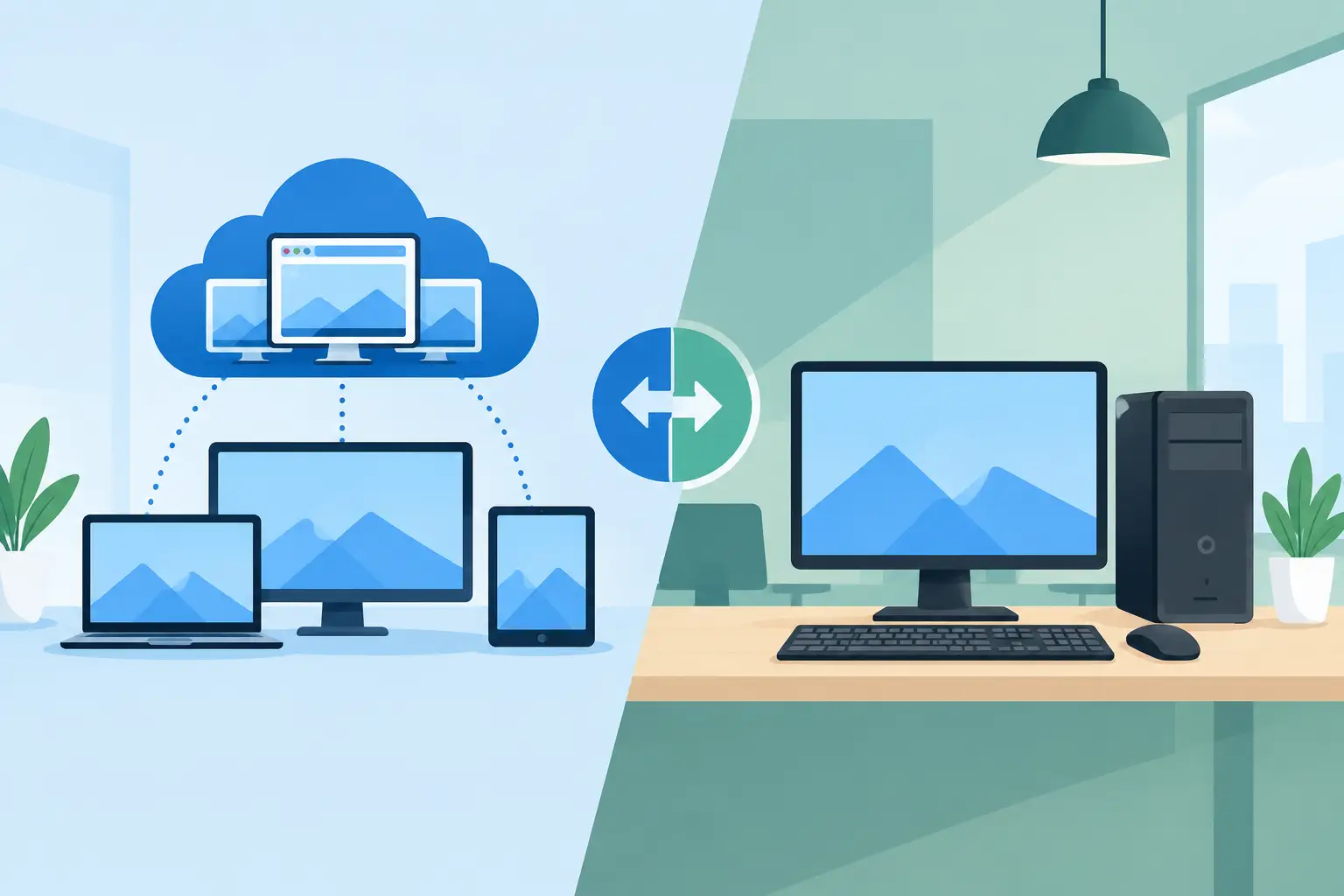
An office PC is a physical computer at an employee's desk or in a company location. Applications, files, and settings may live on that device, on a server, or in cloud services such as Microsoft 365. The employee generally works directly on the computer in front of them.
A virtual desktop places the user's familiar Windows environment in a secure cloud platform. The employee signs in from an approved laptop, desktop, or thin client and views that cloud-based desktop through an internet connection. The applications, settings, and business data are hosted centrally rather than residing primarily on the local device.
This distinction matters when a worker changes locations. With an office PC, remote access can be effective, but it often depends on the physical computer being powered on, properly configured, and reachable. With a virtual desktop, the employee can typically resume work from another approved location without moving the actual workstation.
Virtual desktops are not a shortcut around IT management. They still require user administration, access controls, security monitoring, backups, software updates, and reliable cloud configuration. The advantage is that these responsibilities can be managed more consistently from a central point.
Security and business continuity are often the deciding factors
A physical computer can be protected well when it is professionally managed. Disk encryption, multifactor authentication, endpoint protection, regular patching, limited local administrator rights, and dependable backups all reduce exposure. The problem is consistency. A single missed update, unmanaged laptop, or file saved locally can create an unnecessary gap.
Virtual desktops can limit that risk because business data and applications remain in the hosted environment. If a laptop is lost, damaged, or stolen, the device itself may contain little or no local business data. Access can be disabled quickly while the user's desktop, files, and settings remain available in the cloud.
That structure is especially useful for organizations handling confidential client records, financial information, contracts, or regulated data. It also supports continuity planning. If an office is inaccessible after a storm or local disruption, employees may be able to work from another location without waiting for replacement workstations or access to the building.
There are trade-offs. A virtual desktop depends on a stable internet connection. An office with unreliable connectivity needs a plan that may include a secondary internet service, cellular failover, or defined procedures for temporary outages. A physical PC can keep running during an internet interruption, although cloud files, email, and line-of-business platforms may still be unavailable.
Cost is more than the price of a computer
Office PCs often appear less expensive because the purchase is straightforward: buy a computer, install software, and use it for several years. That approach can work well for employees with predictable, office-based roles. However, the full cost includes replacement cycles, setup time, licensing, maintenance, repairs, security tools, backup requirements, and lost productivity when equipment fails.
Virtual desktops shift more of the expense to a recurring monthly model. The business pays for cloud desktop capacity, licensing, storage, management, and support. This can make costs easier to forecast and reduce the need for high-powered computers at every desk. A modest local device may be enough because the demanding work happens in the cloud.
The monthly cost is not automatically lower. A virtual desktop can cost more for an employee who only uses basic applications at one office workstation. It can be a better value for a remote employee, seasonal team member, contractor, or role that would otherwise require a costly laptop, complicated remote-access setup, and additional security controls.
Business leaders should compare the total cost over several years, not just the first invoice. Include downtime, labor to configure and replace devices, cybersecurity requirements, and the cost of an employee being unable to work during a local disruption.
Performance depends on the applications your team uses
For email, web-based software, Microsoft 365, accounting platforms, customer management systems, and standard office work, virtual desktops can provide a consistent experience when the cloud environment and connection are sized correctly. Employees also benefit from seeing the same desktop, files, and settings whether they are in Naples, Fort Myers, Bonita Springs, or working temporarily elsewhere.
Some workloads favor a physical PC. High-end design software, large video files, complex engineering models, specialized equipment, or applications that rely on local hardware can require careful testing. A virtual desktop may still support these use cases, but it needs the right processing and graphics resources. Under-sizing the environment to save money creates frustration quickly.
The network matters as much as the desktop. Virtual desktop users need reliable bandwidth and low enough latency for responsive typing, screen movement, calls, and application use. This is why a proper assessment should include the office network, home-work expectations, internet provider performance, and any VoIP phone system that shares the connection.
A mixed environment is often the practical answer
The choice does not have to be all virtual desktops or all office PCs. Many businesses benefit from a mixed model based on job function.
Front-desk staff, in-office administrators, and employees tied to specialized local equipment may be well served by managed office PCs. Remote staff, mobile managers, temporary employees, and teams working with sensitive data may be better candidates for virtual desktops. A company can also use virtual desktops for its most critical systems while keeping standard productivity tasks on local computers.
This approach prevents technology from being driven by a one-size-fits-all policy. It also lets a business move gradually. Instead of migrating every user at once, leadership can start with a defined group, confirm performance and workflow fit, then expand where it makes operational sense.
What to evaluate before making a decision
Start with the employee's actual workday. Identify the applications they use, where the data is stored, whether they need specialized peripherals, and how often they work away from the office. A receptionist and a project manager may have completely different requirements, even within the same company.
Next, examine risk. Ask what happens if the user's computer fails, is stolen, or cannot be reached for several days. Determine whether sensitive files are being stored locally and whether access can be removed promptly when an employee leaves. These answers often clarify whether centralizing the desktop would improve the business's security posture.
Then review the network and support model. A virtual desktop is only as dependable as the internet connection, cloud configuration, identity controls, and team responsible for monitoring it. An office PC environment also needs active management, especially when employees use Microsoft 365, remote access, cloud storage, and business phones.
Finally, plan for growth and change. If the business hires frequently, opens a second location, uses seasonal staffing, or expects more remote work, virtual desktops can simplify onboarding and equipment planning. If the workforce is stable and primarily office-based, well-managed PCs may remain the most economical foundation.
Make the choice supportable after deployment
The best technology decision can still fail if no one owns the day-to-day details. Users need prompt help when access fails, passwords are compromised, a device is replaced, or an application changes. Leadership needs clear costs, documented standards, and confidence that security work is not being postponed.
Prisca Nova helps Southwest Florida businesses evaluate and manage both office PCs and cloud desktop environments, including Amazon WorkSpaces, with local accountability, flat-rate support options, and a one-hour response commitment. The goal is not to push every employee into the cloud. It is to build a managed environment that matches how the business operates and can keep operating when conditions are less than ideal.
Before buying the next set of computers or approving a cloud migration, map one department's workflows and recovery needs. That small exercise often reveals whether the business needs a different desktop model, better management of its existing PCs, or a practical combination of both.