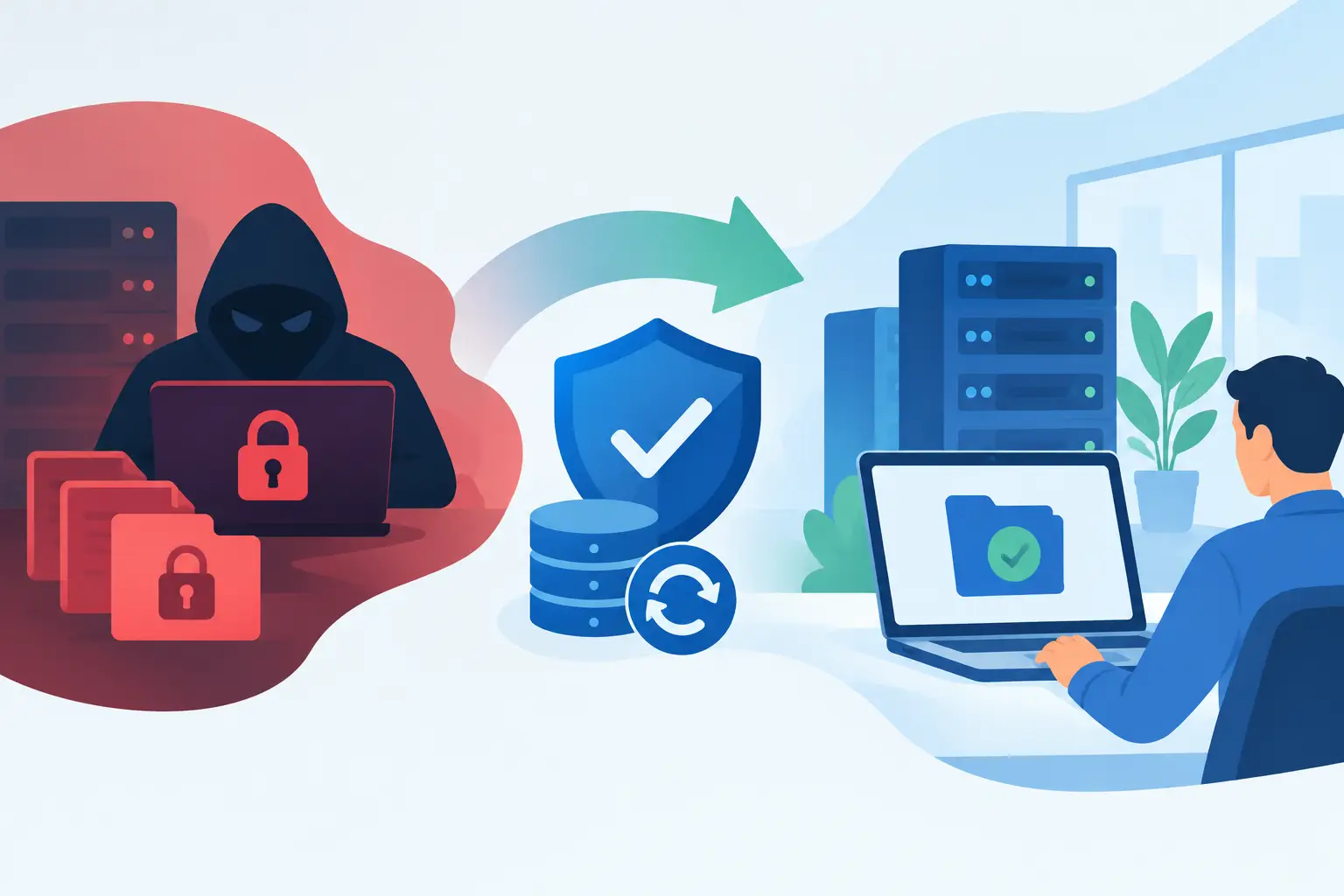
At 8:12 a.m. on a Monday, employees at a Naples property management firm could no longer open shared files. Their screens displayed a ransom note, their accounting folder was encrypted, and a staff member had already clicked a suspicious email attachment over the weekend. This ransomware recovery example shows what separates a contained business disruption from an extended operational crisis: fast decisions, clean backups, and a recovery plan that works under pressure.
The firm did not need a dramatic technical rescue. It needed its people to know what to do, its systems to be isolated quickly, and its critical applications restored in the right order. For small and midsize businesses, that is the practical standard to plan for.
The ransomware recovery example: a Monday morning attack
The fictional firm managed rental properties, vendor invoices, tenant communications, and maintenance requests through a mix of Microsoft 365, a cloud-based property platform, accounting software, and shared Windows file storage. Its 22 employees depended on those tools to answer calls, dispatch vendors, collect payments, and prepare owner reports.
The attack began with a convincing email that appeared to be from a document-sharing service. A user entered credentials on a fraudulent sign-in page. The attacker used those credentials to access email, send additional phishing messages internally, and look for systems with shared access. Over the weekend, ransomware was deployed to encrypt files on a network share.
On Monday morning, the first employee reported that folders would not open. Within minutes, the business took three critical actions: it disconnected affected computers and the file server from the network, instructed employees not to restart or log in to other systems, and contacted its IT support team.
Those actions did not restore files. They prevented the incident from becoming larger. Continuing normal work, reconnecting devices, or allowing users to sign in from unmanaged home computers could have given the attacker another path into the environment.
First priority: contain before restoring
The IT team confirmed which systems were encrypted, disabled the compromised user account, reset credentials for affected users, and ended active sessions. They reviewed administrator accounts, remote access tools, email forwarding rules, and recent sign-in activity to identify whether the attacker had established persistence.
This stage can feel slow to a business owner watching employees sit idle. It is still necessary. Restoring a server before confirming how the attacker entered may reintroduce the same threat. A recovery plan must balance urgency with evidence and containment.
The team also preserved copies of the ransom note, affected files, security alerts, and system logs. Depending on the circumstances, these records may support cyber insurance reporting, legal guidance, incident response specialists, or law enforcement. The right response depends on the size of the incident, the type of data involved, and whether regulated or personal information may have been accessed.
Restoring the business in the right order
After containment, the firm faced a business decision: what had to come back first? Not every system has equal value during the first day of recovery.
The property platform was cloud-based and remained available after credentials were secured. That meant staff could still see tenant and owner information from clean devices. The phone system was also functioning, allowing the office to tell callers that responses might be delayed without going silent.
The encrypted file server held templates, invoices, maintenance records, and archived documents. It mattered, but it was not the first system required to receive calls or dispatch emergency repairs. The recovery sequence focused on keeping customer-facing work moving first, then restoring the supporting records needed to catch up.
A tested, protected backup made that possible. The IT team rebuilt the affected server rather than simply removing the ransomware from it. They scanned and verified the clean backup, restored data to the rebuilt environment, and checked that files opened correctly before reconnecting users.
By early afternoon, the firm had access to current shared documents. By the next business day, it had completed additional validation, reviewed permissions, and restored normal access for the full team. The disruption was real, but it did not turn into a week of lost work or a decision to pay a criminal group.
Why backups alone are not enough
A backup is only useful if it is accessible, complete, and clean. Many businesses learn too late that their backup ran under an account compromised in the attack, that it did not include a key application, or that it had never been tested for restoration.
A practical backup strategy includes protected copies that ransomware cannot easily alter or delete. It also defines recovery objectives. How much data can the business afford to lose between backups? How long can critical operations be unavailable? A firm that processes daily payments may need a much tighter recovery target than one that mainly stores reference documents.
Testing matters just as much as backup frequency. A monthly review that confirms backups completed is helpful, but it does not prove that an application can be restored, users can sign in, and data is usable. Periodic recovery testing turns an assumption into a documented process.
Communication kept the disruption manageable
The firm did not tell every caller that it had suffered a ransomware attack. It did tell clients and vendors when a response or document might be delayed. Internally, managers gave staff a clear instruction: use approved clean devices, do not forward work files to personal email, and route urgent requests through the designated point of contact.
Clear communication limits confusion and reduces risky workarounds. During an outage, employees often try to help by using personal accounts, unapproved file-sharing tools, or old passwords. Those shortcuts can create new security and compliance problems when the business is already under pressure.
For organizations that handle financial information, healthcare-related records, or other sensitive data, communication may also involve legal counsel, insurance carriers, and compliance obligations. The precise notification requirements depend on what information was affected and applicable regulations. This is another reason to document systems, data locations, contacts, and decision-makers before an incident occurs.
What this ransomware recovery example reveals
The successful outcome was not based on a single security product. It came from layers of preparation: managed endpoint protection, secure identity controls, protected backups, email security, monitored systems, and a support process that could respond quickly.
It also depended on ordinary operational choices. The business knew which applications were essential. It had current contact information. It could operate temporarily through its cloud platform and business phones. Most importantly, it did not need to invent responsibilities while an attack was underway.
For a Southwest Florida business, local support can be especially valuable when an incident affects office hardware, network equipment, or employee access across multiple locations. Remote management resolves many issues quickly, while an accountable local team can be available when hands-on work is required. Prisca Nova combines that local service model with proactive management and a one-hour response commitment, so technology problems have a defined path to action.
Build a recovery plan before the ransom note appears
A ransomware recovery plan should be short enough that leaders can use it and specific enough that technical staff can act on it. It should identify who can authorize shutdowns, who contacts IT and cyber insurance, which systems must be restored first, and how employees will communicate during an outage.
The plan should also account for Microsoft 365, cloud applications, business phone systems, remote workers, and third-party vendors. Modern operations rarely depend on one server in one office. Recovery may require coordinating identities, devices, data, internet access, and vendor support at the same time.
There is no guarantee that every attack can be prevented. There is, however, a meaningful difference between hoping backups work and practicing how your business will continue when they are needed. The best time to confirm that difference is during a quiet week, not at 8:12 on a Monday morning.