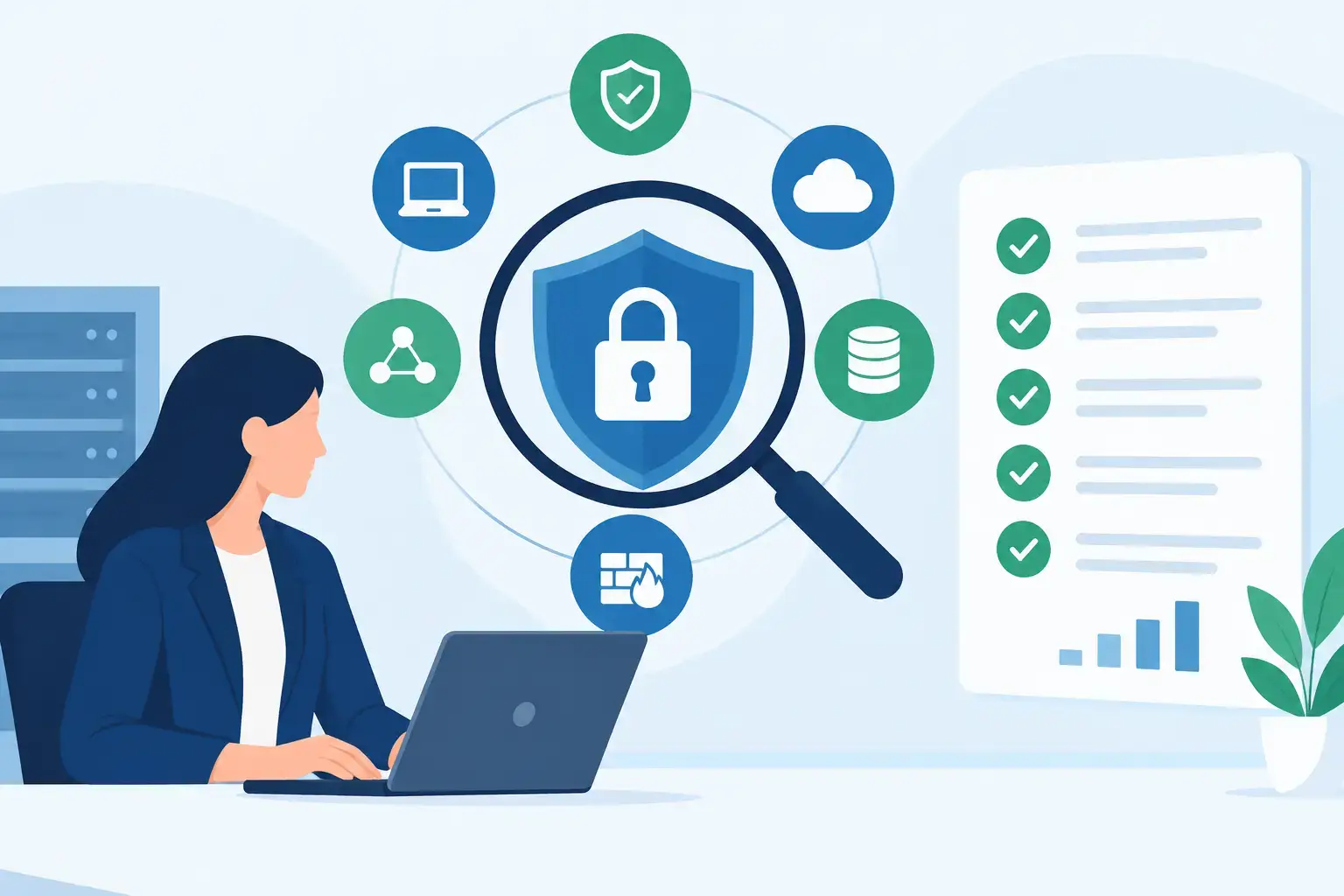
A managed security review should answer a straightforward business question: if a criminal, system failure, or employee mistake disrupted your operations tomorrow, where would the damage start and how quickly could your team recover? For a Southwest Florida business, that question extends beyond laptops and firewalls. It includes Microsoft 365 accounts, email, phones, cloud files, remote access, backups, vendors, and the processes employees follow when they are busy.
Many businesses have security tools in place but lack a clear view of whether those tools are configured correctly, monitored consistently, and aligned with how the company actually works. A review turns scattered technology decisions into an understandable risk picture and a practical plan for improvement.
What a Managed Security Review Actually Covers
A managed security review is more than a scan for outdated software. It is a structured assessment of the technology and business practices that could expose your organization to data loss, downtime, fraud, or unauthorized access. The managed part matters because security is not static. New employees join, devices are replaced, Microsoft 365 settings change, software is added, and cybercriminal tactics continue to evolve.
A useful review begins by identifying what needs protection. That includes business data, employee and customer information, financial records, email, line-of-business applications, cloud platforms, network equipment, and communications systems. A construction firm may need to protect job files and field access. A professional-services office may be focused on confidential client records and email security. A hospitality operation may have payment-related systems, guest data, and always-on communications to consider.
The review should then examine the controls around those assets. Are accounts protected with multi-factor authentication? Does every employee have only the access they need? Are computers receiving security updates? Is email filtering stopping common threats before they reach inboxes? Are backups tested rather than simply assumed to work? The answers should be tied to business impact, not presented as a confusing catalog of technical settings.
Why a One-Time Assessment Is Not Enough
A one-time security assessment can be valuable, particularly after a major change, a suspected incident, or a long period without formal review. It provides a snapshot. But snapshots age quickly.
Consider a company that completes an assessment in January. By summer, it may have hired staff, added a new cloud application, allowed a vendor remote access, deployed new phones, or moved records into a different Microsoft 365 location. Any of those changes can create new gaps. A managed approach combines an initial review with continuing oversight, remediation tracking, periodic reassessment, and clear ownership of the next steps.
This does not mean every business needs enterprise-level security operations. The right level depends on the number of users, sensitivity of information, compliance obligations, reliance on cloud systems, and tolerance for downtime. A 12-person real estate office has different needs than a healthcare-adjacent practice with regulated information. Both, however, need to know who can access their data, how threats are detected, and how work continues if a key system becomes unavailable.
The Areas That Deserve Close Attention
A complete review evaluates how the pieces work together. Weaknesses rarely appear in isolation. An employee clicking a fraudulent email is more damaging when multi-factor authentication is absent, endpoint protection is unmanaged, and backups have not been tested.
The review should give particular attention to these areas:
- Identity and access: User accounts, administrator privileges, multi-factor authentication, password practices, former employee access, and remote login controls.
- Email and collaboration: Microsoft 365 security settings, phishing protection, mailbox forwarding rules, shared file permissions, and external sharing practices.
- Endpoints and network: Computers, mobile devices, servers, Wi-Fi, firewalls, security updates, antivirus or endpoint detection, and unsupported equipment.
- Backup and recovery: What is backed up, where copies are stored, how long they are retained, whether they are protected from ransomware, and whether restoration has been tested.
- People and process: Security awareness, payment-change verification procedures, incident reporting, vendor access, documentation, and response responsibilities.
Each area can affect business continuity. A backup that cannot be restored offers little protection. A firewall cannot prevent a fraudulent payment if employees have no process for verifying changed banking instructions. Security works best when technology controls and daily business habits support each other.
Turning Findings Into Priorities
A security report that lists 75 findings without direction creates more anxiety than value. Business leaders need priorities: what presents the greatest exposure, what should be fixed first, what can be scheduled, and what decisions require budget or policy changes.
The most urgent items usually involve exposed administrator accounts, missing multi-factor authentication, unprotected remote access, failed backups, unsupported systems, or evidence that a threat may already be present. These issues deserve prompt remediation because they can lead directly to unauthorized access or extended downtime.
The next tier may include improvements such as tightening file-sharing permissions, standardizing device encryption, improving email authentication, removing unused software, or documenting an incident response process. These measures are still important, but they can often be planned in stages to avoid disrupting daily work.
A managed provider should explain the trade-offs. Requiring multi-factor authentication improves account security, but the rollout needs to account for employees who work in the field or use shared devices. Restricting external file sharing can reduce accidental exposure, but teams may need a secure method to collaborate with clients and subcontractors. The goal is not to make work harder. It is to reduce avoidable risk without slowing the business down.
Questions to Ask Before You Approve a Review
Not every security review delivers the same value. Before selecting a provider, ask how findings will be validated and whether the review includes both technical controls and operational processes. A report generated entirely by automated scanning may find missing updates, but it will not necessarily reveal an unused former employee account, an overly broad shared folder, or a payment approval process vulnerable to impersonation.
Ask who will address the findings after the review. Some assessments end with a document and leave your staff to coordinate vendors, configure settings, and verify results. For small and midsize businesses without dedicated internal IT personnel, that gap can mean the most important fixes are delayed.
It is also reasonable to ask how often your environment will be revisited, how security changes will be documented, and what happens when a serious issue is found. Clear response expectations matter. A provider that knows your network, users, cloud systems, and recovery requirements can move faster than a remote vendor seeing the environment for the first time during an emergency.
How Ongoing Management Strengthens the Review
The strongest security reviews lead into accountable management. Once priorities are established, the work shifts to maintaining protections: monitoring systems, applying updates, reviewing alerts, managing accounts, testing backup recovery, and adjusting controls as the business changes.
That ongoing attention is especially valuable for organizations relying on Microsoft 365, cloud desktops, VoIP phones, and remote connectivity. These services support flexible work and better collaboration, but they must be administered carefully. Security settings, user permissions, and vendor integrations need regular review to remain effective.
For businesses in Bonita Springs, Naples, Fort Myers, and the surrounding area, local accountability also has practical value. When an issue needs on-site attention, a local technology partner can assess equipment, coordinate recovery, and communicate with leadership in plain language. Prisca Nova combines that local accessibility with proactive management, flat-rate pricing, and a one-hour response commitment so technology support is easier to plan and faster to access.
Make Security a Business Routine
A managed security review is most useful when it becomes part of normal business management rather than a project completed after something goes wrong. Schedule regular check-ins around meaningful changes: a new location, staff growth, a cloud migration, a new accounting system, an acquisition, or a change in insurance requirements.
Keep leaders informed with clear reporting on open risks, completed improvements, backup testing, and security trends that affect the organization. Employees should know how to report suspicious messages or lost devices without fearing blame. The earlier a concern is raised, the more options your business has.
The right review does not promise that no incident will ever occur. It gives your organization a clearer understanding of its exposure, a prioritized path to reduce it, and professional support when the unexpected tests your ability to keep serving customers.