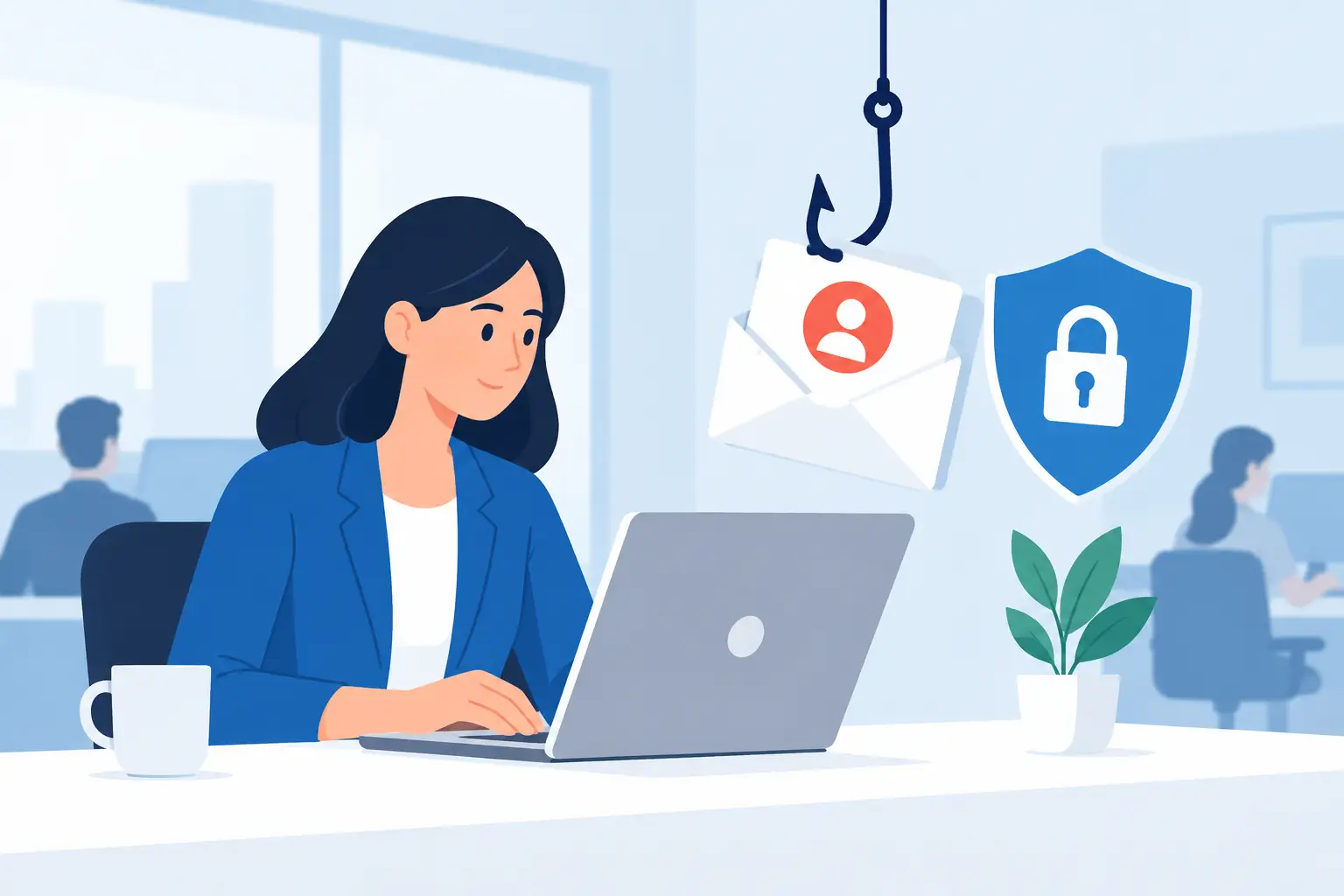
A phishing email does not need to look sophisticated to cause a serious business interruption. A message that appears to come from Microsoft 365, a payroll provider, a client, or a company executive can be enough to expose credentials, redirect a payment, or introduce malware. Knowing how to test phishing resilience gives business leaders a practical way to find weak points before an attacker finds them.
The goal is not to embarrass employees or create a pass-fail security exercise. A useful phishing resilience test measures how well your people, processes, and technology work together when a suspicious message reaches an inbox. It should produce clear next steps that reduce risk without disrupting daily operations.
What phishing resilience really measures
Phishing resilience is more than the percentage of employees who avoid clicking a test email. A click matters, but it is only one part of the picture. A resilient organization can recognize a questionable request, report it promptly, and contain a mistake before it becomes a larger security incident.
For a small or midsize business, testing should answer practical questions. Would an employee question a request to reset a Microsoft 365 password? Would the accounting team verify a changed banking instruction through another channel? Does the team know where to report a suspicious email? If someone enters credentials on a fake site, can IT identify and respond to the event quickly?
Those answers reveal whether security awareness training is translating into safer decisions under normal work pressure. They also expose gaps in email filtering, multifactor authentication, reporting procedures, and incident response.
How to test phishing resilience without disrupting work
Start with a clear scope. Decide which group will receive the simulation, what behavior you want to test, and how the results will be used. Testing every employee at once may be appropriate for a mature program, but a smaller pilot can help refine the process and avoid confusion.
Set boundaries before sending anything. Do not use simulations that collect real passwords, imitate emergency services, create personal distress, or penalize employees for an honest mistake. The test should be realistic enough to be useful, but it should respect the people being tested and the work they need to complete.
It also helps to notify executive leadership, HR, and any internal IT contact that testing is planned. They do not need to know the exact date, message, or recipient group. They do need to understand the purpose, the privacy approach, and who will receive the results.
Establish a baseline first
Your first campaign is a baseline, not a verdict on your team. Use a believable scenario that reflects the systems and requests employees actually see. For many organizations, this may be a Microsoft 365 sign-in alert, a shared-document notification, a vendor invoice, or an executive request for information.
Avoid an obviously poor imitation with spelling mistakes and strange formatting. Attackers increasingly use polished language, familiar branding, and compromised business accounts. A test should help employees practice identifying the signals that matter, such as an unexpected request, a mismatched sender address, an unusual link, urgency, or a request to bypass normal approval procedures.
Record what happens at each step. Did the message reach the inbox or get stopped by email protection? Did recipients open it, click it, enter information, report it, or ignore it? Just as important, measure how long it took for the first employee to report the email and how quickly the IT team could investigate it.
Use several realistic scenarios over time
One test cannot measure every type of phishing risk. Someone who recognizes a fake password-reset email may still be vulnerable to a fraudulent invoice or a text message from a supposed manager. Rotate scenarios so employees learn to assess the request rather than memorize a specific template.
Useful scenarios often include:
- Credential theft messages that mimic a cloud-service sign-in page
- Invoice or payment-change requests aimed at finance and operations staff
- File-sharing notices that appear to come from a client or colleague
- Executive impersonation messages requesting gift cards, data, or urgent action
- Business email compromise scenarios that test verification of financial instructions
Match the test to the employee's role. A construction company may need to test fraudulent subcontractor payment changes. A healthcare-adjacent office may need to test document-sharing notices while protecting patient and client privacy. A real estate team may face wire-fraud attempts tied to transactions. Relevance makes the exercise more credible and the lessons more likely to stick.
Measure reporting, not just clicks
Click rate is easy to understand, but it can lead to the wrong conversation. Employees who delete a suspicious message without reporting it may avoid immediate harm, yet the organization loses an opportunity to block the campaign for everyone else. Reporting gives IT the information needed to investigate, remove similar messages, and warn other users.
Track a small set of meaningful metrics: delivery rate, click rate, credential-entry rate, report rate, and time to report. Review the results by department only when the sample size is large enough to be useful and when leaders will use the data constructively. For smaller teams, individual coaching may be more appropriate than publishing department comparisons.
Look for patterns rather than focusing on one number. A high click rate may mean the simulation was relevant, but it can also indicate that the email filter allowed a risky message through. A low click rate paired with a low report rate suggests people may be uncertain about what to do with suspicious email. Fast reporting is often one of the strongest indicators of a security-aware culture.
Also test the response behind the report button. Confirm that reported emails reach the right people, that someone reviews them, and that the team has a documented process to search for similar messages. If a real phishing campaign reaches multiple mailboxes, those minutes matter.
Turn each test into practical improvement
A phishing test should lead to targeted action within days, not a report that sits unread. Employees who click should receive immediate, respectful coaching that explains the indicators they missed. Keep the lesson short and tied directly to the simulated message. Generic annual training has value, but timely feedback is more memorable.
For the wider team, share a brief debrief without naming individuals. Explain what the message was designed to imitate, which warning signs were present, and exactly how employees should report future concerns. Reinforce that reporting a suspected email is encouraged, even when the message turns out to be legitimate.
Technical controls deserve the same attention as employee behavior. Review Microsoft 365 multifactor authentication, conditional access policies, email filtering, external sender labeling, mailbox auditing, and protections against spoofed domains. No email security tool catches every threat, and no employee training program eliminates every mistake. The strongest approach combines both.
Financial workflows should have additional safeguards. Require out-of-band verification for new banking details, wire requests, and changes to payment instructions. A quick phone call to a known number can prevent a loss that an email review alone might miss.
Set a testing schedule that supports real improvement
Quarterly testing is a sensible starting point for many small and midsize businesses. Organizations handling frequent payments, sensitive data, or high volumes of email may benefit from monthly simulations and more frequent micro-training. The right cadence depends on risk, staffing, and the results of previous campaigns.
Do not make every test predictable. Vary the timing, format, and scenario while maintaining a consistent measurement process. Over time, leadership should see fewer risky actions, more reported emails, and faster internal response.
For businesses in Bonita Springs, Naples, Fort Myers, and across Southwest Florida, a local managed IT partner can help coordinate testing, interpret results, and strengthen the controls behind the exercise. Prisca Nova can support this work as part of an ongoing cybersecurity and managed IT approach, with clear accountability and responsive assistance when a concern arises.
A successful test leaves employees more confident about pausing, verifying, and reporting when something feels off. That habit can protect far more than a single inbox - it can protect the continuity of the entire business.