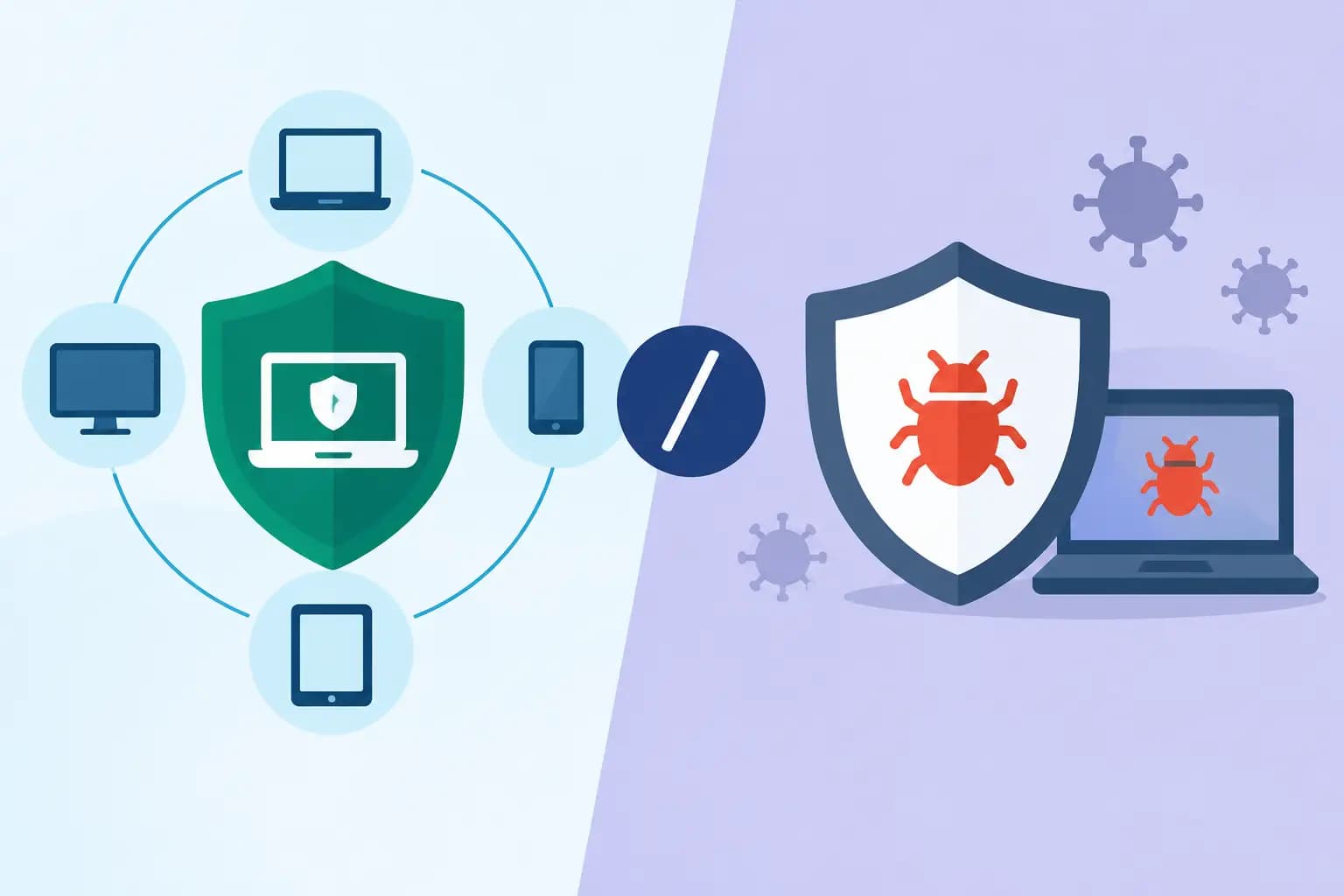
A single employee opening the wrong attachment can turn an ordinary workday into a business interruption. Files may become unavailable, email accounts may be used to send fraud messages, and a seemingly isolated computer issue can spread across shared systems. That is why endpoint detection versus antivirus is a practical business decision, not simply a software comparison.
For small and midsize businesses, antivirus remains a necessary baseline. But it was not designed to handle every modern threat on its own. Endpoint detection and response, often called EDR, adds visibility and investigation capabilities that help a business identify suspicious activity, contain it, and recover faster. The strongest answer is usually not choosing one over the other. It is understanding the role each plays in a managed security plan.
Endpoint Detection Versus Antivirus: The Core Difference
Traditional antivirus is built to prevent known malicious software from running. It scans files, email attachments, downloads, and system activity for signatures or patterns associated with malware. When it recognizes a threat, it blocks, quarantines, or removes it.
That protection matters. Antivirus can stop many common threats before they affect an employee, workstation, or server. It is familiar, relatively straightforward to deploy, and still effective against a large volume of commodity malware.
EDR takes a broader view of what happens on a device. Rather than focusing only on whether a file matches a known threat, it continuously records and evaluates endpoint behavior. It can flag a series of events that look suspicious together: an employee account signing in from an unusual location, a program attempting to change security settings, and an unexpected process encrypting a large number of files.
An endpoint is any device that connects to your business environment, including desktops, laptops, servers, and sometimes mobile devices. EDR gives security teams more context about activity on those devices. That context is the difference between receiving a generic alert and being able to see how a threat entered, what it touched, and whether it moved elsewhere.
Why Antivirus Alone Can Leave Gaps
Antivirus is prevention-focused. It works best when it can identify a threat before that threat executes. Cybercriminals know this, and they regularly adjust their methods to avoid detection.
For example, an attacker may use a compromised Microsoft 365 account instead of malicious software. They may rely on legitimate remote-access tools, steal passwords through a convincing phishing email, or run commands already available within Windows. These techniques can look less like a traditional virus and more like normal system activity used in the wrong way.
This does not mean antivirus has failed or should be removed. It means its scope is limited. Antivirus may not fully explain why an alert happened, whether an attacker gained access before the file was blocked, or whether other devices are at risk.
A business with only antivirus can also face a response problem. If a warning appears after hours, who reviews it? If a laptop shows signs of ransomware, who isolates it before network shares and cloud-synced files are affected? A security tool is only part of the protection. Consistent monitoring and a clear response process determine whether a small incident stays small.
What EDR Adds to Business Security
EDR is designed to detect suspicious behavior, investigate incidents, and support a faster response. Depending on the platform and service arrangement, it may automatically isolate a device from the network while allowing a technician to investigate it remotely. That containment can protect other systems while keeping evidence available for review.
The value is especially clear when a threat is new, customized, or uses valid credentials. EDR can detect behavioral indicators such as unusual PowerShell activity, attempts to disable backups, repeated failed sign-in attempts, credential dumping, or rapid encryption of files. A single event may not prove an attack, but the pattern may warrant immediate action.
For an office manager or business owner, the business outcome is straightforward: less time between suspicious activity and informed action. Faster detection can reduce downtime, limit data exposure, and make recovery more manageable.
EDR also improves post-incident visibility. Instead of guessing which employee clicked a link or whether an affected device accessed a shared folder, an IT team can review a timeline of activity. That helps address the immediate problem and close the weakness that allowed it.
Detection is not the same as response
EDR can produce meaningful alerts, but alerts still require review. Some unusual behavior is legitimate. A construction company may use specialized estimating software that behaves differently from standard office applications. A financial firm may have strict workflows that generate activity requiring careful interpretation. Blocking everything that looks unusual can interrupt operations.
This is where managed monitoring and experienced review matter. The goal is not to create more notifications for employees. It is to identify the alerts that need action, respond according to the business risk, and keep leadership informed in plain language.
Which Option Is Right for Your Organization?
If the question is whether to deploy antivirus or EDR, the practical answer for most businesses is both. Modern EDR platforms frequently include next-generation antivirus capabilities, combining file-based prevention with behavior-based detection and response. The more relevant question is whether the security coverage is appropriate for your environment and actively managed.
A very small business with a few devices and limited sensitive data may begin with business-grade antivirus, strong email filtering, multi-factor authentication, backups, and patch management. Even then, consumer-grade antivirus installed individually on each computer is not enough. Business protection should be centrally managed so device status, alerts, updates, and reporting are visible.
Organizations that handle client financial information, patient-related data, legal records, payment information, or proprietary documents usually need EDR-level visibility. The same applies to businesses with remote employees, multiple locations, shared file systems, cloud applications, or a significant cost of downtime. A real estate office, medical-adjacent practice, accounting firm, or hospitality operation can be affected quickly when employee accounts and connected devices are not monitored closely.
The decision should also reflect your ability to respond. Buying an EDR license without assigning responsibility for alerts leaves an important gap. If no internal IT team is available to investigate events, a managed service provider can monitor protection, maintain policies, coordinate incident response, and ensure every business device is covered.
Security Needs More Than an Endpoint Tool
Endpoint protection is a critical layer, but no single platform can stop every attack. A strong business security program combines technology, operating procedures, and employee awareness.
Multi-factor authentication reduces the damage that stolen passwords can cause. Email security helps stop phishing messages before they reach inboxes. Timely patching closes known software vulnerabilities. Reliable, tested backups provide a recovery path when prevention does not work. User training helps employees recognize suspicious invoices, login prompts, and payment-change requests.
These controls work together. Consider a phishing attack aimed at an accounts payable employee. Email filtering may block it first. If it reaches the inbox, training may prevent the click. If the employee enters credentials into a fraudulent page, multi-factor authentication may stop the attacker from signing in. If malware executes, antivirus and EDR can intervene. If the incident still disrupts files, tested backups support recovery.
That layered approach is more realistic than expecting one security product to carry the entire burden.
Questions to Ask Before You Choose
Business leaders do not need to become cybersecurity specialists, but they should be able to get clear answers from their technology provider. Ask whether every company device is protected and visible from a central console. Confirm who reviews alerts, how quickly critical incidents are addressed, and whether suspicious devices can be isolated remotely.
Also ask how endpoint security fits with Microsoft 365 protections, backup procedures, patching, and employee access controls. A tool that works well by itself but is disconnected from the rest of the environment can create blind spots. Reporting should be understandable enough to show what is protected, what needs attention, and what actions were taken.
Cost deserves an honest discussion as well. EDR and managed monitoring can cost more than basic antivirus, but the comparison should include the cost of downtime, emergency recovery, lost productivity, and possible notification obligations after a breach. Predictable flat-rate IT support can make the investment easier to plan for while avoiding the uncertainty of reacting to every security issue as an emergency.
For Southwest Florida businesses, local accountability also has value when an incident affects the office itself. Prisca Nova combines ongoing remote management with accessible local support, so businesses have a clear point of contact when security and continuity need immediate attention.
The best endpoint security decision is the one that matches your risk, your operational needs, and your capacity to respond. Start by identifying what would happen if a key employee device, shared file system, or Microsoft 365 account were compromised. Then build protection around the time, visibility, and support your business would need to keep moving.