A single employee can receive a convincing invoice, sign into a fake Microsoft 365 page, or open a harmful attachment before anyone realizes there is a problem. For a business, the real question in the EDR versus antivirus software discussion is not which tool has the better name. It is whether your technology can identify suspicious activity early, limit the damage, and help your team continue operating.
Traditional antivirus remains useful. But many small and midsize businesses now face threats that do not behave like the familiar viruses antivirus was designed to stop. Ransomware, stolen credentials, malicious scripts, and unauthorized access can move quickly through an office environment. Understanding the difference helps business leaders make practical security decisions without turning cybersecurity into a full-time internal project.
EDR Versus Antivirus Software: The Core Difference
Antivirus software is primarily designed to prevent known malicious files and programs from running. It scans files, compares them against threat signatures and known behaviors, and blocks threats it recognizes. Modern antivirus products often include useful features such as web filtering, ransomware detection, and automatic updates.
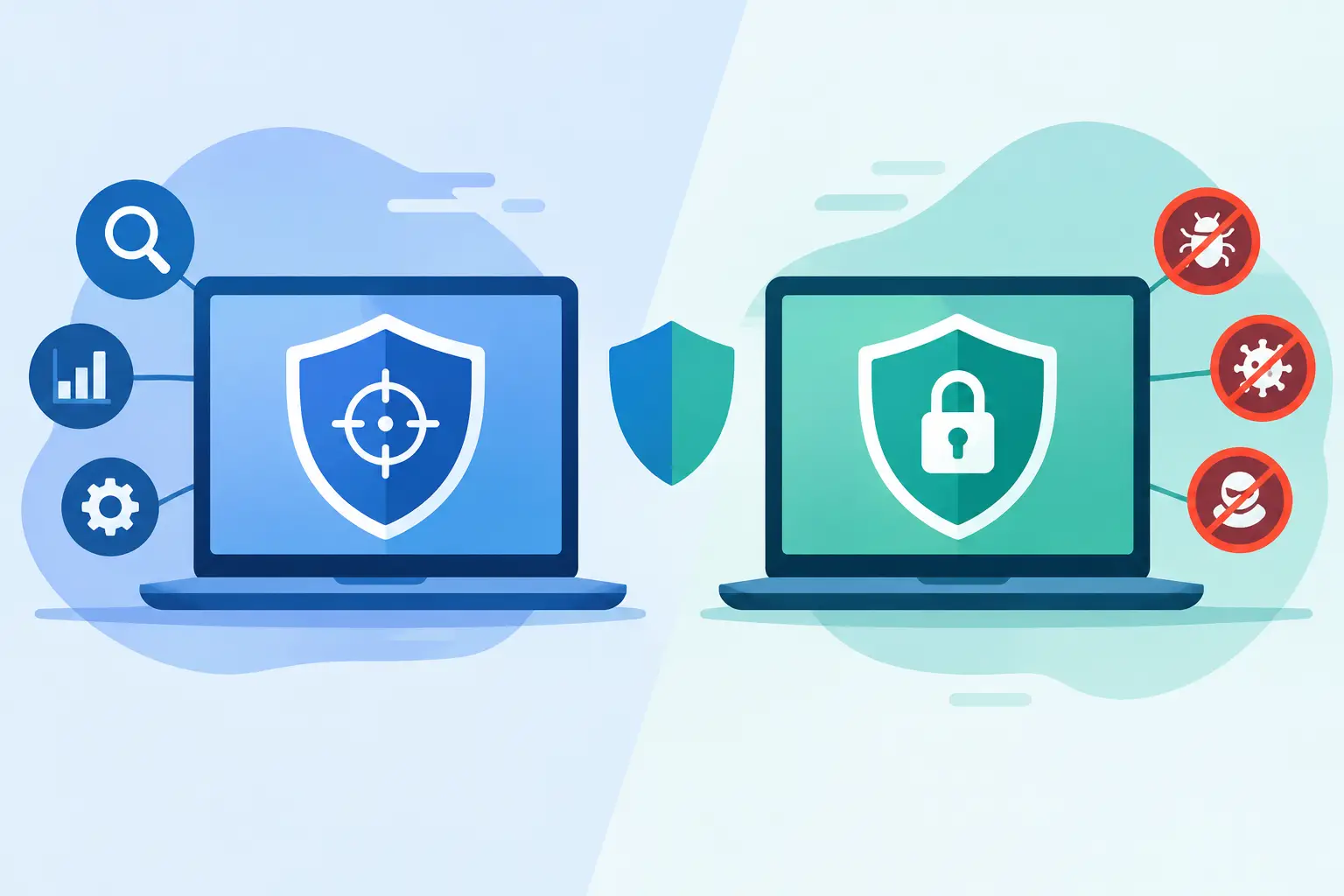
Endpoint detection and response, usually called EDR, goes further. An endpoint is any business device connected to your environment, including laptops, desktops, servers, and sometimes mobile devices. EDR continuously records and analyzes activity on those endpoints so security teams can spot behaviors that may signal an attack, even when the specific file or technique is new.
The difference is similar to having a lock on the front door versus having a security system that notices unusual movement, records what happened, and helps isolate the affected area. A lock is still necessary. It just cannot answer every question after someone finds another way inside.
For example, antivirus may block a known malicious attachment before it opens. EDR may detect that a user account launched an unfamiliar PowerShell command, attempted to disable security controls, and began accessing files it does not normally use. That additional visibility can make a meaningful difference when a threat bypasses an initial defense.
What Antivirus Still Does Well
Antivirus is not obsolete, and businesses should not treat it as a weak or unnecessary layer. It provides valuable baseline protection at a relatively accessible cost. It can stop many common threats before they become a business interruption.
For organizations with a small number of devices, limited sensitive data, and tightly controlled operations, well-managed antivirus may be an appropriate starting point. The key phrase is well-managed. Software that is installed but not monitored, updated, or reviewed creates a false sense of security.
Antivirus is particularly effective for known threats. When a malicious file, website, or program matches intelligence already available to the security vendor, the software can often block it quickly and quietly. That prevention matters because the easiest incident to manage is the one that never reaches an employee's device.
The limitation is that cybercriminals adapt. They may change a file slightly to avoid detection, use legitimate administrative tools for harmful purposes, or gain access through stolen credentials rather than malware. In these cases, there may be no obvious infected file for traditional antivirus to catch.
Where EDR Adds Business Value
EDR is designed to help identify the warning signs that antivirus can miss. Rather than focusing only on whether a file is known to be malicious, it evaluates what is happening across a device. It can flag suspicious logins, unusual processes, repeated failed access attempts, unexpected encryption activity, and other behavior associated with an attack.
That visibility supports faster investigation and response. If a device shows signs of compromise, an IT or security team may be able to isolate it from the network while reviewing what occurred. This can reduce the chance that a ransomware event spreads from one workstation to shared files, servers, cloud accounts, or other business systems.
EDR also creates a clearer record of an incident. Instead of guessing how an attacker entered, a security professional can review device activity and determine which account, process, or action needs attention. That information is valuable for recovery, insurance reporting, compliance obligations, and preventing a repeat incident.
For a Naples financial office, Fort Myers construction company, or Bonita Springs professional-services firm, the value is operational as much as technical. A faster response can mean fewer unavailable computers, less disruption to client service, and a more controlled recovery process.
EDR Is Not a Substitute for Basic Security
Buying EDR does not eliminate the need for layered protection. No single tool can fully protect a business from cyber risk, especially when email, user accounts, cloud platforms, and third-party vendors are involved.
Strong protection typically combines endpoint security with secure Microsoft 365 configuration, multifactor authentication, reliable backups, email filtering, patch management, and employee awareness. Each layer addresses a different failure point. Multifactor authentication helps reduce the impact of stolen passwords. Backups support recovery when systems or files are damaged. Patch management closes known software weaknesses before attackers can exploit them.
EDR is one part of that larger security posture. Its role is to provide deeper endpoint visibility and a stronger response capability when prevention alone is not enough.
The Most Important Question: Who Responds?
The EDR versus antivirus software choice often receives too much attention as a product comparison and not enough attention as an operational question. Alerts only help if someone sees them, understands them, and acts quickly.
An EDR platform can generate a significant amount of information. Some alerts are harmless or require no action. Others may signal an active threat. A business owner or office manager should not have to determine whether an unfamiliar process is routine software behavior or the beginning of a ransomware attack.
This is why managed detection and response matters. With managed oversight, trained professionals review meaningful alerts, investigate suspicious behavior, and take defined response steps. The exact service model varies, but the principle is straightforward: security tools need accountable human oversight.
For organizations without an internal cybersecurity team, a managed IT partner can coordinate endpoint protection, device updates, Microsoft 365 administration, backup planning, and incident response. This reduces gaps between separate vendors and gives leadership a clearer point of contact when something goes wrong.
Which Option Fits Your Business?
Traditional antivirus may be sufficient as a baseline for a very small organization with low operational complexity, minimal sensitive information, and limited exposure. Even then, it should be centrally managed and paired with reliable backups, software updates, and multifactor authentication.
EDR is generally worth considering when your business handles client records, financial data, healthcare-related information, confidential documents, or a meaningful volume of email and cloud collaboration. It is also a stronger fit when employees work remotely, use laptops outside the office, access shared files, or rely heavily on Microsoft 365.
The case becomes more compelling when downtime would be expensive. If an unavailable computer, encrypted file share, or compromised email account could delay projects, interrupt billing, affect customer communication, or halt operations, deeper detection and response capabilities can be a sensible investment.
Cost should be evaluated in context. Antivirus may have a lower monthly price, but the financial impact of an undetected incident can include lost productivity, emergency recovery work, reputational harm, and possible legal or regulatory costs. The right level of protection is not always the most expensive option. It is the one that matches the business's risk, systems, and ability to respond.
Make Security Predictable, Not Reactive
Businesses should ask prospective IT providers how endpoint alerts are monitored, who responds after hours, how quickly affected devices can be isolated, and how recovery will be handled. They should also ask whether cybersecurity costs are predictable or likely to increase during an emergency.
Prisca Nova helps Southwest Florida businesses approach technology as an actively managed business function, with local support, flat-rate service options, and a one-hour response commitment. That model helps reduce the burden on internal staff while keeping security and continuity tied to everyday IT management.
The best endpoint security decision is the one supported by a clear response plan. When a suspicious event occurs, your team should know who is watching, who can act, and how the business will keep moving forward.