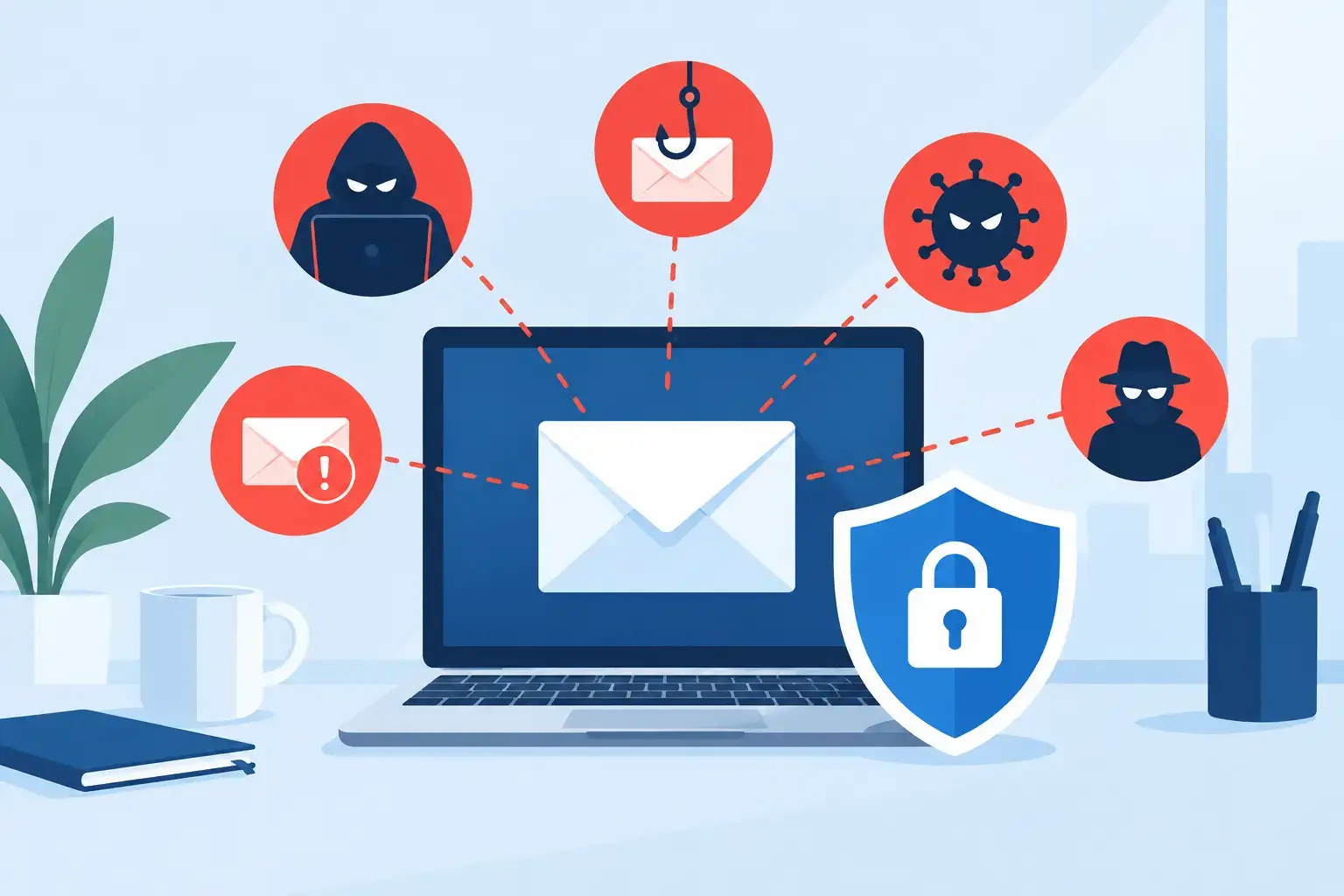
A payment request that looks like it came from a familiar vendor can move through an office in minutes. By the time someone notices a changed bank account number or an unusual tone in the message, funds may already be gone. Common business email threats are not limited to obvious spam. They are designed to look routine, exploit busy employees, and interrupt the operations your business depends on.
For small and midsize organizations in Bonita Springs, Naples, Fort Myers, and across Southwest Florida, email is often where cyber risk becomes a business problem. It carries client documents, invoices, payroll information, login links, contracts, and internal instructions. Protecting it requires more than a spam filter. It requires clear processes, secure Microsoft 365 settings, and people who know when to pause before acting.
Why Business Email Is a Primary Target
Email gives criminals a direct path to employees who can approve invoices, access financial records, share sensitive files, or reset account passwords. A successful attack does not always involve complex malware. Sometimes it is simply a believable message sent at the right moment.
Attackers also understand how local businesses operate. A construction company may receive urgent subcontractor invoices. A real estate office may handle wire instructions and closing documents. A healthcare-adjacent practice may exchange protected client information. A hospitality operation may coordinate seasonal vendors and employee schedules. Each workflow creates opportunities for a criminal to imitate a trusted contact.
The most damaging threats usually combine technical deception with pressure. The message may ask for immediate action, claim a deadline is approaching, or appear to come from an owner, vendor, bank, or Microsoft 365 administrator. That urgency is intentional.
The Most Common Business Email Threats
Phishing emails that steal credentials
Phishing messages try to convince recipients to enter their password on a fake website. They often pose as Microsoft 365, a bank, a file-sharing service, a shipping company, or an internal support team. The email may warn that an account will be disabled, a voicemail is waiting, or a document needs review.
Once a criminal obtains a password, they may sign in to the real mailbox, search for financial conversations, create forwarding rules, and use the account to target coworkers. A stolen mailbox can become a launch point for wider fraud because messages sent from a real internal account carry more credibility.
Multi-factor authentication significantly reduces this risk, but it must be configured and monitored properly. Attackers may still attempt to trick users into approving fraudulent sign-in prompts or give away one-time codes.
Business email compromise and executive impersonation
Business email compromise, often called BEC, is a targeted form of fraud. The attacker impersonates an executive, vendor, customer, or employee and asks someone to send money, purchase gift cards, change payment details, or share confidential information.
These messages may not contain a suspicious attachment or a crude spelling error. In many cases, the attacker has studied the company through public information, social media, prior email theft, or compromised vendor accounts. They know who has authority and who handles payments.
A request from the owner to pay an invoice outside the normal process should never be treated as routine, even if the message appears legitimate. Verify it through a known phone number or a separate, trusted communication method. Do not reply directly to the suspicious email for confirmation.
Vendor invoice and payment diversion fraud
Invoice fraud is especially costly because it can look like ordinary accounts payable work. A criminal may send a fake invoice, alter a legitimate invoice, or claim that a vendor has updated its banking information. The request may reference an actual project, invoice number, or vendor contact.
The strongest defense is a payment verification process that does not depend on email alone. When banking instructions change, staff should call a known vendor contact using a number already on file. A second approver for high-value payments adds another safeguard. These steps may add a few minutes to a transaction, but that is a reasonable trade-off compared with an unrecoverable wire transfer.
Malicious attachments and links
Some emails carry files or links designed to install malware, steal data, or direct employees to fraudulent login pages. Common file types include invoices, scanned documents, shared folders, and supposedly secure PDFs. A link can be hidden behind familiar wording such as "view document" or "listen to voicemail."
Modern email security tools can block many known threats before they reach an inbox. They cannot catch every new or highly targeted attack. Employees should be cautious when an attachment is unexpected, a file asks them to enable macros, or a message creates urgency without a clear business reason.
Account takeover from compromised mailboxes
A mailbox takeover happens when an attacker gains access to a legitimate email account. They may quietly monitor messages for days or weeks before acting. During that time, they learn how the company communicates, identify payment cycles, and watch for sensitive information.
Because the attacker is using a real account, the messages can bypass the usual warning signs. Customers and vendors may receive fraudulent requests from an address they recognize. The longer the compromise goes unnoticed, the greater the chance of reputational damage, financial loss, and data exposure.
Warning signs include unexpected inbox rules, sent messages an employee does not recognize, unfamiliar sign-in notifications, missing emails, or complaints from contacts about unusual requests. These should be treated as security incidents, not ordinary email problems.
Spoofed domains and lookalike addresses
A fraudulent sender address can be very close to a real one. An attacker may replace a letter, add a hyphen, use a different domain extension, or display a familiar name while sending from an unrelated address. On a phone screen, the difference may be hard to see.
Email authentication controls such as SPF, DKIM, and DMARC help receiving systems identify messages that are not authorized to use your domain. They also help protect your own customers and vendors from emails that falsely appear to come from your organization. These controls require thoughtful setup because an incorrect configuration can affect legitimate mail delivery.
Controls That Reduce Email Risk
A reliable email security program combines technology with repeatable business habits. The goal is not to make staff suspicious of every message. It is to make risky requests harder to complete and easier to catch.
Start by protecting Microsoft 365 accounts with multi-factor authentication, strong password policies, and alerts for unusual sign-ins. Review administrative access regularly and remove accounts that are no longer needed. Limit the number of people who can create mailbox forwarding rules, change security settings, or authorize major financial actions.
Next, use professionally managed email filtering that checks incoming messages, attachments, and links. Filtering is most effective when it is monitored and adjusted over time, particularly when a business changes vendors, adds cloud applications, or sees a new pattern of suspicious email.
Employee training should focus on the decisions people make during a normal workday. Teach staff how to inspect sender addresses, recognize unexpected login requests, report suspicious messages, and verify financial changes outside email. Brief, recurring training is generally more effective than an annual presentation people forget by the next week.
For payments, establish written verification steps. A changed bank account, a request for confidential records, or an urgent wire instruction should trigger a separate confirmation procedure. The process should apply even when the request appears to come from a senior leader. Clear rules protect employees from feeling pressured to bypass controls.
Finally, make sure your business has an incident response plan. If a mailbox is compromised, the first steps matter: secure the account, revoke suspicious sessions, reset credentials, review forwarding rules, identify affected conversations, and notify the right parties. Fast response can limit the damage before a fraudulent payment or broader data exposure occurs.
When a Suspicious Email Appears
Employees should not forward a suspicious message to coworkers, click a link to investigate, or reply to challenge the sender. Instead, they should report it through the company’s established process and leave the message available for review. If someone has already entered a password or opened an attachment, prompt reporting is essential. Early action is far more valuable than embarrassment or silence.
A managed IT partner can provide the monitoring, Microsoft 365 administration, and response process that many small businesses cannot maintain internally. Prisca Nova helps Southwest Florida organizations put practical controls around the tools they already use, with local accountability and a one-hour response commitment when technology concerns need attention.
The safest email environment is not the one that assumes every employee will spot every scam. It is the one where technical safeguards, payment procedures, and responsive support give people a clear next step when something does not look right.