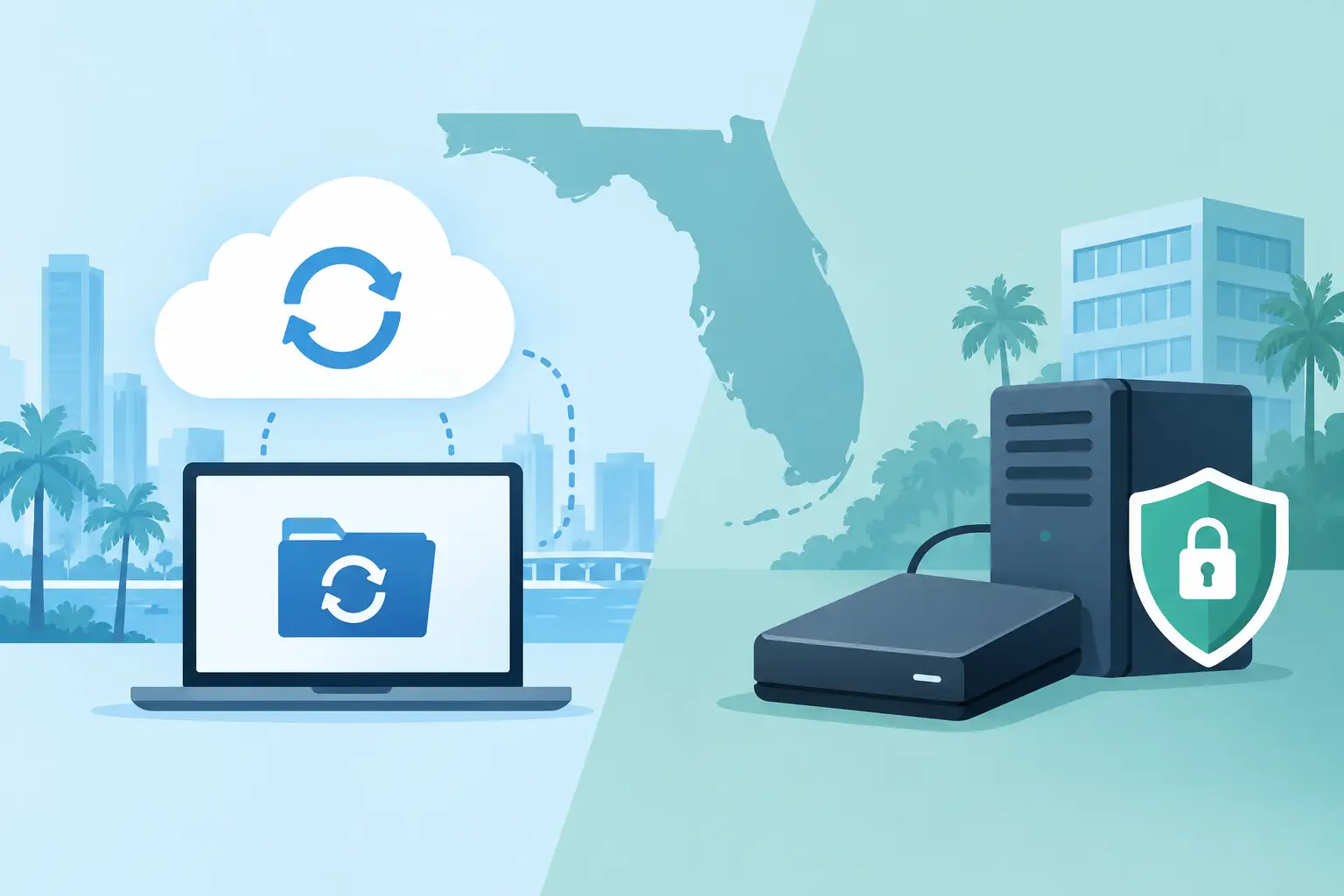
A failed server at 10:30 a.m. is not the time to decide where your files should have been stored. In the cloud backup vs local backup discussion, the right answer for most Southwest Florida businesses is not choosing one location over the other. It is building a recovery plan that protects critical data from everyday disruptions, cyberattacks, and regional events such as extended power outages or severe weather.
Your backup approach affects how quickly your team can resume work, how much data you could lose, and whether a technology problem becomes a short interruption or a costly operational shutdown. For businesses without a large internal IT department, the priority is straightforward: data must be protected, recoverable, and managed without creating another daily responsibility.
Cloud Backup vs Local Backup: The Business Difference
Local backup stores a copy of your data on equipment at or near your office. That may be a network-attached storage device, backup appliance, external drive, or secondary server. Because the data is nearby, local recovery can be very fast when a file is deleted, a workstation fails, or a server needs to be restored.
Cloud backup sends an encrypted copy of data to secure off-site infrastructure. Recovery depends on your internet connection, the amount of data involved, and the backup provider's recovery options. Its greatest value is geographic separation. If the office, local hardware, or network is damaged, the backup remains available elsewhere.
Neither approach is automatically safer simply because it is local or cloud-based. The real question is whether the solution is monitored, encrypted, protected from unauthorized changes, and tested often enough to prove it can recover your business systems.
| Backup type | Best business advantage | Main limitation | |---|---|---| | Local backup | Fast restoration of large files and servers | Can be affected by theft, fire, flooding, power events, or ransomware | | Cloud backup | Off-site protection and access after a site-level incident | Large recoveries may take longer without proper planning | | Hybrid backup | Combines quick local recovery with off-site resilience | Requires professional configuration and ongoing oversight |
Where Local Backup Performs Well
A local backup is particularly useful when downtime has an immediate operational cost. A construction office may need shared project files restored quickly. A healthcare-adjacent practice may need access to scheduling and documentation systems. A financial or legal office may need to recover a large volume of records without waiting for those files to download over an internet connection.
For these situations, a properly sized local backup device can shorten recovery time significantly. It can also support faster restoration of a full server, virtual machine, or line-of-business application.
However, local does not mean protected by default. A backup drive left connected to the network may be encrypted along with the production data during a ransomware attack. A backup appliance in the same building can be lost in the same flood, fire, electrical event, or break-in that affects your primary systems. Local backup is valuable, but it should not be the only copy of business-critical data.
Why Cloud Backup Matters in Southwest Florida
Cloud backup gives your business separation from its physical location. That matters when a local incident affects more than one computer. A failed air-conditioning system in a server room, an electrical surge, a building-access issue, or severe weather can put onsite systems and onsite backups at risk together.
With an off-site backup, your recovery plan has a path forward even when your office is unavailable. Depending on the system and configuration, employees may be able to work from another location, recover data to replacement equipment, or restore critical applications in a hosted environment.
Cloud backup also helps organizations that rely on Microsoft 365. Email, OneDrive, and SharePoint provide valuable availability features, but availability is not the same as a complete backup strategy. Accidental deletions, overwritten files, retention limits, and compromised user accounts can still create recovery problems. A separate backup gives the business more control over how far back it can restore data and what it can recover.
The trade-off is recovery speed. Restoring a few documents from cloud backup is usually simple. Recovering several terabytes of server data may take longer, particularly if internet bandwidth is limited. This is why recovery planning should account for the size and importance of each system, not just whether a cloud copy exists.
The Better Choice Is Usually a Hybrid Backup Strategy
For most small and midsize organizations, the cloud backup vs local backup decision is best treated as a layered protection strategy. Keep a local copy for rapid restoration. Maintain an encrypted off-site copy so the business can recover after an incident that affects the office or the local backup device.
This approach aligns with the commonly used 3-2-1 backup principle: maintain at least three copies of your data, stored on two different types of media, with one copy kept off-site. For businesses facing ransomware risk, an additional safeguard is often needed: a backup copy that cannot be altered or deleted by an attacker using compromised administrator credentials.
A hybrid plan does require more than purchasing hardware and turning on a backup application. It requires decisions about what gets backed up, how long data is retained, who receives alerts, and which systems must be restored first. Those details determine whether your backup supports continuity or only creates the appearance of protection.
Build a Backup Plan Around Recovery, Not Storage
Business leaders should start with the outcome they need after an interruption. Ask how long the company can operate without its accounting platform, shared files, email, phones, customer records, or industry-specific applications. The answer may be different for each system.
Two measures help turn that conversation into a plan. Recovery time objective, or RTO, is how quickly a system must be available again. Recovery point objective, or RPO, is how much recent data the business can afford to lose. If a company backs up a database once per day, it may lose up to a day of changes after a failure. If that is unacceptable, backups need to run more frequently.
A practical business backup plan should address at least these five areas:
- Critical systems: Identify servers, applications, shared folders, cloud platforms, and endpoints that hold essential data.
- Backup frequency: Match backup intervals to the amount of work your business can afford to recreate.
- Retention: Keep data long enough to recover from delayed errors, fraudulent activity, or an undetected security incident.
- Security controls: Use encryption, restricted access, multi-factor authentication, and protected backup copies that are difficult for attackers to change.
- Recovery testing: Restore files and systems on a schedule, document the results, and correct gaps before an emergency exposes them.
Testing deserves special attention. A backup job can report success even if the wrong folders were selected, an application database was not captured correctly, or the data cannot be restored in a usable condition. A documented recovery test provides evidence that the plan works when it matters.
Avoid Common Backup Gaps
Many businesses discover too late that important data was never included in the backup scope. Desktop files, cloud collaboration data, accounting applications, phone-system settings, and data stored on employee laptops are common blind spots. So are credentials, encryption keys, and current documentation needed to rebuild systems.
Another common issue is assuming a file synchronization platform is a backup. Synchronization is designed to make the latest version of a file available across devices. If a user deletes a file or ransomware encrypts it, that change can synchronize quickly. Backup should provide recoverable versions across a defined retention period.
The final gap is ownership. If no one is reviewing failed backup alerts, checking storage capacity, or validating recovery procedures, the organization is relying on hope rather than a managed process. A professionally managed backup environment provides accountability for those routine but essential checks.
Prisca Nova helps Southwest Florida organizations align backup, cybersecurity, Microsoft 365 administration, and day-to-day IT support into one accountable plan. With local support, flat-rate service options, and a one-hour response commitment, businesses can spend less time coordinating technology vendors and more time operating with confidence.
The most useful backup plan is the one your business can actually recover from on a difficult day. Keep a fast local path for routine disruptions, maintain a secure off-site copy for larger events, and test both before your next interruption makes the decision for you.