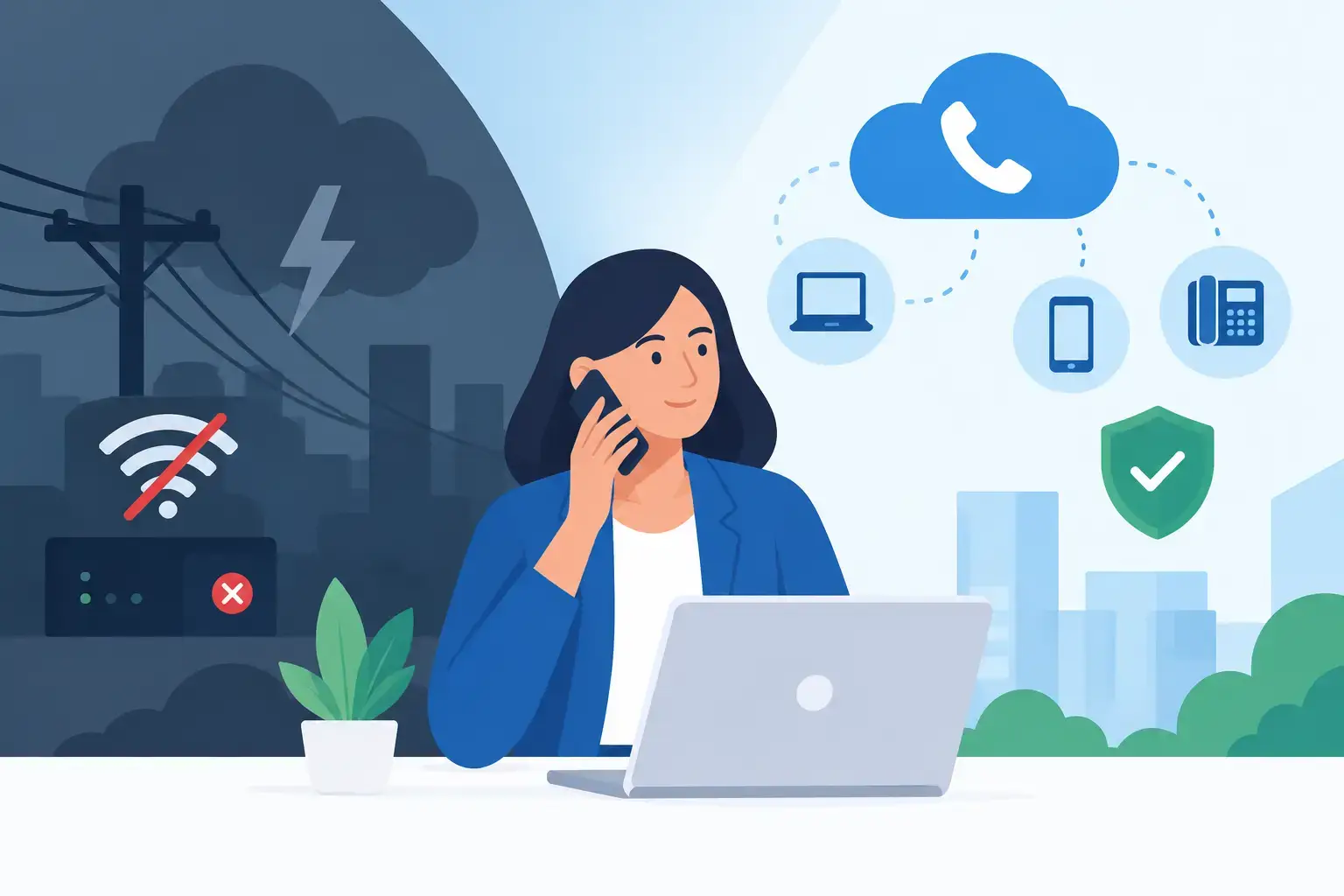
A storm takes down commercial power, your office internet drops, and the front desk phones go quiet. For a client trying to reach your practice, property office, or job site, the reason does not matter - they just need someone to answer. So, can VoIP work during outages? Yes, but only when the phone system, internet connection, power plan, and call-routing settings have been designed for continuity.
VoIP is not tied to a traditional phone line that runs directly from the phone company into your building. Calls travel over an internet connection and are managed through a hosted phone platform. That flexibility can keep your business reachable when an office is unavailable, but it does not make every desk phone immune to a power or connectivity failure.
Can VoIP Work During Outages?
A cloud-based VoIP system can continue processing calls even when your building loses power, provided the hosted phone provider remains operational. The key difference is where calls are routed. If your main business number is configured to ring a mobile phone, a remote employee, or another location when the office cannot answer, customers can still reach your team.
However, the physical phones at your desks generally need both electricity and a working network connection. If the power is out and there is no battery backup or generator, those phones will not operate. If the internet service is down, they may have power but still cannot connect to the phone platform.
This is why the right question is not simply whether VoIP works during an outage. The better question is: Which parts of your communication plan will still be available, and who will answer the call?
What a VoIP System Needs to Stay Available
Business continuity depends on several connected pieces. A problem with any one of them can change how calls are handled.
Power at the office
VoIP desk phones, network switches, wireless access points, routers, modems, and firewalls all require power. A battery backup, commonly called a UPS, can keep this equipment running through a short outage. For a longer interruption, a properly sized generator may be necessary.
A UPS is especially useful because it can protect against brief power flickers and give equipment time to stay online or shut down properly. It is not a long-term substitute for generator power. The runtime depends on the battery capacity and the equipment connected to it.
Internet access
Even with power, a VoIP phone needs a path to the internet. A cable, fiber, or fixed wireless outage can prevent desk phones from registering with the hosted system. Cellular backup internet can help, but it must be planned and tested in advance. It also needs enough capacity to support the calls, cloud applications, and other traffic your team depends on.
For some Southwest Florida businesses, internet redundancy is worth considering well before hurricane season. A primary wired connection paired with a secondary connection from a different provider or technology type can reduce the chance that one local disruption cuts off every service at once.
The hosted phone platform
With a business VoIP system, the call-control platform is typically hosted outside your office. That means an office power failure does not necessarily take down your phone number, voicemail, auto attendant, or call queues. The platform can continue receiving calls and applying the rules you have configured.
Those rules matter. If calls are only set to ring desk phones, callers may hear ringing with no answer. If unanswered calls are configured to forward to designated mobile numbers after a short delay, the same outage can become manageable rather than disruptive.
The person answering
Forwarding calls to mobile devices is often the most practical continuity option, but it has trade-offs. Employees need clear instructions, reliable cellular service, adequate phone battery life, and a way to see who is calling. They also need to know how to transfer calls, retrieve voicemail, and protect sensitive information while working away from the office.
A personal cell phone may be enough for a short interruption. During an extended closure, staff may be better served by a VoIP mobile app or softphone on a laptop so they can use the business number, caller ID, directory, and call-handling features consistently.
Different Outages Create Different Results
A short utility outage is not the same as a regional internet failure or an office evacuation. Your phone plan should account for the scenario, not just the technology.
If only office power fails, a hosted VoIP system can usually forward calls elsewhere. If the building has generator power and internet remains available, desk phones may continue working normally. If the internet provider is down but cellular service is available, staff may be able to work from mobile devices or a cellular backup connection.
A broader storm event introduces another reality: mobile networks can become congested, employees may be displaced, and local internet repairs may take longer than expected. Call forwarding remains useful, but it should be paired with an established communication plan. Decide who owns the primary call queue, who serves as backup, which number customers should call, and how your team will communicate if normal tools are unavailable.
For businesses that handle time-sensitive or confidential calls, such as healthcare-adjacent offices, financial firms, legal practices, and property management companies, continuity also includes privacy. Forwarding a call is not enough if employees are discussing client information in public places or using personal voicemail without proper controls.
Build a Practical VoIP Outage Plan
The best time to test call routing is not when a tropical system is approaching the Gulf. A short, scheduled test can expose weak points before customers encounter them.
A practical plan should address at least these five items:
- Confirm where your main number, direct-dial numbers, and after-hours calls will route if the office is unreachable.
- Place battery backup or generator power behind the modem, firewall, network switch, and any critical desk phones.
- Determine whether a secondary internet connection or cellular failover is justified for your operations.
- Give designated employees access to the VoIP mobile app or softphone, and verify they can answer, transfer, and return calls using the business number.
- Test the plan periodically, including after phone-system changes, staffing changes, or network upgrades.
Keep the plan simple enough that an office manager or designated leader can activate it without waiting for technical help. Document the forwarding destination, account access process, staff contacts, and escalation steps. If call routing requires a password, make sure the authorized people can securely access it outside the office.
Why Professional Configuration Matters
VoIP systems are often sold as flexible, but flexibility can create gaps when settings are left at their defaults. A business may have voicemail enabled but no overflow routing. It may have mobile apps available but no staff training. It may own battery backups that protect computers while leaving the router and phone switch unplugged during an outage.
A managed technology partner can review the full chain: power protection, internet resilience, phone-system configuration, user access, cybersecurity, and recovery procedures. That approach is more valuable than treating phones as a separate service because a missed call can be caused by any point in the chain.
For Southwest Florida organizations, local accountability also matters when conditions change quickly. Prisca Nova helps businesses plan and manage VoIP, network, cloud, and cybersecurity services as connected business functions, with a one-hour response commitment and predictable flat-rate support.
Your phones do not need to be physically sitting in a powered office for customers to reach your business. But someone, somewhere, needs a tested way to receive the call. Put that path in place now, and an outage becomes a service challenge your team is prepared to handle rather than a silent interruption your customers remember.