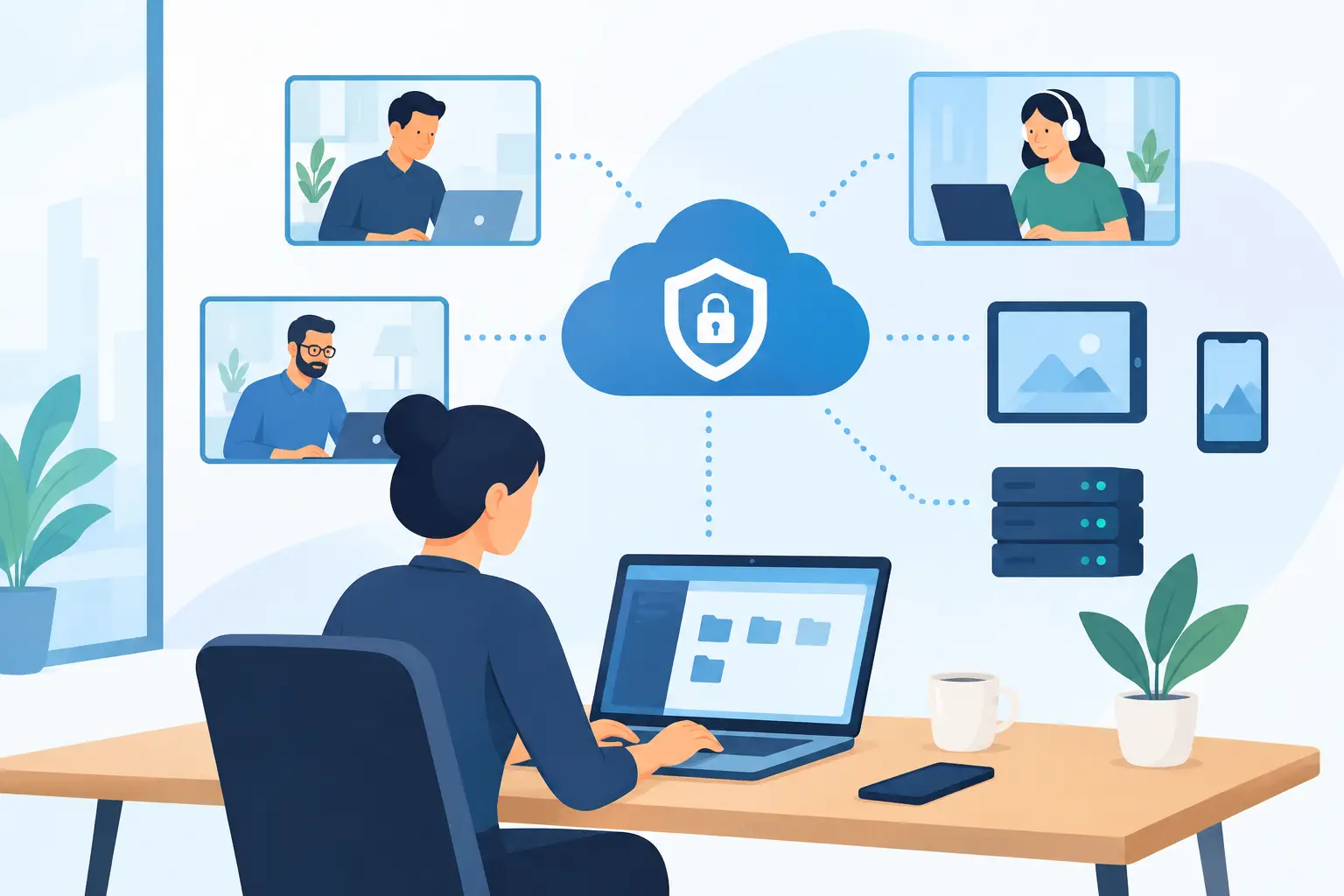
A storm closes the office. A project manager needs a file from home. A field employee must update a customer record before the next appointment. These are ordinary business moments, but they quickly expose weak technology planning. The best remote access solutions give employees a dependable way to work without turning company systems and data into an easy target.
For small and midsize businesses in Southwest Florida, remote access is not simply a work-from-home feature. It is part of continuity planning. It affects how quickly your team can respond after a disruption, how well you protect client information, and whether employees can stay productive outside the office without calling someone for passwords, workarounds, or access to a personal device.
What a Business Remote Access Solution Should Do
A business-grade remote access setup should provide more than a login screen. It should verify the identity of the user, limit access to the systems that person actually needs, encrypt connections, and create a clear record of access activity. It also needs to work reliably on the devices and internet connections your team uses every day.
The right approach depends on your workflow. A construction company may need secure access to project documents and estimating software from job sites. A financial or healthcare-adjacent office may need tighter controls around client data. A professional services firm may primarily need dependable access to Microsoft 365, shared files, and a line-of-business application housed at the office.
The common requirement is control. Employees should be able to work from authorized locations and devices, while management retains the ability to approve access, remove it quickly, and respond when something looks unusual.
The Best Remote Access Solutions Depend on the Workload
There is no single product that is automatically the best fit for every business. Most organizations choose from three primary models, sometimes using more than one.
Secure cloud application access
For teams that mainly work in Microsoft 365 and browser-based business applications, secure cloud access may be enough. Employees use managed accounts to reach email, Teams, SharePoint, OneDrive, and approved software from any authorized location.
This is often the simplest model to maintain because the applications are not tied to an office computer. However, it still requires careful Microsoft 365 administration, multi-factor authentication, account monitoring, and clear policies for personal devices. Cloud access is convenient, but convenience without identity controls can create unnecessary exposure.
Virtual private network access
A virtual private network, or VPN, creates an encrypted connection from an approved device to resources on the company network. It can work well when employees need access to a file server, an on-premises application, or office-based systems that have not moved to the cloud.
A VPN is not a complete security strategy by itself. Broad network access can give a compromised user or device too much visibility inside the environment. A properly configured VPN should require multi-factor authentication, use current encryption settings, receive regular updates, and limit access by role whenever possible.
Remote desktop access
Remote desktop tools allow a user to control an office computer from another location. This can be practical for software that only runs on a specific workstation or requires a local configuration. It may also be useful for a small number of employees who need the same desktop environment whether they are at home or in the office.
The trade-off is that remote desktop access can become difficult to manage as a team grows. Each office computer must remain powered on, patched, protected, and available. Exposing remote desktop services directly to the public internet is a serious risk and should be avoided.
Cloud desktops
Cloud desktop services, including Amazon WorkSpaces, provide employees with a dedicated business desktop hosted in the cloud. Users can access their assigned desktop from approved devices while applications and data remain in a centrally managed environment.
This model is especially useful for businesses that need consistent desktops for remote or seasonal staff, want to reduce dependence on office hardware, or need to keep sensitive work inside a controlled environment. It can involve a higher monthly investment than basic cloud application access, but it may reduce device management challenges and support stronger continuity planning.
How to Evaluate Remote Access Options
The best choice is the one that fits your operations and can be managed consistently over time. Before selecting a platform, focus on how people actually work rather than starting with a product name.
Start with applications and data
Identify what employees need to reach remotely. Email and shared files have different requirements from accounting software, design applications, patient-related records, or a server-based database. Knowing where the application and data reside will narrow the appropriate options quickly.
If a critical application runs only on an office server, a cloud file-sharing tool alone will not solve the problem. If your team already works primarily in Microsoft 365, a full virtual desktop environment may be more than necessary for every employee.
Match access to job roles
Not every employee needs the same level of access. An office manager may need financial records, while a field supervisor may only need project documents and email. Role-based access reduces risk and makes it easier to remove permissions when responsibilities change.
This is particularly important when a business uses contractors, temporary personnel, or seasonal employees. Access should be granted deliberately, reviewed regularly, and removed immediately when it is no longer needed.
Treat identity security as a requirement
Passwords alone are not sufficient protection for remote work. Multi-factor authentication should be standard for email, cloud applications, VPN connections, remote desktop services, and administrative accounts. A stolen password should not be enough for an attacker to reach company systems.
Businesses should also use managed devices whenever practical. Endpoint security, operating system updates, drive encryption, and screen-lock policies matter because remote access is only as secure as the computer connecting to it.
Plan for support and interruption
Remote access is most valuable when an employee needs it urgently. Ask who will handle a failed login, a locked account, an expired certificate, a home internet issue, or a device that cannot connect. A platform may look affordable until lost productivity and emergency troubleshooting are included.
For many small businesses, the stronger option is a managed solution with documented setup, ongoing monitoring, and responsive support. Predictable monthly costs can be easier to budget than one-time projects followed by unpredictable repair bills.
Common Mistakes That Create Avoidable Risk
The most common failure is allowing remote access to grow without a plan. An employee installs an inexpensive remote-control tool, a former contractor keeps an active account, or a shared password becomes the informal way to access a system after hours. These shortcuts can remain invisible until an incident occurs.
Another mistake is assuming backups replace remote access planning. Backups are essential for recovery, but they do not help employees work during a short-term office closure or internet outage. Businesses need both: protected backups for recovery and secure access methods for continuity.
Finally, avoid treating remote access as a one-time installation. Employee roles, software, devices, threats, and compliance expectations change. Access rights and security settings need periodic review.
A Managed Approach Makes Access More Predictable
A managed technology partner can evaluate your applications, users, data sensitivity, and continuity requirements before recommending a setup. That assessment should lead to clear decisions about cloud access, VPN use, remote desktops, cloud desktops, device standards, and multi-factor authentication.
For Southwest Florida businesses, local accountability also matters. Prisca Nova provides proactive IT management, cybersecurity protection, Microsoft 365 support, VoIP, and cloud solutions with flat-rate pricing and a one-hour response commitment. That means remote access can be managed as part of the broader technology environment rather than as a disconnected tool.
The practical goal is straightforward: your people should be able to work when the office is unavailable, while your business maintains control of its systems and information. A well-managed remote access plan turns an unexpected disruption into an operational inconvenience instead of a full stop.