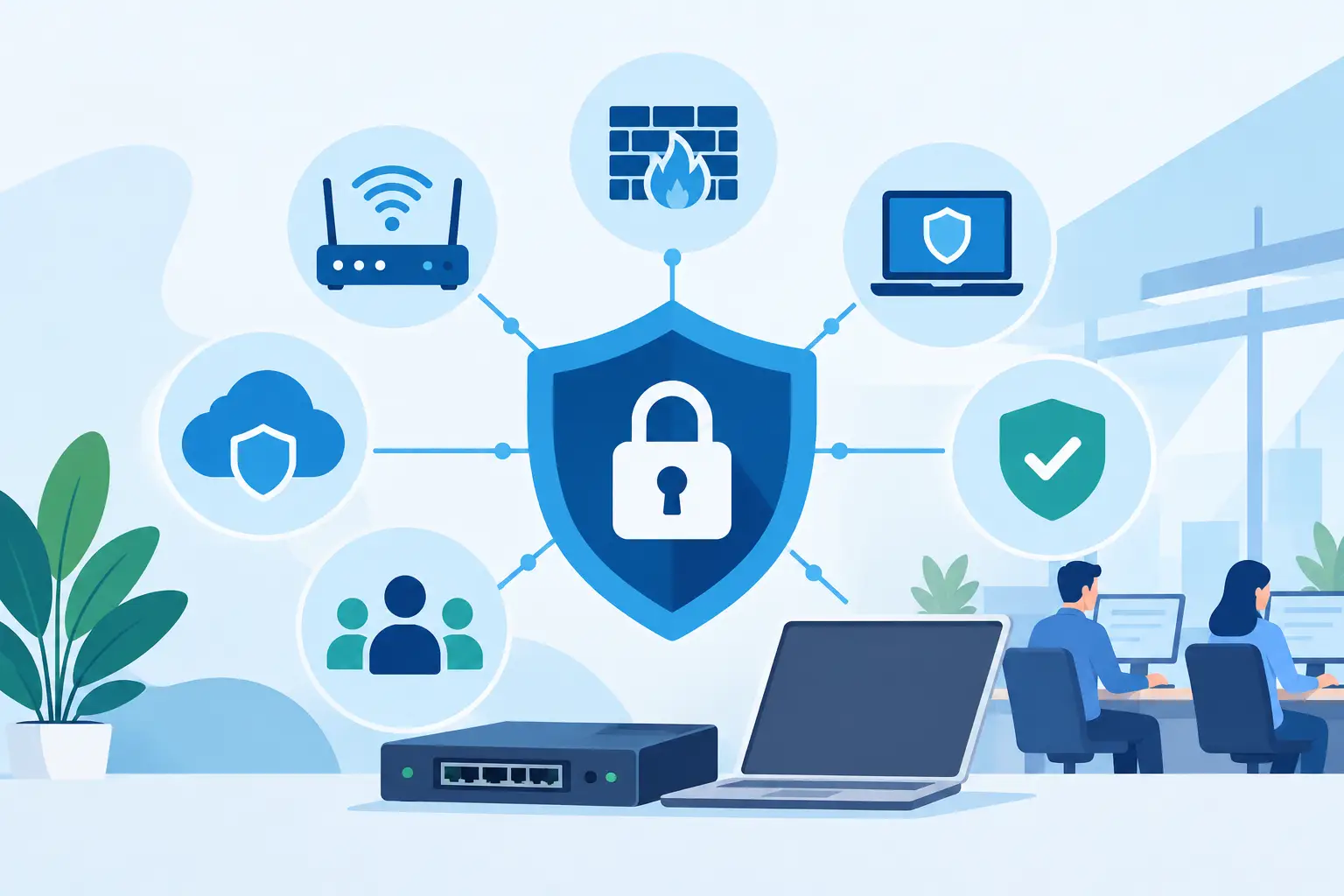
A phishing email reaches one employee. A lost password opens Microsoft 365. An unpatched firewall leaves a remote access service exposed overnight. For a small business, these are not abstract technical concerns - they can interrupt billing, scheduling, phones, customer service, and access to critical files. The best network security upgrades reduce those points of failure without turning your team into full-time IT administrators.
The right priorities depend on how your business operates. A Naples financial office protecting client records has different risks than a Fort Myers construction company with mobile crews, for example. Still, a few security upgrades consistently deliver the most meaningful protection for small and midsize organizations across Southwest Florida.
1. Replace Basic Firewall Protection With Managed Threat Prevention
A business-grade firewall is the control point between your network and the internet. If your current setup is an internet provider device, an aging firewall, or equipment that has not been reviewed in years, this is often the first upgrade to make.
Modern firewall protection goes beyond allowing or blocking traffic. It can identify suspicious connections, stop known malicious activity, restrict inappropriate web traffic, separate guest devices from business systems, and create safer connections for approved remote users. Those protections need ongoing attention. A firewall installed once and left untouched will not keep pace with new threats, changing staff needs, or vendor security updates.
Managed firewall service is usually a better fit than asking an office manager to watch alerts. It includes configuration, firmware updates, monitoring, documented rules, and a clear process for responding to concerns. The trade-off is a monthly service cost, but it is generally far less disruptive than reacting after an intrusion or a network outage.
2. Add Multi-Factor Authentication Where It Matters Most
Passwords remain a common entry point for cybercriminals. Employees may reuse them, enter them on a convincing fake login page, or unintentionally approve access from an unfamiliar device. Multi-factor authentication, or MFA, requires a second form of verification such as an authenticator app, security key, or approved device prompt.
Start with Microsoft 365 email, cloud storage, VPN access, remote desktop tools, accounting platforms, banking portals, and administrative accounts. These systems either contain sensitive business information or can provide a path into other systems.
MFA is not completely frictionless. Staff members need clear instructions, a plan for replacement phones, and an approval process that does not slow down legitimate work. Those small inconveniences are worthwhile. A stolen password should not be enough for an attacker to access company email or financial data.
3. Separate Your Network Into Purpose-Built Segments
Many offices still operate on one flat network, where computers, printers, cameras, guest phones, smart televisions, and specialty devices can all communicate freely. That convenience also gives a security incident room to spread.
Network segmentation separates devices into controlled groups. Your employee computers might be isolated from guest Wi-Fi, while security cameras, VoIP phones, and building systems sit on their own segments. If a guest device is compromised, it should not have a direct path to workstations or shared files. If an older specialty device cannot be upgraded, segmentation can limit the risk it presents.
This is especially useful for healthcare-adjacent offices, hospitality organizations, and businesses that support visitors, contractors, or many mobile devices. It takes planning because some systems need to communicate with each other. A properly designed network maps those requirements before restrictions are applied, avoiding the surprise of a printer, phone, or line-of-business application no longer working.
4. Upgrade Endpoint Protection and Patch Management
Every laptop, desktop, and server connected to your network is an endpoint. Traditional antivirus alone is no longer enough protection for these devices. Modern endpoint protection can detect suspicious behavior, isolate a device when needed, and give IT support staff better visibility into an active incident.
That visibility matters when an employee clicks a malicious attachment or a browser download contains harmful code. The goal is not only to detect the issue, but to limit its spread and respond quickly before business operations are affected.
Patch management is the other half of this upgrade. Software providers routinely release security fixes for operating systems, browsers, applications, and network equipment. Delaying updates creates openings that attackers actively look for. Yet installing every update immediately is not always practical for a business with specialized software or limited operating hours.
A managed patching plan balances speed and stability. Critical updates are prioritized, routine updates are scheduled, devices are monitored for failures, and exceptions are documented instead of ignored. That makes security maintenance more predictable without requiring staff to chase update reminders.
5. Protect Business Email With Advanced Filtering and Monitoring
Email is where many attacks begin because it is where people make decisions. Criminals impersonate vendors, request payment changes, send fake document-sharing notices, and create messages that appear to come from an executive or trusted partner.
Advanced email security adds layers beyond standard spam filtering. It can inspect links and attachments, identify impersonation attempts, quarantine suspicious messages, and flag unusual mailbox behavior. It should also work alongside Microsoft 365 security settings, not replace them.
Technology helps, but employees still need a simple process for reporting questionable messages and confirming unusual payment requests. A policy requiring verbal verification for changed banking details can stop a costly wire fraud attempt. The policy must be practical enough that staff will follow it when they are busy.
6. Build Backups That Can Recover From Ransomware
Backups are a security upgrade because ransomware is an availability problem as much as a data problem. If files are encrypted, deleted, or made inaccessible, the question becomes how quickly your organization can restore operations.
Reliable backups should be automated, protected from unauthorized changes, and tested through actual restoration. A backup that exists but cannot be recovered is not a business continuity plan. Many businesses also need more than a copy of a local server. Microsoft 365 email, SharePoint files, cloud applications, and key configuration data may need separate backup coverage.
The best design depends on the data you use and how long you can operate without it. A real estate office may need rapid recovery of transaction documents, while a professional services firm may prioritize client files and email records. Establish realistic recovery objectives before choosing storage and retention options.
7. Add Continuous Monitoring and a Response Plan
Security tools generate warnings, but warnings do not protect a business if nobody sees them or knows what to do next. Continuous monitoring gives your organization a way to identify unusual activity, failed login patterns, vulnerable systems, and potential threats before they become a larger incident.
Just as important, create an incident response plan that answers practical questions. Who has authority to disconnect a device? Who contacts your IT provider? Where are emergency vendor contacts stored? How will you communicate with employees if email is unavailable? These decisions are far easier to make before an event.
For businesses without an internal IT department, a managed services partner can provide the ongoing oversight that security tools require. Prisca Nova supports Southwest Florida organizations with proactive management, cybersecurity, and a one-hour response commitment, helping turn security from an occasional project into an accountable operating function.
How to Prioritize the Best Network Security Upgrades
Do not try to purchase every possible security product at once. Start by identifying the systems that would cause the greatest interruption if they were unavailable or compromised: email, financial applications, customer data, phones, shared files, and remote access. Then address the most likely routes into those systems.
For many small businesses, the practical first sequence is MFA, managed firewall protection, endpoint security and patching, verified backups, then network segmentation and deeper monitoring. A company with many remote workers may move secure remote access higher on the list. A business handling regulated or highly sensitive data may need stricter access controls and auditing sooner.
Security is most effective when it supports normal work instead of fighting it. Choose upgrades that your organization can maintain, test, and explain to employees. When protection is professionally managed and response responsibilities are clear, your team can focus on serving customers with fewer avoidable interruptions.