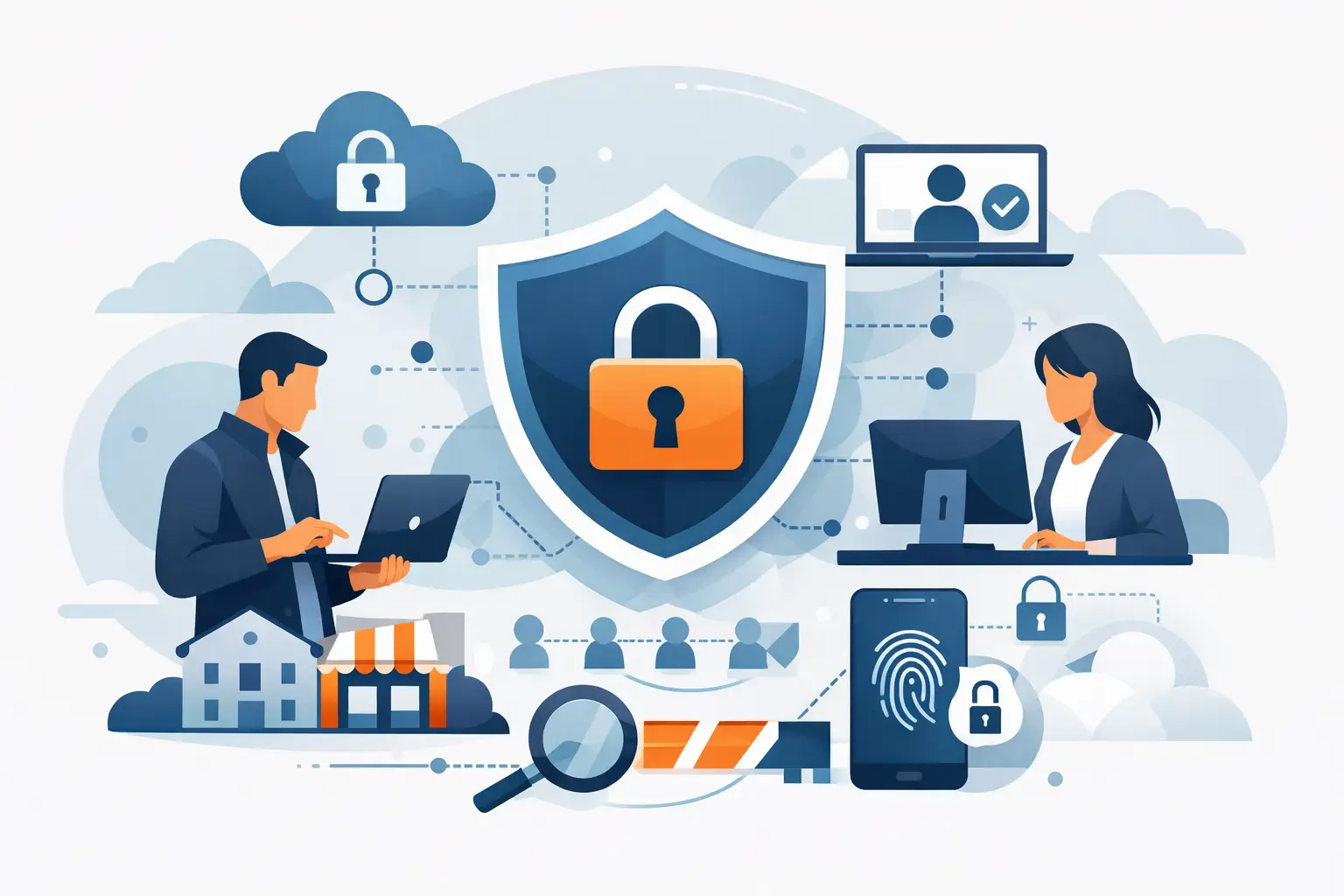
A compromised Microsoft 365 account can give an attacker far more than access to one inbox. It can expose invoices, client records, payroll communications, cloud files, and the trusted relationships your team relies on every day. That is why zero trust adoption trends are moving beyond large enterprises and becoming a practical concern for small and midsize businesses.
Zero trust is not a single product or a complicated project reserved for companies with large security teams. It is a security approach built around one straightforward idea: no user, device, application, or connection should receive automatic trust simply because it is inside the office network or has connected before. Access should be verified continuously and limited to what is needed for the work at hand.
For businesses in Bonita Springs, Naples, Fort Myers, and across Southwest Florida, the value is clear. A well-managed zero trust approach can reduce the damage from stolen passwords, lost devices, phishing attacks, and unauthorized access without making daily work unnecessarily difficult.
Zero Trust Adoption Trends Businesses Should Watch
The most meaningful change is that zero trust is becoming more identity-focused. Years ago, many security plans centered on the office firewall. Firewalls still matter, but they cannot fully protect a business where employees access Microsoft 365, cloud applications, VoIP systems, and shared files from multiple locations and devices.
Today, the question is less about whether someone is connected to the office network and more about whether that person, device, and request should be allowed at that specific moment. This shift reflects how businesses actually operate, not just how networks were designed in the past.
Identity has become the primary security perimeter
User identities are now one of the most targeted entry points for cybercriminals. A convincing phishing email can capture a password, and a reused password from another breached site can put a business account at risk. Once an attacker signs in as a legitimate user, traditional network-based controls may not be enough to stop them.
This is why multi-factor authentication is becoming a baseline requirement rather than an optional extra. A password alone is no longer sufficient protection for email, cloud storage, financial systems, or remote access. Stronger authentication methods, such as authenticator apps and phishing-resistant sign-in options, are gaining traction because they make stolen credentials far less useful.
The trade-off is that employees must adjust to an extra sign-in step. For most organizations, that small change is far less disruptive than recovering from a fraudulent email account takeover or ransomware incident.
Access is becoming more specific and time-sensitive
Another major trend is least-privilege access. Instead of giving users broad permissions because they might need them someday, businesses are narrowing access to the files, systems, and applications each role actually requires.
An accounting employee may need access to accounting software and designated financial folders, while a project manager needs client documents and scheduling tools. Neither role necessarily needs unrestricted access to every shared drive, administrative setting, or cloud application.
Businesses are also paying closer attention to administrator accounts. These accounts can change security settings, create users, access sensitive data, and install software. Zero trust adoption often includes separate administrative accounts, tighter approval processes, and more careful monitoring for high-risk actions.
This does require thoughtful planning. Permissions that are too restrictive can slow down a busy team, especially in a small office where people wear multiple hats. The goal is not to create barriers. It is to give people reliable access to what they need while reducing unnecessary exposure.
Device health is part of the access decision
A valid username and password should not be the only factors that determine access. Businesses are increasingly checking whether the device attempting to connect meets basic security requirements.
For example, a managed laptop may be allowed to access company files because it has current updates, antivirus protection, disk encryption, and approved security settings. An unknown personal computer without those protections may be blocked, limited to browser access, or required to meet security standards before connecting.
This approach is especially relevant for hybrid work, field staff, and organizations that use mobile devices. Construction firms, real estate teams, professional offices, and hospitality operations often need employees to work outside a single location. Securing access based on device condition helps the business support that flexibility without treating every connection as equally safe.
Microsoft 365 security is moving from basic setup to active management
Many businesses already use Microsoft 365, but not every tenant is configured to support a zero trust model. Security settings are often left at default levels, old accounts remain active, external sharing is too broad, or multi-factor authentication is inconsistently enforced.
The adoption trend is toward active Microsoft 365 administration. That means reviewing sign-in activity, disabling accounts promptly when employees leave, managing conditional access rules, securing shared mailboxes, and controlling how files are shared outside the organization.
Email remains a common path for phishing, business email compromise, and malware. A zero trust mindset treats every unexpected request for payment changes, login details, wire transfers, or sensitive files with appropriate skepticism, even when it appears to come from a familiar contact.
Segmentation is replacing all-or-nothing network access
Once an attacker reaches one computer, they often try to move across the network to find servers, backups, financial systems, or other valuable data. Network segmentation limits that movement by separating systems and restricting unnecessary communication between them.
For a small business, segmentation does not always mean a major network redesign. It may involve separating guest Wi-Fi from business devices, isolating phones or security cameras, controlling access to line-of-business systems, and limiting which devices can reach administrative interfaces.
The right approach depends on your environment. A healthcare-adjacent office handling sensitive information may need tighter controls than a small sales office with limited on-site systems. What matters is identifying where a single compromised device could create a wider business interruption.
How to Apply Zero Trust Without Disrupting Work
The strongest zero trust programs are built in stages. Trying to change every permission, device policy, and network setting at once can create confusion and resistance. A measured rollout protects operations while giving employees time to adapt.
Start by identifying the systems that would cause the greatest disruption if compromised. For many organizations, that includes Microsoft 365, financial platforms, cloud file storage, remote access tools, customer records, and backup systems. Then confirm who has access, whether multi-factor authentication is enforced, and whether former employees or unused accounts remain.
From there, prioritize a few practical controls:
- Require multi-factor authentication for email, cloud applications, remote access, and administrator accounts.
- Remove unnecessary administrator rights and review access to sensitive shared folders.
- Keep laptops, desktops, mobile devices, and network equipment patched and centrally managed.
- Separate guest devices and nonessential equipment from core business systems.
- Train employees to recognize phishing attempts and establish a simple process for reporting suspicious messages.
These controls work best when they are monitored rather than treated as a one-time setup. User access changes, new applications are added, employees change roles, and cybercriminals adjust their tactics. Security needs ongoing attention to remain effective.
The Managed Services Role in Zero Trust
Small and midsize businesses often understand the need for stronger security but do not have an internal team available to manage identity policies, device compliance, Microsoft 365 settings, alerts, vendor coordination, and employee support. That is where a managed technology partner can turn zero trust from a broad concept into an operating practice.
A provider should begin with the business, not the tool. That includes understanding which systems are essential, how employees work, where sensitive data is stored, and what downtime would cost. The resulting security plan should be practical, documented, and aligned with day-to-day operations.
For Southwest Florida businesses, Prisca Nova supports this work through proactive IT management, cybersecurity protection, Microsoft 365 administration, and responsive local service. Flat-rate support helps make ongoing technology costs more predictable, while a one-hour response commitment gives businesses a clear expectation when an issue needs attention.
Zero trust is not about assuming that employees cannot be trusted. It is about recognizing that a trusted account, familiar device, or normal-looking email can be compromised. The businesses that make steady, practical improvements now will be better positioned to keep working when the next suspicious sign-in or phishing attempt arrives.