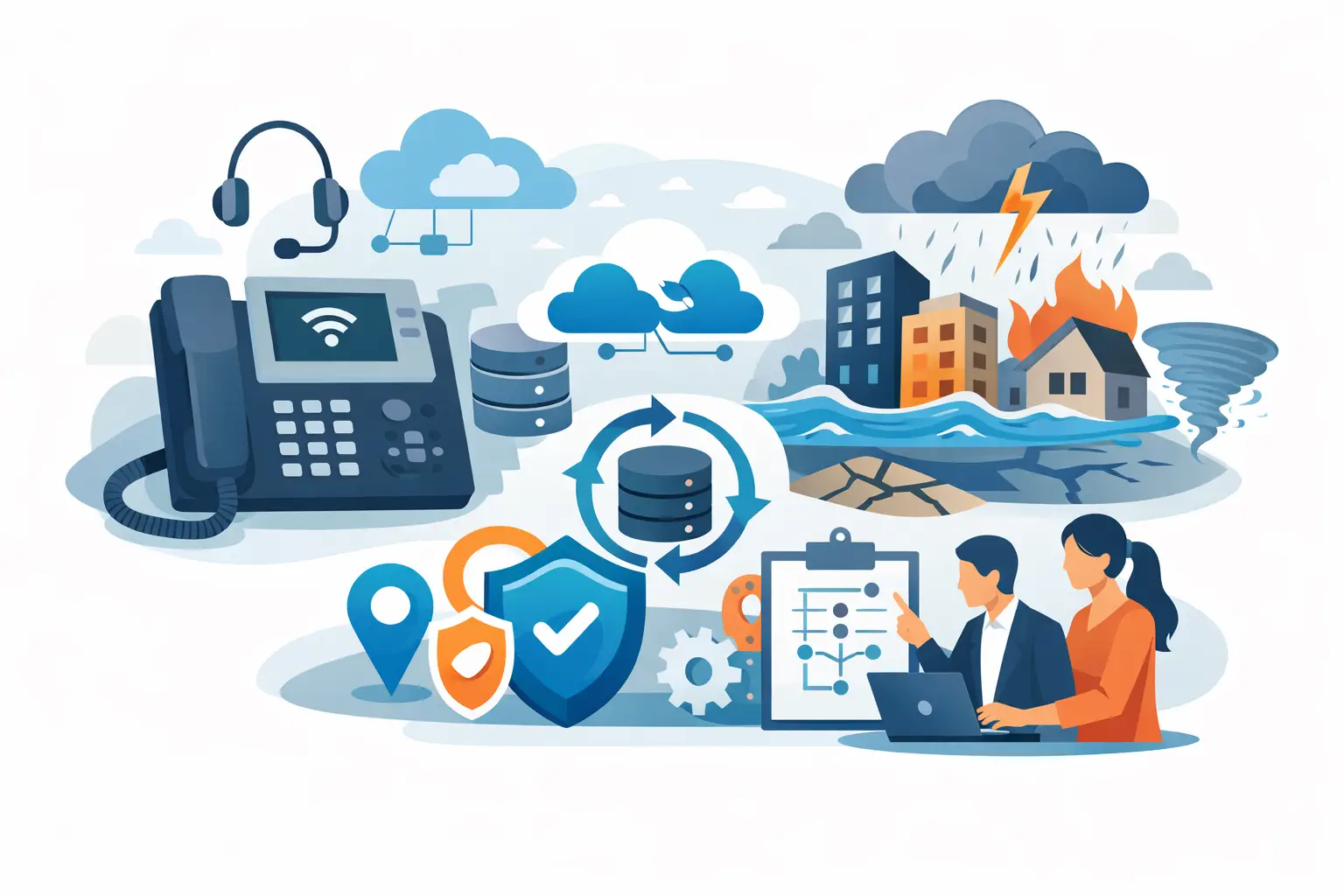
A phone outage can become a business outage in minutes. When customers cannot reach your office, employees cannot coordinate, and calls disappear into an unavailable system, the impact is immediate. VoIP disaster recovery planning gives your business a documented way to keep communications available when a storm, power failure, internet disruption, cyber incident, or building issue affects normal operations.
For businesses in Bonita Springs, Naples, Fort Myers, and across Southwest Florida, this is not a theoretical exercise. Hurricane season, utility interruptions, construction damage, and remote-work disruptions can all affect the ability to answer a business line. A properly managed phone system can give your team options even when the office itself is not available.
What VoIP Disaster Recovery Planning Should Protect
Business continuity is more than keeping a dial tone active. Your plan should protect the customer experience, preserve access for employees, and make sure the people responsible know what to do before a disruption becomes urgent.
At a minimum, consider the communications functions your business cannot afford to lose. This usually includes your main phone number, direct-dial numbers, voicemail, call queues, after-hours routing, emergency calling information, and access for remote or mobile employees. A medical-adjacent office may need to maintain appointment and urgent-call handling. A construction firm may need field teams and project managers to stay reachable. A professional-services firm may need calls routed to staff working temporarily from home.
The right recovery approach depends on how your organization receives calls and where employees can work. A small office may only need a reliable way to forward calls to mobile devices. A larger operation may need multiple backup destinations, preconfigured call groups, alternate internet access, and clear instructions for supervisors.
Start With the Failures Most Likely to Affect You
Effective VoIP disaster recovery planning starts with realistic scenarios, not a generic checklist. Identify what could interrupt calling and determine how your team will respond to each event.
A power outage is different from an internet outage. If the office loses power but the VoIP platform is cloud-based, employees may still answer calls through mobile apps or at another location. If the internet circuit fails while power remains available, a secondary connection or cellular backup may keep desk phones and critical network equipment online. If the office is inaccessible after a hurricane, call routing may need to move entirely to remote staff for several days.
Cybersecurity incidents require their own planning. A ransomware event may require isolating office systems, which can affect computers used to manage call settings, contact lists, or softphone applications. Your recovery plan should define who can make phone-system changes, how that access is secured, and how calls will be handled while the IT environment is being contained and restored.
Do not overlook vendor and carrier issues. Even a well-configured office network cannot prevent every upstream service interruption. In those cases, the ability to quickly redirect calls, communicate with your provider, and notify employees matters as much as the technology itself.
Build Call Routing That Does Not Depend on One Office
The most valuable feature of a cloud phone system is often flexibility. Your main number should not be tied to a single physical desk or building. It should be able to follow a planned set of rules when normal operations change.
For example, an incoming call could normally ring a front-desk queue, then move to designated staff members if no one answers. During an office closure, an authorized manager could activate an emergency routing profile that sends calls to remote employees, a mobile answering group, or a temporary location. The caller should hear a clear message if there is a change in hours or service availability.
Keep these rules simple enough to use under pressure. A complicated chain of extensions can create confusion when one person is trying to reroute calls during an outage. Document the primary and backup routing paths, the people authorized to activate them, and the order in which those people should be contacted.
It is also wise to decide what should happen when no employee is available. Voicemail can be acceptable for some businesses, but only if messages are delivered reliably to monitored email inboxes or apps. For high-priority call types, a live backup answer path may be the better choice.
Protect Emergency Calling Information
Remote and mobile calling introduces an important responsibility: emergency calling addresses must be accurate. If employees use desk phones at a new location or work through a VoIP app from home, the phone system may need an updated emergency service address.
Review these records regularly, especially after office moves, location changes, or shifts to hybrid work. Staff should also understand that emergency calling behavior can differ from a traditional landline. Clear procedures protect employees and help avoid dangerous assumptions during an emergency.
Plan for Power and Internet Loss
A cloud phone platform can keep call control available, but your local equipment still needs power and connectivity. That includes internet equipment, switches, wireless access points, and any on-site phones required for normal operations.
Battery backup units can provide short-term power for essential network equipment, giving your team time to continue operations or redirect calls. The right amount of backup power depends on your equipment and expected outage duration. For extended interruptions, a generator, alternate work location, or mobile-first calling plan may be more practical.
Internet redundancy is another decision that requires a realistic cost-benefit review. A second internet connection can be worthwhile for offices that handle a high volume of customer calls or cannot tolerate downtime. In other cases, a managed cellular failover connection may provide enough coverage for essential functions. It depends on call volume, application requirements, building coverage, and how many employees must stay connected.
Test the backup connection with actual calls. A failover circuit that technically connects to the internet may not deliver enough capacity for a full office to make calls, use cloud applications, and conduct video meetings at the same time. Set priorities for essential business functions rather than assuming every service will perform normally during a backup event.
Document Roles, Access, and Communications
A recovery plan only works if the right people can act on it. Identify a primary phone-system contact and at least one backup. Both should know how to reach IT support, access the administrative portal when appropriate, and activate the approved emergency call-routing profile.
Store essential instructions somewhere available outside the office network. If the file only exists on an unavailable server or a computer in the affected building, it will not help during a disruption. A secured cloud location and a limited printed reference for key contacts can both be useful.
Your plan should also include the message employees receive. Staff need to know whether to work remotely, use a mobile app, monitor voicemail, or report to an alternate location. Customers need a concise update if hours, response times, or service availability change. Preparing those messages ahead of time reduces delay and prevents conflicting information from reaching callers.
Test the Plan Before Storm Season
A disaster recovery plan is not finished when it is written. It needs regular testing, especially before the period when weather-related disruptions are most likely.
A practical test can be straightforward. Ask a manager to activate the alternate call-routing path, place test calls from outside the organization, confirm that voicemail reaches the correct people, and verify that remote employees can answer through their approved devices. Test what happens when the primary internet connection is unavailable, if your setup includes failover.
Record what did not work as expected. Perhaps a former employee remains in a call group, a mobile number changed, an after-hours greeting is outdated, or a backup contact does not have current access. These are small issues during a test and major issues during an emergency.
Testing also exposes the trade-off between convenience and control. Allowing many employees to change call routing may speed up a response, but it can create security and configuration risks. Restricting access too tightly can slow recovery. Assigning clear authority to a small group of trained people usually provides the best balance.
Keep VoIP Recovery Part of Your Wider IT Plan
Phone recovery should be coordinated with cybersecurity, Microsoft 365 access, internet connectivity, backup procedures, and employee communications. A business may be able to forward calls successfully but still struggle if staff cannot securely access email, files, customer records, or scheduling systems.
That is why managed IT oversight matters. A provider that understands your network, phone system, users, and recovery priorities can coordinate the moving parts when time is limited. Prisca Nova helps Southwest Florida businesses manage communications and technology as connected business systems, with local accountability and a one-hour response commitment.
The best time to decide where calls go during an office disruption is not when the power has already gone out. Review your phone system, name the people responsible, test the fallback path, and give your staff a clear way to stay available when customers need you most.