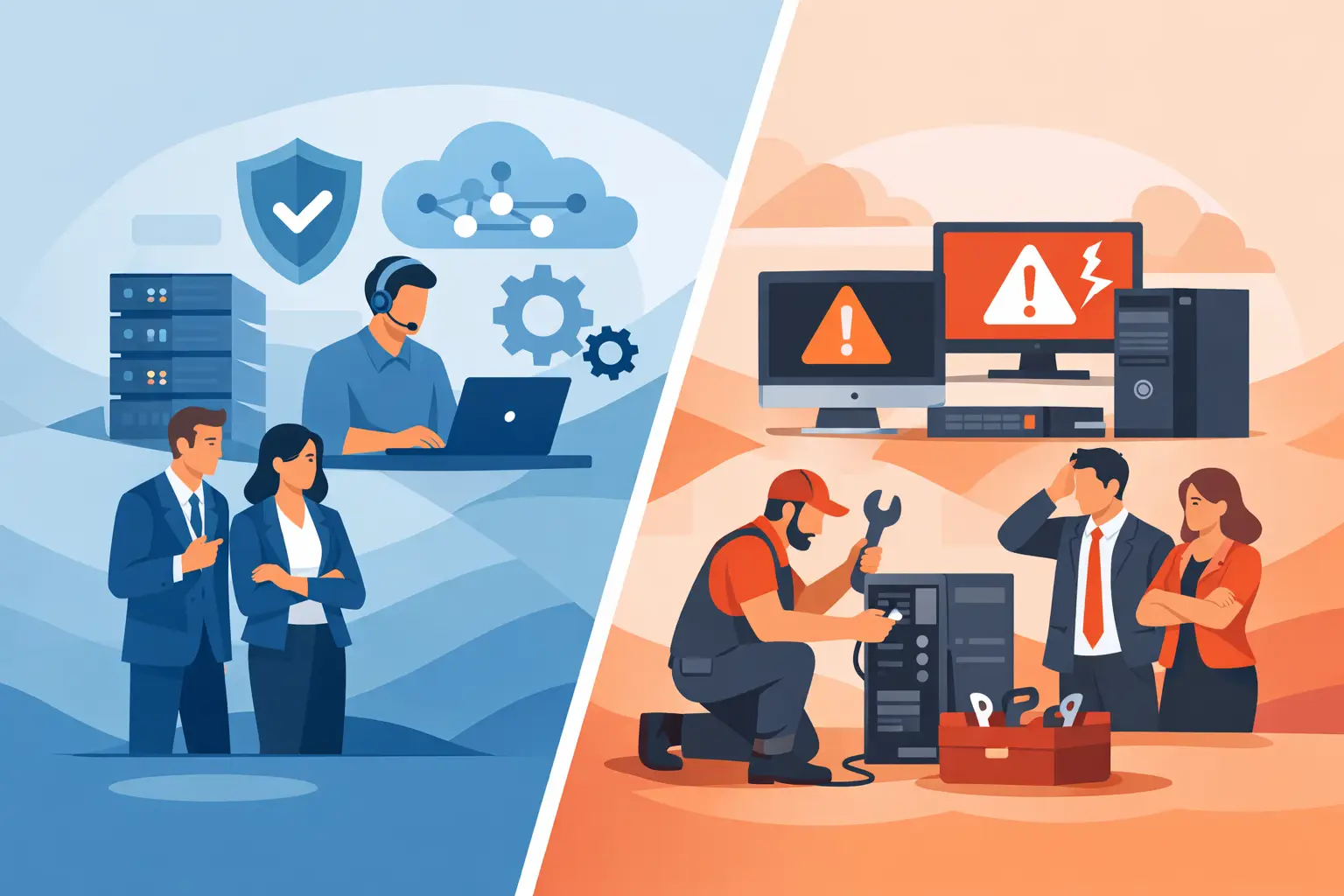
A server failure at 10:30 a.m., a phishing email in an employee inbox, or an office-wide internet issue can put the outsourced IT vs break fix decision into sharp focus. The question is not simply who can repair a computer. It is whether your business has a plan to prevent avoidable disruptions, respond quickly when problems occur, and keep technology costs under control.
For small and midsize businesses in Bonita Springs, Naples, Fort Myers, and across Southwest Florida, IT is tied directly to daily operations. Staff need access to email, files, line-of-business software, phones, cloud platforms, and customer information. When any of those systems fail, the cost is measured in lost time, missed opportunities, frustrated employees, and sometimes damaged client trust.
Outsourced IT vs break fix: the practical difference
Break fix IT is a reactive service model. Something breaks, you call a technician, and you pay for the time and materials needed to resolve that specific issue. It can be useful for a one-time repair, such as replacing a failed laptop drive or restoring a printer connection. However, the provider is typically not responsible for monitoring, maintaining, or securing your environment before a problem happens.
Outsourced IT, often delivered through managed IT services, is an ongoing partnership. A provider manages and supports your technology for a predictable monthly fee. The scope can include user support, device monitoring, patch management, cybersecurity controls, Microsoft 365 administration, backups, cloud access, vendor coordination, and strategic planning.
The distinction matters because break fix is paid by the incident, while outsourced IT is designed to reduce the number and severity of incidents in the first place. One model waits for failure. The other treats reliable technology as an operational requirement.
What each model asks of your business
With break fix, your team must recognize a problem, decide who to call, approve the expense, and wait for the provider to diagnose the issue. Internal employees often become accidental IT coordinators, even if their actual jobs are in operations, finance, or office administration.
With outsourced IT, there is a team that already knows your users, systems, and priorities. Many issues can be identified remotely through monitoring or resolved before they interrupt the workday. When on-site support is needed, a local provider can respond with the context necessary to move faster.
Comparing the real cost, not just the invoice
Break fix can appear less expensive because there is no recurring monthly bill. If your technology rarely causes problems, that can be a reasonable short-term choice. But the hourly invoice is only one part of the cost.
A failed workstation may take an employee out of action for several hours. A network issue can interrupt an entire office. A compromised Microsoft 365 account can create recovery work, client communication obligations, and potential financial loss. In those situations, the business cost of downtime can exceed the technician's bill quickly.
Outsourced IT shifts spending from unpredictable repairs to a planned operating expense. Flat-rate pricing gives leadership a clearer view of technology costs from month to month. It also creates an incentive for the IT provider to keep systems stable, current, and well maintained rather than relying on recurring emergency calls.
That does not mean every managed service agreement is identical. Businesses should understand what is included, how projects are handled, and whether cybersecurity, backup management, Microsoft 365 support, and on-site service are part of the arrangement. Predictable pricing is valuable when the scope is clear.
Downtime and security are where the models separate most
A break fix provider may be highly capable at repairing a problem after it occurs. The limitation is timing. If no one is watching for a failing hard drive, an expired security certificate, a missed software update, or suspicious account activity, the business may discover the issue only after service is interrupted.
Proactive outsourced IT uses routine maintenance and monitoring to reduce those risks. Devices can receive updates, backups can be checked, user accounts can be reviewed, and warning signs can be addressed before they become outages. This is especially important for organizations that rely on cloud applications, remote access, VoIP phone systems, and shared business data.
Cybersecurity also requires more than occasional repair work. Threats change, employees need support when they encounter suspicious messages, and access controls need ongoing attention. A managed provider cannot guarantee that no attack will occur, but it can establish layers of protection and a defined response process that a purely reactive model often lacks.
For healthcare-adjacent offices, financial businesses, professional-service firms, and companies handling sensitive customer information, this ongoing attention is usually not optional. The risk of a security gap is too high to treat cybersecurity as an emergency purchase after an incident.
When break fix can still make sense
Break fix is not automatically the wrong choice. A very small business with a limited number of devices, little sensitive data, and minimal reliance on shared systems may only need occasional technical help. It can also be appropriate for a single, isolated repair or for temporary support during a transition.
The model becomes harder to justify when an organization has multiple employees, relies on Microsoft 365, uses cloud applications, accepts digital payments, stores client records, or cannot afford a day of technology disruption. At that point, waiting for trouble often creates more risk than savings.
A useful test is simple: if your business would feel significant pressure after one day without email, files, phones, or key applications, a proactive support model deserves serious consideration.
Questions to ask before choosing an IT model
The right decision depends on your operations, risk tolerance, and internal capacity. Start by looking at how often technology problems interrupt work and how much time your staff spends trying to solve them. Then consider whether you have documented backups, current security protections, controlled user access, and a reliable process for responding to incidents.
You should also ask how quickly help will be available when an issue affects the business. A provider's response standard matters most when phones are down, staff cannot access data, or a suspected security event needs immediate attention. Prisca Nova provides a one-hour response commitment, giving Southwest Florida businesses a defined expectation instead of uncertainty during a disruption.
Finally, consider accountability. A break fix technician may solve a narrow problem well, but an outsourced IT partner should take responsibility for the health of the broader environment. That includes coordinating with internet, software, phone, and hardware vendors so your employees are not stuck managing competing support lines.
Local support adds practical value
Remote management resolves many IT issues efficiently, but local accessibility still matters. An office move, network replacement, equipment deployment, cabling issue, or major outage may require someone on-site who understands the area and can respond without treating your business as an anonymous ticket.
For Southwest Florida organizations, a local managed IT relationship combines remote oversight with the ability to get hands-on help when it is needed. That balance is valuable for businesses that want professional technology management without the cost and complexity of building a full internal IT department.
Before the next outage forces a rushed decision, identify the systems your team cannot work without and ask whether your current support model protects them every day. The answer will usually make the path forward much clearer.