A server alert at 8:15 a.m., a suspicious email in an employee inbox, and a Microsoft 365 access problem can all arrive before the first client meeting of the day. For a small or midsize business, the question of managed IT vs internal IT is not simply about who fixes computers. It is about who is accountable for keeping operations moving when technology becomes a problem.
Internal IT can be the right choice for some organizations. Managed IT can be a better fit for others, especially businesses that need broad technology coverage without the cost and management burden of building a full department. The better model depends on your size, risk level, growth plans, and the level of support your staff needs every day.
Managed IT vs Internal IT: The Core Difference
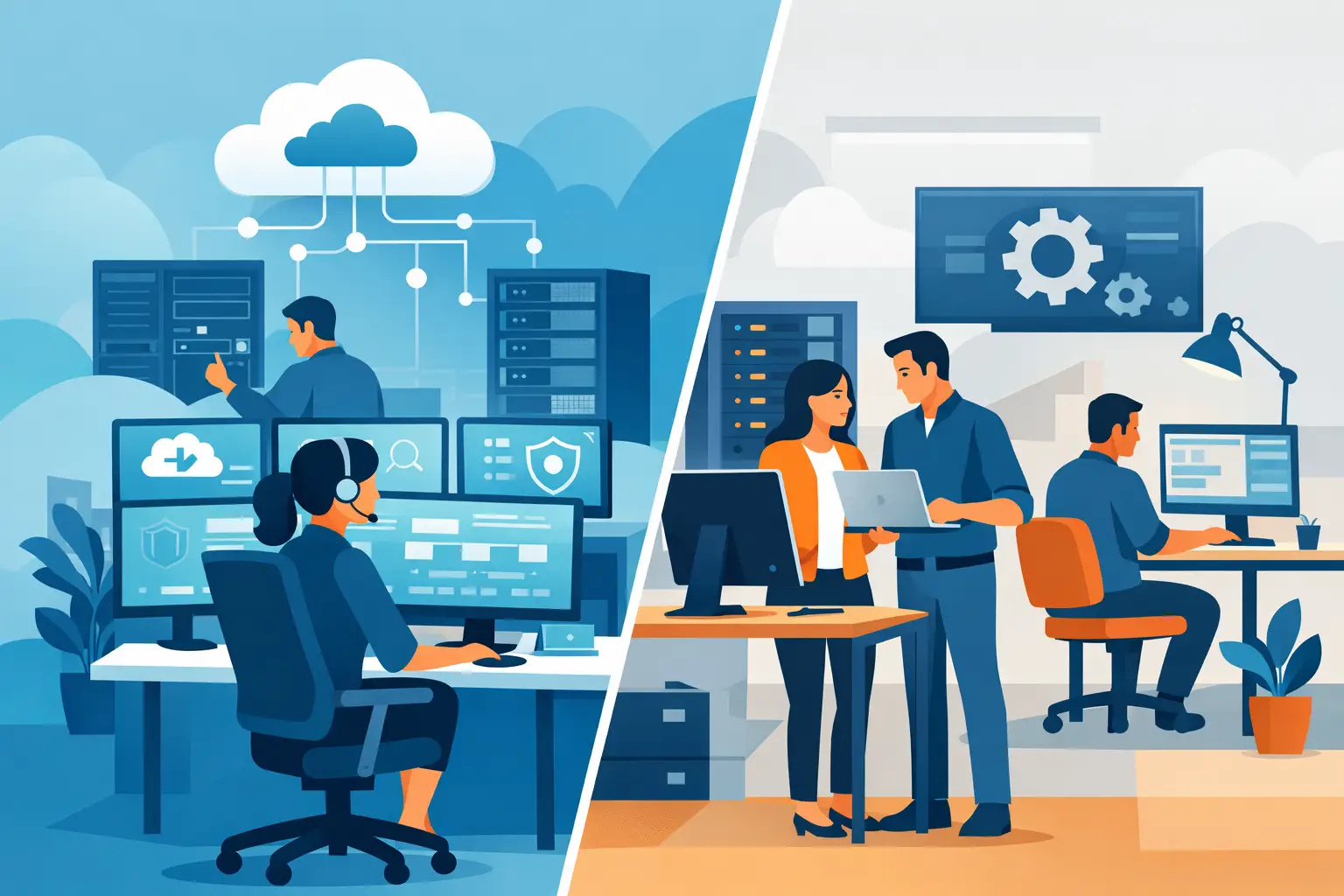
An internal IT model relies on employees you hire and manage directly. That may be one technology generalist, a small IT team, or a larger department with specialized roles. They work inside your organization, understand its processes closely, and can be available on-site when their schedule allows.
Managed IT services place day-to-day technology management with an outside provider under an ongoing service agreement. The provider monitors systems, supports users, manages cybersecurity tools, helps with vendor issues, and plans for technology needs alongside your leadership team. Instead of relying on one person’s availability or skill set, the business gains access to a broader service team.
Neither approach is automatically better. A company with hundreds of employees, complex proprietary systems, and a large technology budget may need internal specialists. A Naples professional office, Fort Myers construction company, or Bonita Springs real estate firm may get more dependable coverage from a managed provider that can handle support, security, cloud systems, and phones under one accountable relationship.
The True Cost Is More Than Salary
The most obvious internal IT cost is payroll. But the actual expense includes benefits, recruiting, training, equipment, software, certifications, paid time off, and the cost of turnover. Hiring a capable IT professional also does not guarantee complete coverage. One person may be strong at user support but less experienced with cybersecurity incident response, cloud administration, network design, or business phone systems.
There is also the cost of interruption. When an internal IT employee is on vacation, assisting another department, or working through a major project, routine support can slow down. Employees wait, work around the issue, or call outside vendors on their own. Those delays can affect billing, scheduling, customer communication, and productivity.
Managed IT generally shifts expenses to a predictable monthly fee. That does not mean every technology purchase disappears. New computers, licensing changes, major upgrades, and specialized projects still require planning. It does mean the business can budget for ongoing management and support without carrying the expense of a full internal team. Flat-rate pricing is particularly useful for leaders who need technology spending to be easier to forecast.
Coverage and Response Time Matter Every Day
Internal IT offers physical proximity. If an employee’s computer fails or a conference room device stops working, an on-site technician can often see the issue firsthand. That advantage is meaningful for organizations with highly hands-on operations or facilities that need frequent in-person technical attention.
The limitation is capacity. A single internal IT professional can only respond to one urgent problem at a time. If a network issue affects the entire office while several employees need help, priorities become difficult quickly. After-hours coverage may also be limited unless the company staffs for it.
A managed IT provider combines remote support with planned on-site service. Many problems can be resolved without waiting for a technician to travel to the office, while local availability remains valuable for hardware, networking, office moves, and persistent issues. Prisca Nova provides Southwest Florida businesses with a one-hour response commitment, giving leaders a clear expectation when an issue needs attention rather than an open-ended support queue.
The right question is not only, “Can someone come to our office?” It is, “Who is responsible for responding, what happens if the first person is unavailable, and how quickly can our people return to work?”
Cybersecurity Requires More Than a Generalist
Cybersecurity is one of the clearest differences in the managed IT vs internal IT decision. Threats do not wait for business hours, and most attacks do not begin with a dramatic system failure. They often start with a convincing email, a reused password, an unpatched device, or a user account that has more access than it should.
A capable internal IT employee can manage security well, but the workload is significant. Effective protection requires consistent patching, endpoint security, email filtering, multi-factor authentication, backup oversight, access reviews, employee guidance, and a plan for responding to an incident. Those responsibilities compete with password resets, device replacements, vendor calls, and requests from every department.
Managed IT gives smaller organizations access to repeatable security processes and dedicated attention across multiple areas. The goal is not to make a business invulnerable. No provider can promise that. The goal is to reduce avoidable risk, detect issues earlier, and ensure there is a clear response plan when something suspicious occurs.
For healthcare-adjacent offices, financial businesses, and companies handling sensitive client information, this distinction deserves careful attention. Security should be treated as an operational responsibility, not an occasional technology project.
Breadth of Expertise Can Be Hard to Hire Internally
Modern business technology rarely sits in one place. Your team may use Microsoft 365 for email and documents, cloud desktops for remote work, VoIP for customer calls, line-of-business software for daily operations, and several outside vendors for internet, printing, security cameras, or payment systems.
An internal employee may know your environment deeply, but no one person can be an expert in every platform. When an issue crosses vendors, the internal technician may spend hours determining who owns the problem. That can leave your team caught between an internet provider, software vendor, phone company, and hardware manufacturer.
A managed provider serves as the technology point of accountability. It coordinates the vendors, manages supported systems, and works to keep the pieces functioning together. This is especially valuable for businesses without an operations leader who has time to chase technical tickets and service providers.
That said, internal IT remains valuable when technology is central to the product or service your company delivers. If your business develops software, operates specialized infrastructure, or needs continuous customization of internal systems, in-house expertise may be essential. Many growing organizations use a blended model: an internal administrator or technology leader works with a managed provider for monitoring, cybersecurity, help desk coverage, and specialized projects.
How to Choose the Right IT Model
Start with the work your business actually needs, not the job title you think you need. Consider how many users require support, how often issues interrupt operations, which systems hold critical data, and whether your current approach provides coverage when someone is unavailable.
Then look at your risk tolerance. If a compromised email account, lost device, or internet outage would materially disrupt revenue or client service, proactive management has real value. Reactive break-fix support may appear less expensive until a serious problem creates downtime, recovery costs, or reputational damage.
Finally, assess accountability. You should know who manages Microsoft 365 permissions, verifies backups, keeps devices patched, responds to security alerts, coordinates vendors, and answers employees when technology fails. If the answer is “whoever has time,” your business likely needs a more defined support model.
The best IT arrangement is the one that gives your staff dependable help, protects the systems your business relies on, and lets leadership focus on clients and growth. Whether that means a managed partner, an internal team, or a practical combination of both, the decision should leave no uncertainty about who is watching the technology your business depends on tomorrow morning.