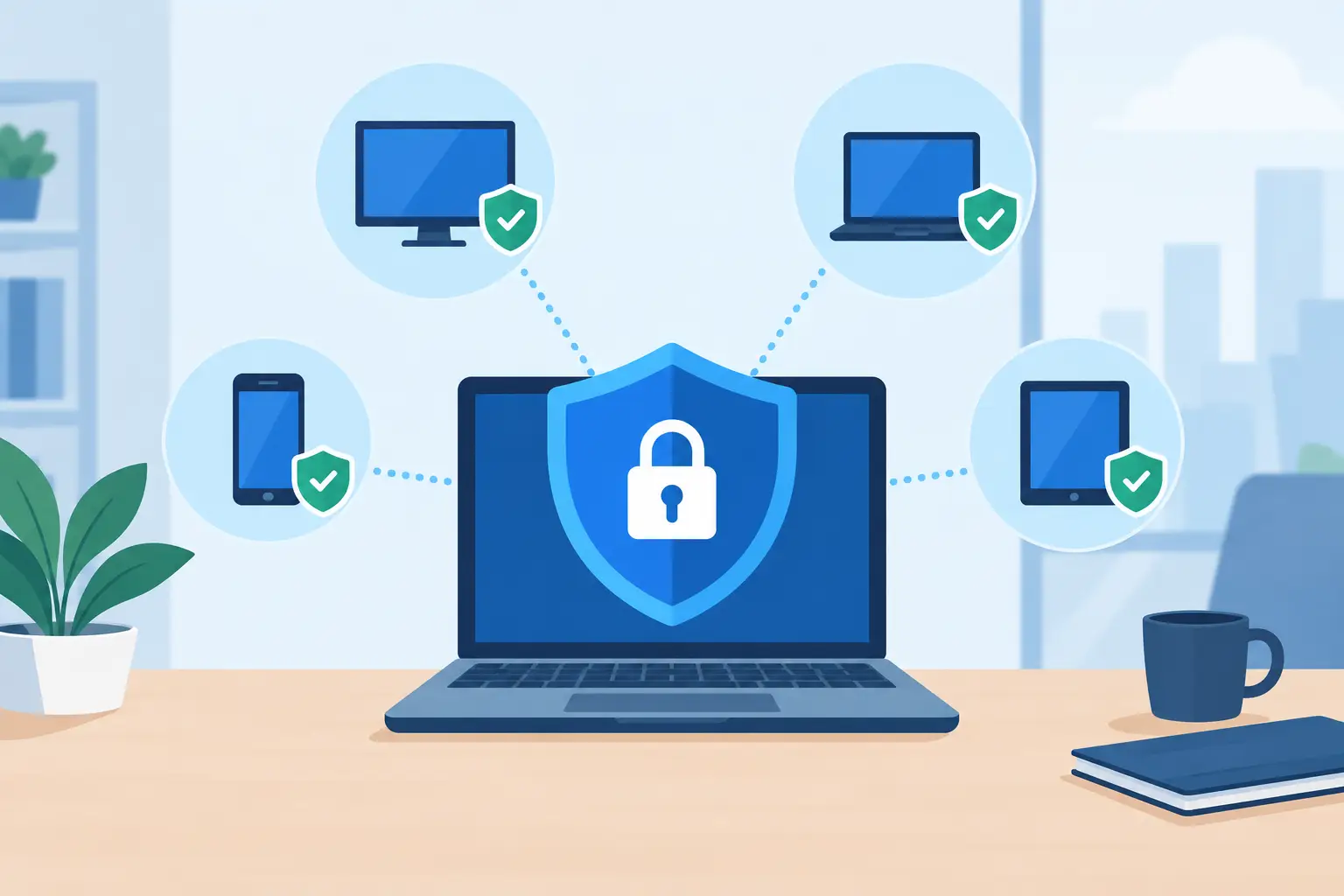
A single unpatched laptop can become the entry point for a business-wide ransomware event. A former employee’s phone with active email access can expose client data long after they leave. That is why an endpoint security management guide should focus on the devices people actually use to run the business - and the controls that keep those devices from becoming a liability.
For small and midsize businesses, endpoint security is not about buying every available security tool. It is about making sure computers, phones, tablets, servers, and remote devices are known, configured, monitored, and supported consistently. The goal is straightforward: reduce preventable risk without slowing down the people who need technology to serve customers.
What Endpoint Security Management Covers
An endpoint is any device that connects to your business systems or handles company data. Office desktops and laptops are obvious examples, but the list often extends further: company smartphones, tablets, work-from-home computers, shared devices, servers, and virtual desktops.
Endpoint security management is the ongoing work of protecting those devices throughout their usable life. It includes setting security standards, applying updates, controlling access, detecting suspicious activity, responding to alerts, and removing access when a device is lost, replaced, or no longer needed.
This matters in a Southwest Florida business environment where teams may work from job sites, client offices, home offices, or multiple locations. A real estate team may access documents from mobile devices. A construction company may rely on field laptops. A professional office may use Microsoft 365 from both office and home. The more places work happens, the more important it is to manage every endpoint from a central plan.
Start Your Endpoint Security Management Guide With Visibility
You cannot protect devices you do not know exist. Many organizations have a rough idea of their equipment but no current record of who has each device, what software is installed, whether it is encrypted, or whether it still has access to company accounts.
Create and maintain an endpoint inventory that identifies the device owner, location, operating system, serial number, business purpose, and access level. Include devices used by remote employees and any personally owned devices that access company email, files, or applications. If personal devices are permitted, define what data they may access and what security requirements apply.
Visibility also means identifying devices that should not have access anymore. An old laptop in a storage closet, a former employee’s phone, or an unsupported desktop running an outdated operating system can create risk without anyone noticing. Review the inventory regularly, not only when an audit or incident forces the issue.
Set a Practical Security Baseline
A security baseline is the minimum standard every managed device must meet. It prevents security decisions from being made one computer at a time and makes support more predictable.
At a minimum, business endpoints should use supported operating systems, automatic security updates, managed antivirus or endpoint detection tools, full-disk encryption, screen locks, and separate user accounts. Administrative access should be restricted to people who genuinely need it. Employees should not routinely use administrator-level accounts for email, web browsing, or daily work.
The right baseline depends on the business. A healthcare-adjacent office may need stricter controls around protected information. A company with field crews may need mobile device management and remote wipe capability. A small office with only a few computers may not need the same layers as a larger firm, but it still needs consistent patching, secure accounts, and monitored protection.
Usability matters here. Overly restrictive controls encourage workarounds, such as staff forwarding documents to personal email or using unapproved file-sharing services. A good baseline protects the business while giving employees approved, workable ways to do their jobs.
Keep Patching Under Management
Software updates are one of the most effective security controls, yet they are often delayed because restarts are inconvenient or no one owns the process. Attackers actively target known vulnerabilities in operating systems, browsers, VPN tools, productivity applications, and network devices.
Use a managed patching process that identifies missing updates, tests or stages significant changes when appropriate, and verifies installation. Critical security updates should be handled promptly. Less urgent updates can follow a scheduled maintenance window to limit disruption.
Patching is more than Windows or macOS updates. It should also cover browsers, PDF readers, remote-access tools, Microsoft 365 applications, security software, and any line-of-business applications that receive vendor updates. Unsupported software deserves special attention because it may no longer receive security fixes at all.
Protect Identity Alongside the Device
Most endpoint incidents involve identity in some way. A criminal may not need to break into a computer if they can sign in with a stolen password. For that reason, endpoint protection and account security should be managed together.
Multi-factor authentication should protect email, cloud applications, remote access, financial systems, and administrator accounts. Use strong, unique passwords supported by a business password manager when needed. Review user access regularly, especially for employees who change roles, contractors, and former staff.
Microsoft 365 deserves careful attention because it often contains email, files, calendars, Teams conversations, and client information. Secure sign-in policies, conditional access settings, mailbox protections, and account monitoring can reduce the chance that one compromised password turns into a broader business interruption.
When an employee leaves, offboarding should happen quickly and consistently. Disable accounts, revoke active sessions, recover company devices, remove access to shared systems, and transfer needed files or mailboxes. Delayed offboarding is a common and avoidable gap.
Detect Problems Before They Become Downtime
Traditional antivirus remains useful, but it is not enough on its own. Modern attacks can use stolen credentials, legitimate remote tools, malicious scripts, or deceptive email messages that do not look like conventional malware.
Endpoint detection and response tools provide deeper visibility into suspicious behavior on managed devices. They can alert on unusual logins, attempted ransomware activity, unauthorized changes, or software behaving in ways that deserve investigation. The tool alone does not solve the problem. Alerts need review, context, and a defined response process.
For a business without an internal security team, that often means working with a managed provider that monitors endpoints and can act when something looks wrong. Speed matters. A questionable device may need to be isolated from the network while the issue is investigated. Waiting until the next business day can turn a contained event into lost access to files, systems, and customer communications.
Plan for Lost Devices and Security Incidents
Even well-managed organizations can face a stolen laptop, a successful phishing attempt, or an employee who clicks a harmful link. The difference is whether the business knows what happens next.
Your response plan should identify who reports an issue, who makes decisions, and how the affected device is contained. It should address password resets, account session revocation, device isolation, backup verification, communication with leadership, and documentation of what happened. Keep the process simple enough that an employee can follow it under pressure.
Test backups as part of the plan. A backup that has never been restored is an assumption, not a recovery strategy. Confirm that critical files, cloud data, configuration information, and line-of-business systems can be recovered within a timeframe the business can accept.
For businesses dependent on phones, cloud applications, and remote staff, continuity planning should also account for temporary workarounds. If a workstation is unavailable, can the employee work securely from another managed device? If email access is disrupted, how will the team communicate with clients? These decisions should be made before an incident, not during one.
Assign Ownership and Measure the Results
Endpoint security management fails when everyone assumes someone else is handling it. Assign clear ownership for approving devices, onboarding employees, applying policy changes, reviewing alerts, and responding to incidents. If those responsibilities are outsourced, establish service expectations and regular reporting.
Useful reports should answer practical questions: Are all devices protected and encrypted? Which systems are missing patches? Are former employees fully removed? How quickly are security alerts addressed? What unresolved risks require a leadership decision?
This approach also supports cost control. Standardizing on approved device types, security tools, and support processes reduces unexpected troubleshooting and makes technology expenses easier to plan. For many small businesses, flat-rate managed IT support provides a clearer path than reacting to each issue as it appears.
Prisca Nova helps Southwest Florida businesses manage endpoint protection alongside day-to-day IT support, Microsoft 365, cloud access, and business continuity needs. Local accountability and a one-hour response commitment give organizations a clear place to turn when a device problem becomes a business problem.
The most useful next step is not a large technology purchase. It is an honest review of every device that can reach your data, followed by a plan to bring each one under consistent security management.