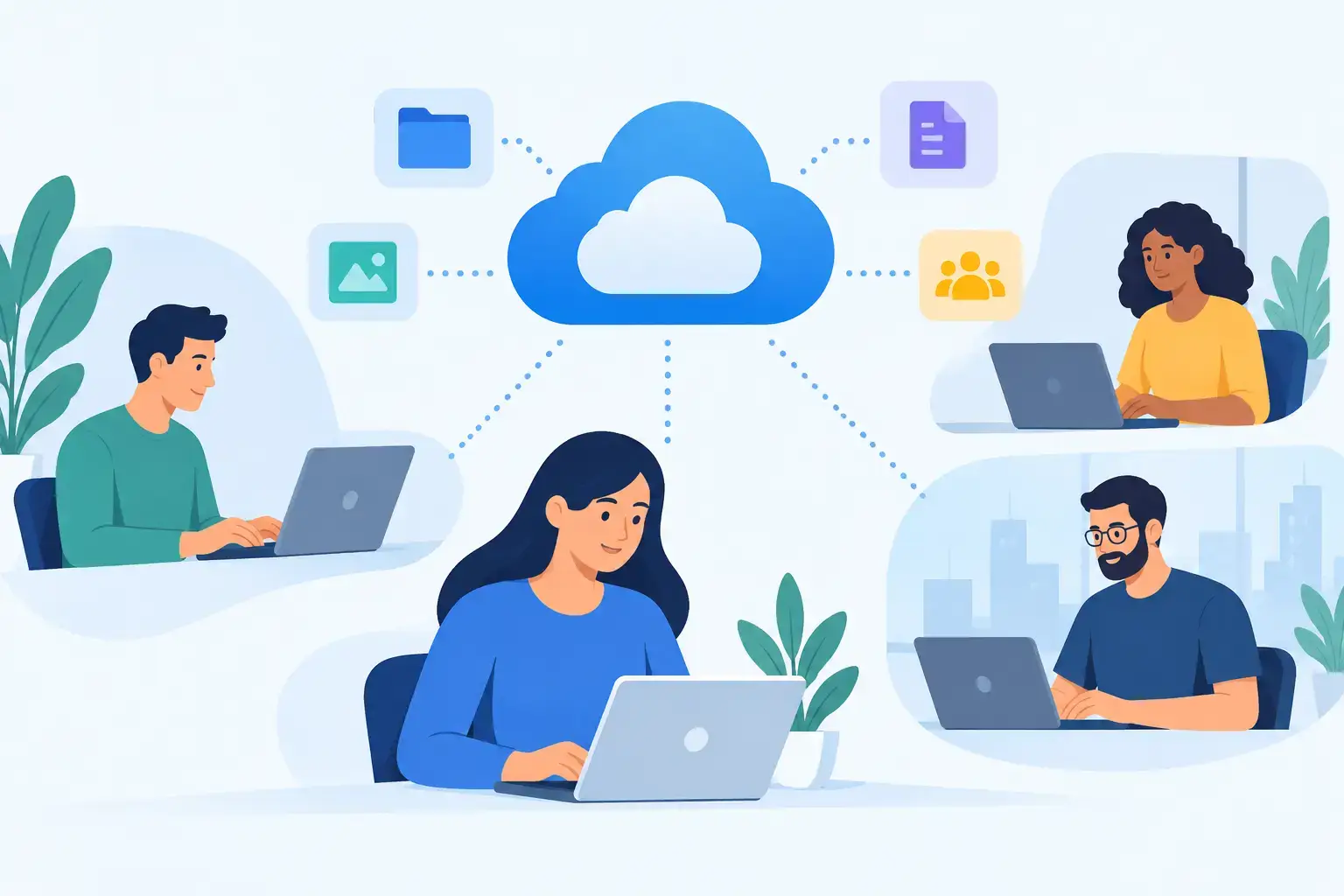
A construction manager needs project files from a job site. A medical office needs staff to reach approved systems after a power disruption. A financial firm needs employees to work securely without copying sensitive data onto personal devices. These are not unusual requests. They are the daily reasons business cloud solutions have become a practical requirement for companies across Southwest Florida.
The right cloud approach gives employees dependable access to the applications and data they need while keeping the business in control. The wrong approach can create scattered files, unclear permissions, unexpected costs, and more ways for a cybercriminal to get in. The difference is not simply choosing a cloud platform. It is choosing a managed strategy that fits how your organization operates.
What Business Cloud Solutions Should Deliver
Cloud services are often discussed as a technology purchase, but business leaders should evaluate them as an operational decision. The goal is not to move every file, program, or process into the cloud without a plan. The goal is to help employees work reliably, protect business information, and keep technology support manageable.
For a small or midsize business, that usually means providing secure access to business applications, email, shared files, and desktops from authorized locations. It also means controlling who can access what, preserving data when a device fails, and ensuring former employees no longer retain access after they leave.
A well-managed cloud environment can reduce dependence on a single office server or individual workstation. If a laptop is lost, stolen, or damaged, the business is not automatically left without the information stored on it. If employees need to work from home, another office, or a temporary location after a storm, they can continue working through systems designed for secure remote access.
That flexibility matters in Southwest Florida, where weather events, travel, seasonal staffing, and multi-location operations can quickly expose weak points in a company's technology plan.
Cloud Access Is Not the Same as Cloud Security
Giving employees remote access is useful. Giving them remote access without proper controls is a risk.
Cloud platforms need the same disciplined management as an office network. User accounts must be created correctly, permissions should match job responsibilities, and multi-factor authentication should protect sign-ins. Security updates, device policies, backups, and activity monitoring all need attention as well.
Microsoft 365 is a good example. Most businesses depend on it for email, calendars, documents, Teams, and file sharing. Yet many organizations use only the basic features while leaving security settings, account governance, and data-sharing policies largely unmanaged. That can lead to accidental external sharing, compromised email accounts, or former employees retaining access longer than they should.
A managed provider helps turn cloud software into a controlled business system. Rather than expecting an office manager or internal administrator to troubleshoot every permission issue, suspicious login alert, and licensing question, the provider manages the day-to-day work and advises the business when decisions are needed.
Where Amazon WorkSpaces Fits
Not every employee needs a full cloud desktop. For workers who rely mainly on email, web applications, and shared files, a properly secured laptop with Microsoft 365 may be enough. But some roles require access to specialized desktop software, internal applications, or files that should not be stored locally on a device.
Amazon WorkSpaces can be a strong fit in those situations. It provides a cloud-hosted desktop that employees can access from approved devices. The applications and business data remain in the managed desktop environment rather than living primarily on a personal computer or an unprotected home device.
For example, a seasonal employee, traveling executive, or staff member working temporarily from another location may be able to sign into a familiar desktop without taking a company workstation offsite. A business can also standardize the software and settings available to users, which makes support and onboarding more consistent.
There are trade-offs. Cloud desktops depend on reliable internet access, and certain graphics-heavy or highly specialized applications may need additional planning. The best fit depends on the software your team uses, the number of remote workers, the sensitivity of your data, and whether your current systems can support a cloud transition.
A Practical Way to Evaluate Cloud Options
Before committing to a platform, start with the work your people need to do. A cloud strategy should be built around business requirements, not a generic product checklist.
First, identify the applications and files employees cannot work without. This may include accounting software, line-of-business applications, customer records, project files, email, and phone systems. Next, consider where those employees work. A firm with one office and occasional remote access has different needs from a company with field teams, multiple locations, or regular seasonal staffing changes.
Then examine your risk exposure. Organizations that handle financial records, health-related information, legal documents, or confidential client data may need tighter access controls and more detailed policies than a business working primarily with public information. Compliance requirements can influence where data is stored, how it is accessed, and how long it must be retained.
Finally, consider the support model. Cloud systems still require administration. Someone must manage accounts, address failed logins, update applications, monitor security alerts, coordinate vendors, and respond when an employee cannot access a critical system. Moving services to the cloud does not remove IT responsibility. It changes where that responsibility is handled.
Avoiding Common Cloud Mistakes
The most costly cloud problems often begin with convenience. Employees create personal file-sharing accounts because they need to send a large document. A manager shares a folder broadly because it is faster than setting individual permissions. A former employee's account stays active because no one connected offboarding to cloud access.
These decisions may solve a short-term problem, but they create long-term exposure. Businesses need clear ownership of their cloud accounts, a documented process for adding and removing users, and consistent rules for data sharing.
Another common mistake is assuming cloud platforms automatically provide complete backup and recovery. Many cloud services offer availability and retention features, but those are not always the same as an independent backup strategy designed for accidental deletion, ransomware, or extended data recovery needs. The right backup approach depends on the systems involved and how quickly the business needs to recover.
Cost also deserves attention. Cloud services can improve predictability, but costs can rise when licenses are not reviewed, unused accounts remain active, or the business adds services without a clear plan. Flat-rate managed IT support can help organizations budget for ongoing management while keeping cloud decisions tied to actual business needs.
Local Support Makes the Cloud More Accountable
Cloud technology may be hosted elsewhere, but support should not feel distant when an employee cannot work. Business owners need a provider that understands the local operating environment, can work remotely when appropriate, and can be onsite when the issue involves equipment, connectivity, or office operations.
Prisca Nova supports businesses in Bonita Springs, Naples, Fort Myers, and throughout Southwest Florida with managed IT, cybersecurity, Microsoft 365 administration, VoIP, and cloud desktop solutions. The focus is practical: keep systems secure, keep employees productive, and give leaders a clear path when technology decisions affect daily operations.
A one-hour response commitment and flat-rate pricing matter because cloud management is not a one-time project. It is ongoing work. Accounts change, employees change, threats change, and the systems your business relies on need regular attention.
The best cloud plan is the one your employees can use confidently, your leadership can budget for predictably, and your business can rely on when the unexpected interrupts the workday.