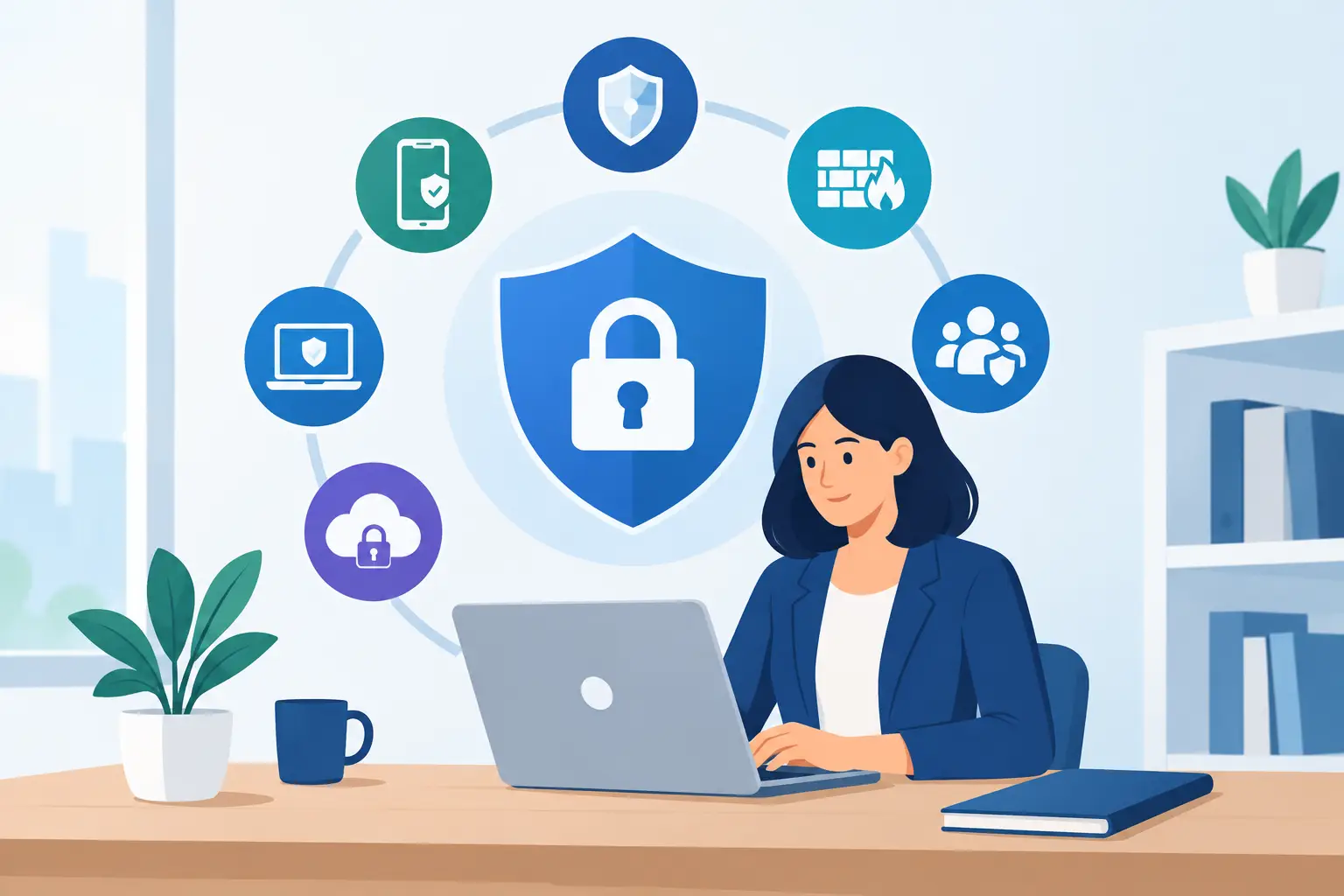
A fraudulent invoice does not need to defeat every defense in your office. It only needs one employee to open an attachment, approve a fake payment request, or reuse a compromised password. That is why the best cybersecurity tools small businesses use are not simply a collection of antivirus subscriptions. They are connected safeguards for the places where business is actually done: email, laptops, phones, cloud files, passwords, and payments.
For a Naples accounting office, Fort Myers contractor, or Bonita Springs medical-adjacent practice, the right tools must also be manageable. Security that creates daily friction, produces unread alerts, or relies on an already busy office manager will eventually be ignored. The goal is practical protection that supports business continuity without turning your team into a part-time IT department.
The cybersecurity tools small businesses should prioritize
Small businesses do not need every security product on the market. They need coverage for the most common routes into their systems and data. A strong foundation generally includes these five layers:
- Business-grade endpoint protection for computers and servers
- Email security and Microsoft 365 protection
- Multifactor authentication and password management
- Secure backup with recovery testing
- Network security with managed monitoring and patching
Each layer addresses a different risk. Endpoint protection helps stop malware on a device. Email security reduces phishing messages before they reach an inbox. Multifactor authentication can prevent a stolen password from becoming an account takeover. Backups make recovery possible after ransomware, accidental deletion, or a cloud account problem. Network controls limit unauthorized access and provide visibility into what is happening.
The value comes from how these layers work together. Antivirus alone cannot protect a company if an attacker signs into Microsoft 365 with a valid stolen password. A backup will not stop a fraudulent wire transfer. Security should be designed as a system, not purchased as a series of disconnected fixes.
Endpoint protection: more than traditional antivirus
Every business computer that accesses company email, financial information, customer records, or shared files needs business-grade endpoint protection. This category is often called endpoint detection and response, or EDR. Unlike older antivirus software that mainly looks for known malicious files, EDR tools watch for suspicious behavior, such as ransomware attempting to encrypt large numbers of documents or a program trying to disable security settings.
Microsoft Defender for Business, SentinelOne, and Sophos are examples of tools commonly used in small business environments. The right choice depends on the devices you use, how much monitoring you need, and whether someone is responsible for reviewing alerts.
That last point matters. An EDR tool may identify suspicious activity at 2:00 a.m., but the notification does not protect your company unless someone can investigate and respond. Managed detection and response adds human oversight, helping isolate an affected device and determine whether the alert requires action. For businesses without internal IT staff, that service can be as valuable as the software itself.
Endpoint protection should be centrally managed. Every company-owned computer should have the same protection, current security policies, and timely updates. If remote employees use personal devices for company work, establish clear rules for what is allowed and how those devices will be secured.
Keep systems patched
Attackers often exploit known vulnerabilities rather than inventing entirely new attacks. Operating systems, browsers, office applications, firewalls, and line-of-business software all require updates. A patching process should prioritize critical security updates quickly while allowing reasonable testing for specialized applications.
The trade-off is real. An automatic update can occasionally interfere with an older application, but postponing updates indefinitely leaves a documented opening for attackers. A managed IT provider can coordinate patches, monitor failures, and schedule disruptive maintenance outside business hours where possible.
Email security and Microsoft 365 protection
Email remains one of the most common starting points for cybercrime. Attackers impersonate vendors, executives, banks, shipping companies, and Microsoft itself. Their messages are increasingly convincing, especially when they reference real projects, employees, or business partners found through public information.
Microsoft 365 includes useful built-in protections, but they must be configured correctly. Security settings for phishing protection, spam filtering, external sender warnings, attachment scanning, and mailbox auditing should match the way your organization operates. A business receiving invoices by email needs thoughtful policies, not a blanket approach that blocks legitimate vendor communications.
Email protection should also include domain safeguards that reduce impersonation. Proper sender authentication helps receiving mail systems identify messages that truly came from your company domain. This reduces the chance that a criminal can send a fake email that appears to come from your owner, controller, or office manager.
Just as important, establish a payment verification procedure outside email. If an email requests new banking instructions, an urgent wire, payroll changes, or a change in vendor payment details, verify it by calling a known number. Do not reply to the email or use a phone number included in the request.
Multifactor authentication and password management
Passwords are still necessary, but they should not be the only thing protecting an account. Multifactor authentication, or MFA, requires an additional proof of identity, such as an authenticator app approval or a security key. It should be required for Microsoft 365, financial platforms, remote access, payroll systems, cloud file storage, and any application containing sensitive information.
MFA is one of the highest-value security controls available to a small business. It reduces the damage a stolen password can cause. However, not all MFA methods offer the same protection. Text-message codes are better than no MFA, but authenticator apps and security keys generally provide stronger protection against modern phishing attempts.
A business password manager is the companion tool. It lets employees use long, unique passwords without relying on spreadsheets, notebooks, or browser-saved credentials shared across a team. It also provides a controlled way to share access to approved accounts when roles change. Tools such as 1Password, Bitwarden, and Keeper are common options, but the best fit depends on administrative needs and how easily employees will adopt it.
Avoid shared usernames for critical services whenever possible. Individual accounts create accountability and make it easier to remove access promptly when an employee leaves.
Backups that support real recovery
A backup is only useful if it can be restored when the business needs it. Many organizations assume cloud files are fully protected because they are stored in Microsoft 365 or another cloud platform. Those platforms provide strong infrastructure, but they do not replace an independent backup strategy for accidental deletion, malicious deletion, retention gaps, or account compromise.
A practical backup plan covers servers, workstations where important files are stored, and critical cloud data. It also separates backup access from daily user accounts so an attacker who compromises an employee cannot easily erase the backups as well.
Recovery testing is the overlooked requirement. Your business should know how long it would take to restore a file, a mailbox, a server, or an entire office after a serious incident. Recovery time affects operational decisions: can employees work remotely, can customer service continue, and can financial deadlines be met? A backup that has never been tested is a hope, not a continuity plan.
Firewalls, secure Wi-Fi, and monitored networks
The business firewall is the gatekeeper between your network and the internet. Consumer-grade equipment may be acceptable for a home office, but a business should use a professionally configured firewall with current security services, secure remote access, and centralized management.
Your Wi-Fi also needs separate networks for staff, guests, and business devices such as phones, cameras, or printers. A guest network should not provide a path to workstations or file shares. This separation limits exposure when a visitor's device is infected or an internet-connected device has weak security.
Monitoring matters here as well. A firewall can generate useful warnings about unusual traffic, login attempts, and risky connections. Without regular review, those warnings rarely lead to action. For companies with limited internal capacity, outsourced monitoring provides the consistency that security equipment alone cannot deliver.
Choose tools based on accountability, not feature lists
When evaluating the best cybersecurity tools for small businesses, ask a simple operational question: who owns the result? A product dashboard is not a security program. Someone must deploy the tool, maintain it, investigate alerts, manage access, document exceptions, and respond when something goes wrong.
This is where a managed approach can reduce both risk and uncertainty. Prisca Nova helps Southwest Florida businesses combine managed endpoint protection, Microsoft 365 administration, backup, network management, and responsive support into an accountable technology plan. Flat-rate pricing helps make ongoing security costs predictable, while a one-hour response commitment gives businesses a defined path when technology affects operations.
The right mix will vary. A five-person real estate office may place greater emphasis on email security, mobile access, and cloud-file protection. A construction firm may need stronger controls for remote devices and jobsite connectivity. A healthcare-adjacent office may require more formal access controls, documentation, and data safeguards. The common requirement is not a particular brand of software. It is consistent protection that is configured, monitored, and maintained.
Cybersecurity decisions are easiest when they start with the work your people cannot afford to lose. Protect the inboxes that approve payments, the devices that access customer information, the accounts that hold financial data, and the backups that keep an incident from becoming a shutdown. Then make sure a qualified person is watching the system when your team is focused on running the business.